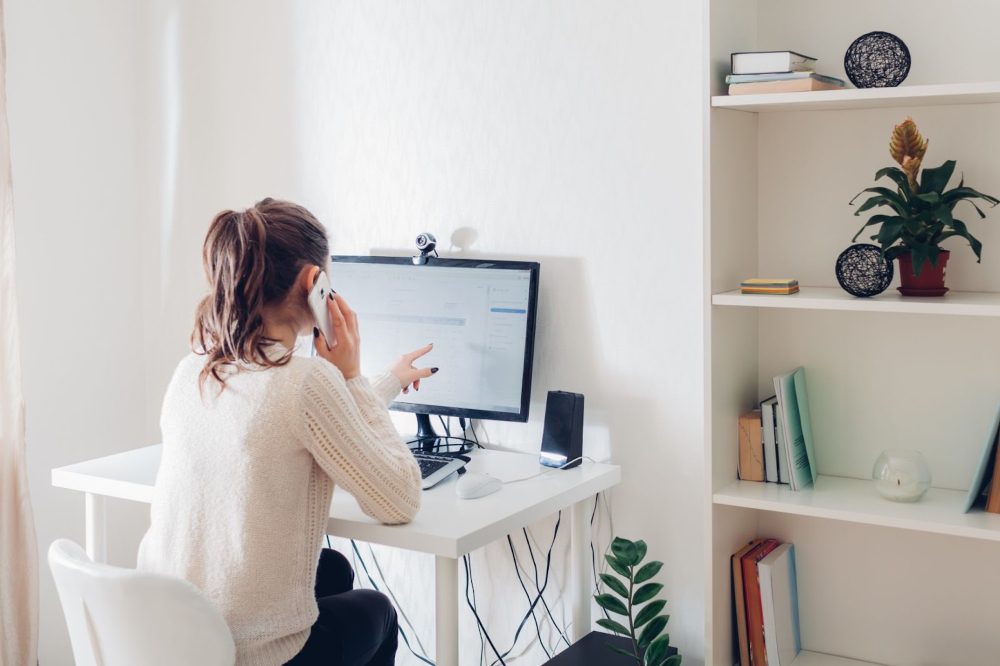
Just starting your first work-from-home job and wondering how you’re going to manage it all? Worry not. We have just the right recipe for your first remote experience and you’ll have a great time at home. We do understand that working from home is not for everyone.
WFH Wonders: 7 Tips for Crafting the Perfect Home Office Space
People who like to go out and about, socialize, and stick to a routine might have difficulty coming to terms with working alone, but you can always customize your experience and make it fun. Today, this is what we are going to talk about.
So, without any further wait, let’s look at how you can customize your workstation and maximize your productivity.
Get a Comfortable Chair To Sit In
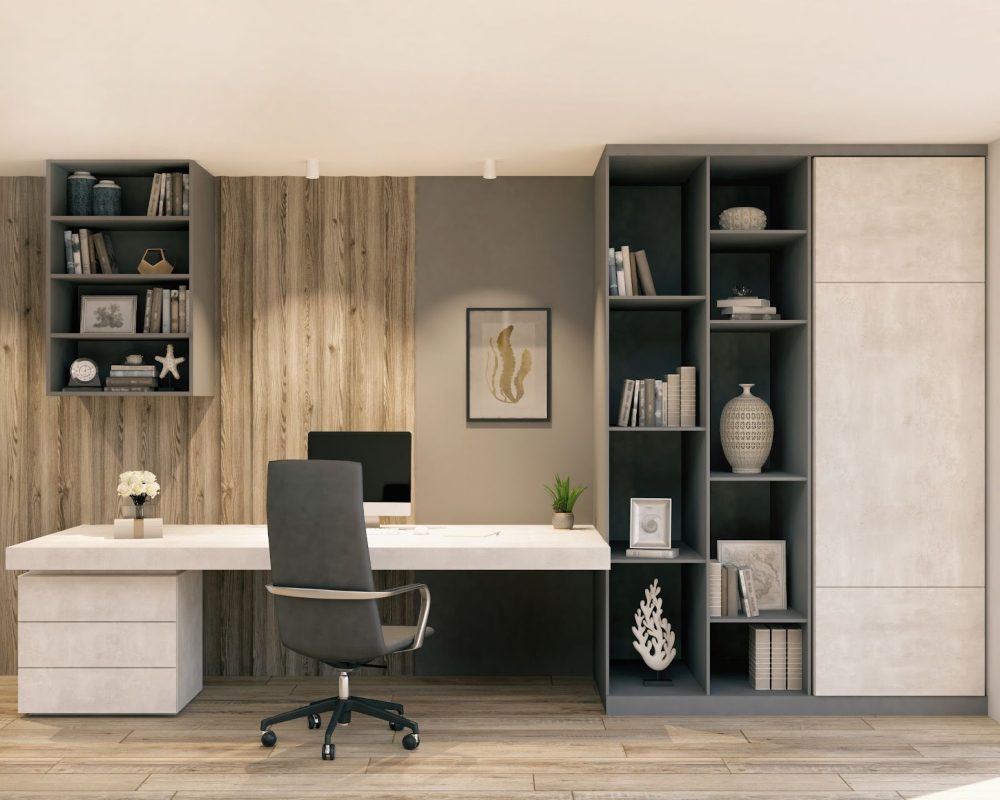
First things first, you need a comfortable chair to sit in so you do not compromise on your work. We recommend you invest in an ergonomic chair so your posture is maintained as you sit for long hours.
It will help you keep your back and neck pain away, boost your blood circulation around the body, keep pressure low on your hips, and consequently, increase your productivity. If you have a good chair, you’re probably going to stick around and work comfortably, else you’ll just find more reasons to keep lingering around finding the right spot to work.
Choose a Corner With Strong WiFi Signals
Once you are done with getting a nice chair for your WFH setup, choose a space in your home with sufficient WiFi signals. It’s one of the most vital steps as this is going to enable you to flawlessly send emails, hop on the meetings, and receive & send reports among others.
In case you are skeptical of that space because that can be your living room where your family hangs around a lot then getting another dedicated WiFi for your work is best. If you can’t afford that then get a WiFi range extender from Amazon or any other eCommerce site of your choice.
Speaking of which, there’s no point in getting a range extender or placing your workstation near the router when you have a struggling . So, make sure to first get an internet connection from a reliable internet service provider with fibre-powered connectivity and good customer service.
Why fiber-powered connectivity? WiFi connections that use fibre cables are termed to be more dependable and they offer similar down/upload speeds which are great for working from home as remote work uses a big chunk of upload speeds in virtual meetings and uploading data.
Use Sunlight in The Daytime and a Cozy Lamp for Night
If you’re going to be staying indoors for long, you need to make sure you have good exposure to sunlight for most of the day. Choose a spot in your home where you have a big window so you can enjoy light and fresh air all day long.
Having no exposure to sunlight can not only result in low vitamin D levels, but also cause mental health issues like depression, sadness, and more. So when choosing a place to set up your workstation, make sure you’re incorporating a window for .
Similarly, when the night comes and you’re working, make sure you have a nice little lamp that is placed in a way that it does not make a reflection on your screen as that can be quite distracting.
Freshen Up Your Space With an Indoor Plant
Just as you need sunlight if you’re staying indoors for long hours, you also need a good source of oxygen and the perfect way to add that is by getting an indoor plant.
A plant not only adds colour and character to your room but also makes the indoor environment fresh and cool. Make sure you research well before buying a plant and if it’s your first time getting one, choose a low-maintenance one so you don’t end up wilting it.
Water it as per instructions, and make sure you’re placing it in your room as per its sunlight requirements. Shadow-loving plants do not need sunlight while others will need a good source for at least a few hours in the day.
Hang a Chic Painting Behind Your Desk
Now you might need to frequently get on video calls with your team or clients and you want to make sure you look professional.
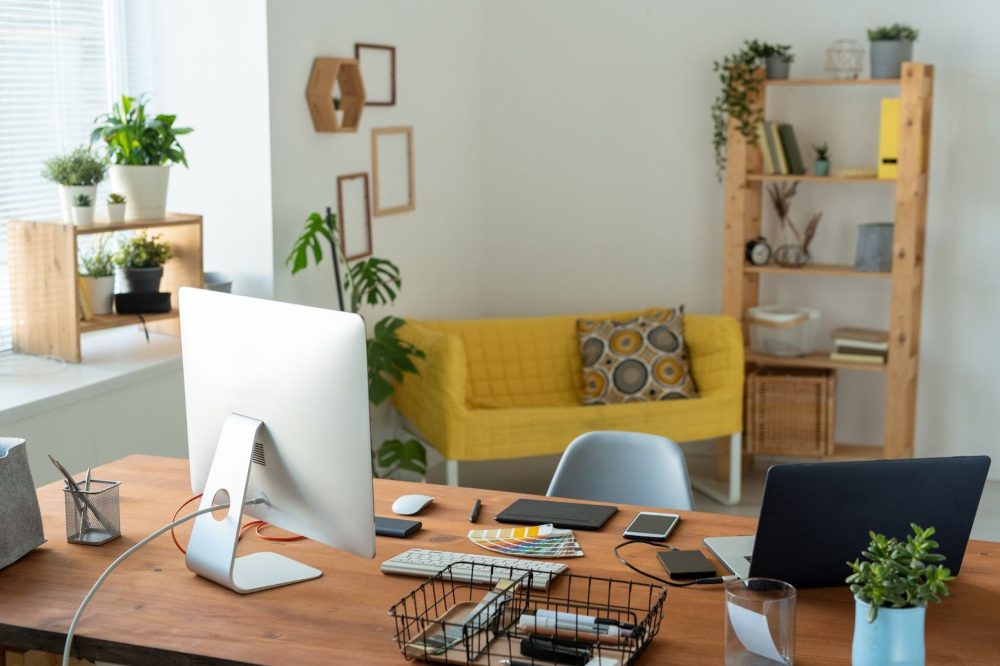
Apart from ensuring that you wear work clothes at meetings, you can uplift the frame of your video call by hanging a good painting on the wall behind you where it can be seen on camera. A painting will just add the right amount of formal and cozy, and might even become a subject for ice-breaking for your work calls!
Sort All Wires With a Wire Organizer Under Your Desk
Last but not least, you need to keep your space organized and clean to be able to work productively. While we do focus on the big things, it is often the small details that go unorganized, creating a whole messy look in your workspace.
To avoid that messy look, you can arrange all your wires under your desk with the help of a wire organizer that you can order from Amazon. Wire organizers stick to your desk and help you clip all wires in one place so they are easy to manage and stay in place.
Get Back Support For Your Chair
Last but not least, comfortable back support helps you boost your productivity and eliminates the fuss of back pain. This, not only is for but for your office workstation too.
Sitting for hours has been proven by science to cause multiple health complications like pain in the back or weak body posture. Well, with back support you can get the necessary help for that. So, choose an affordable option that has a breathable fabric and can adapt to your body posture. Also, don’t forget to take breaks and walk.
Wrapping Up
These are all the tips from us to help set up your work-from-home station. We guarantee you that once you have set up your space, you will automatically be excited to start working and take up this new challenge for yourself. We hope you have a fun time arranging your remote workstation and wish you well in your new journey!
The post appeared first on .
Related Posts