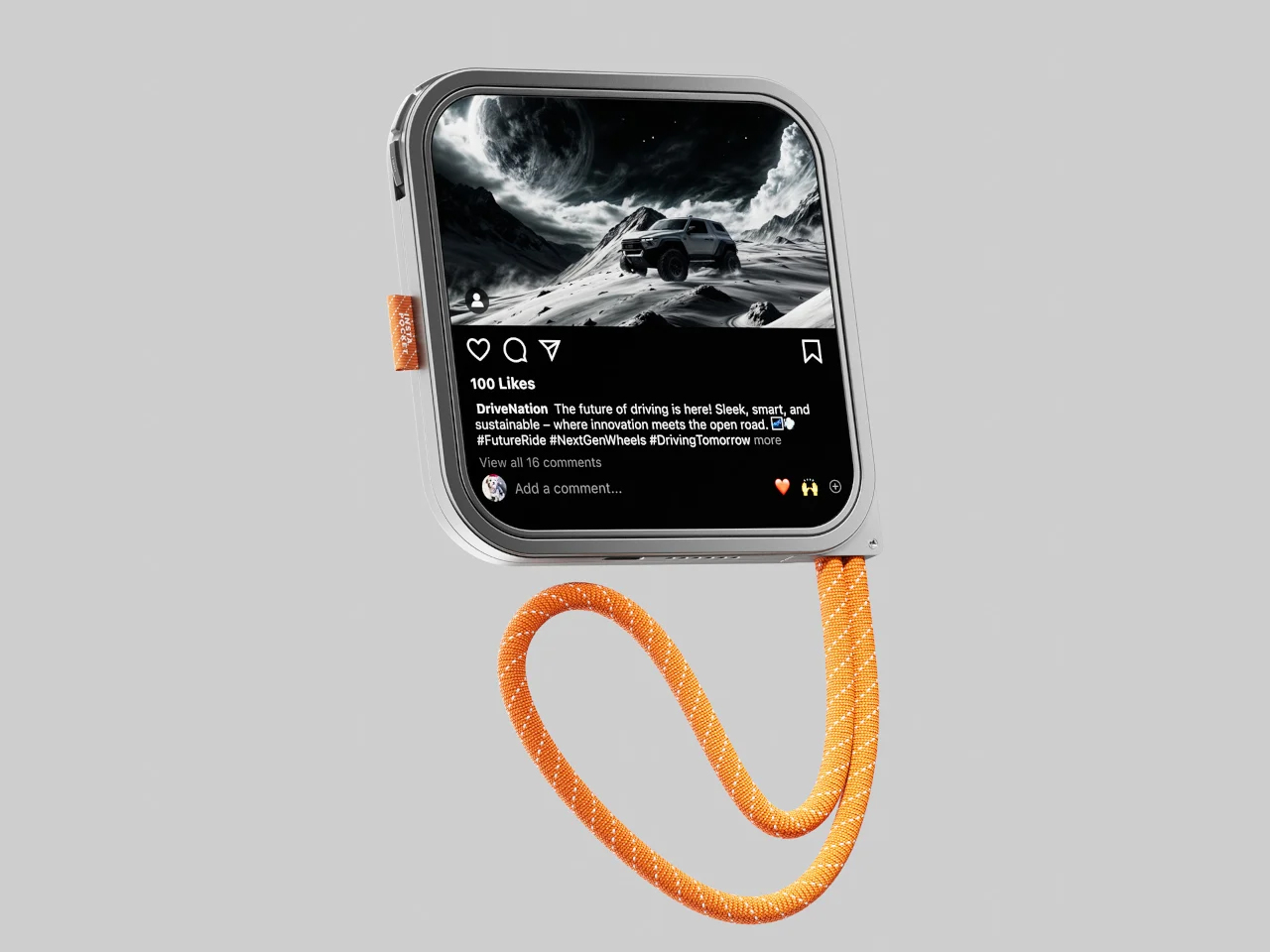
Of all the useful features announced at WWDC this week, one of them stood out as a pretty incredible addition to the iPhone’s capabilities. No, I’m not talking about NameDrop… but rather about a pretty benign yet useful feature called StandBy, which uses the iPhone’s always-on display to be useful even when you’re not using it.
Always-on displays aren’t new… but Apple sure has a way of making common tech cool again. They introduced Widgets pretty late in the game, but made them cooler. They brought wireless charging to the iPhone almost a decade after Nokia first debuted the feature, but they added MagSafe to it too, spawning an entirely new category of iPhone accessories. Similarly, StandBy uses the iPhone’s always-on display to turn it into an information hub of sorts while your phone stays charging on a dock.
Designer:
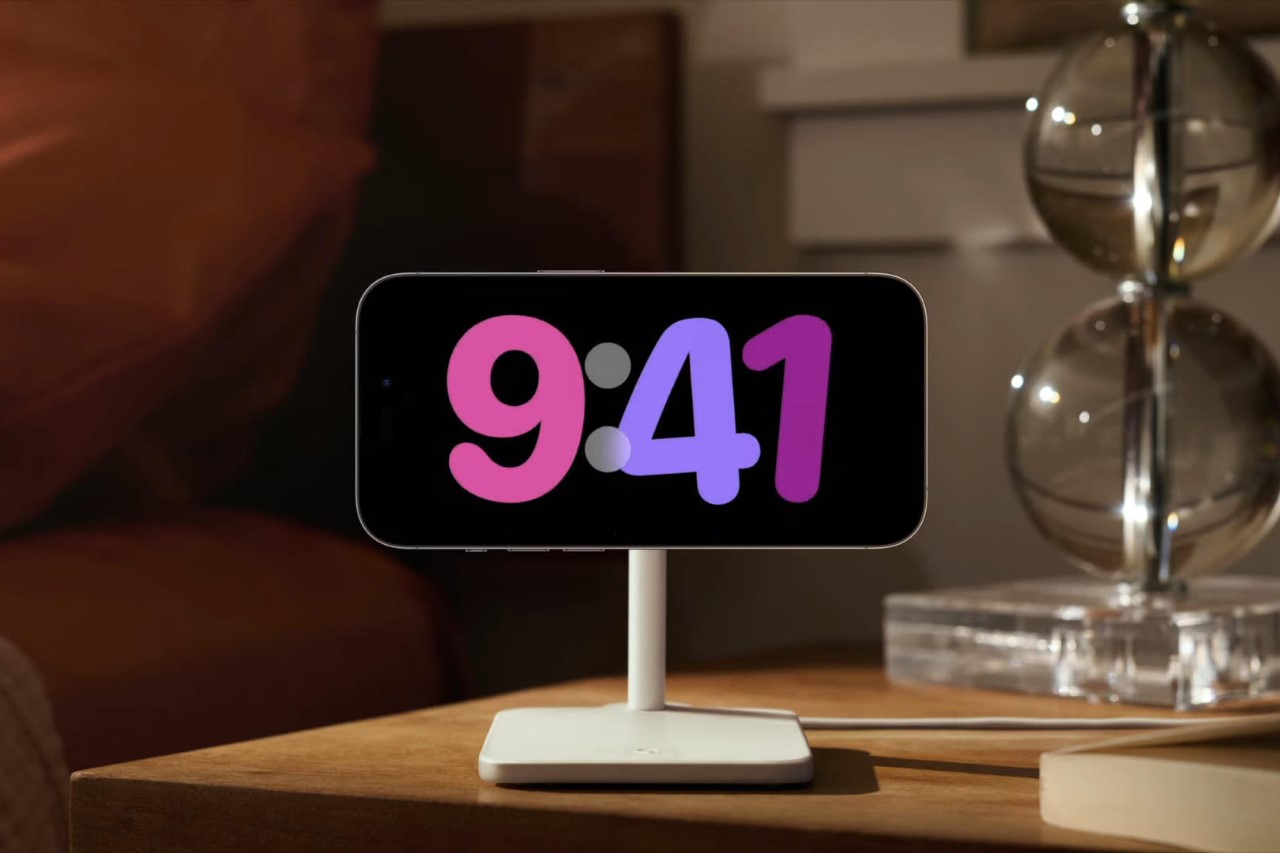
As Craig Federighi explained in the keynote, the StandBy mode gives you actionable information even when your iPhone isn’t in your hands. Simply dock it on a wireless charger (whether any wireless charger or only Apple’s MagSafe charging dock remains to be revealed), and the iPhone’s screen comes to life, displaying either a clock face, or your preferred set of widgets.


You have an entire array of clock faces to choose from, just by swiping upwards to see which clock face you’d like. You can go for something retro, artsy, or even functional like the world clock. Swipe right and you see an auto-updating carousel of your best photos/memories with the time displayed in the corner.

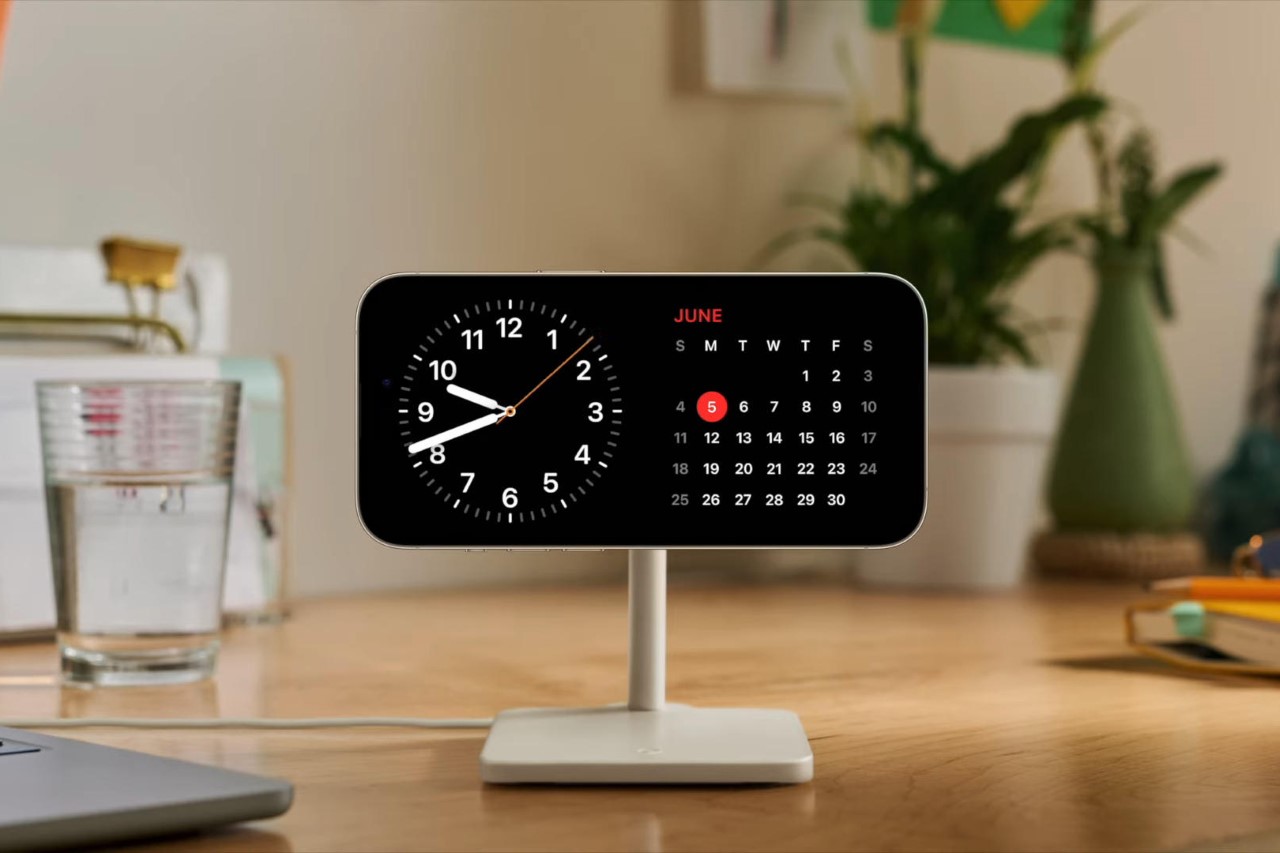
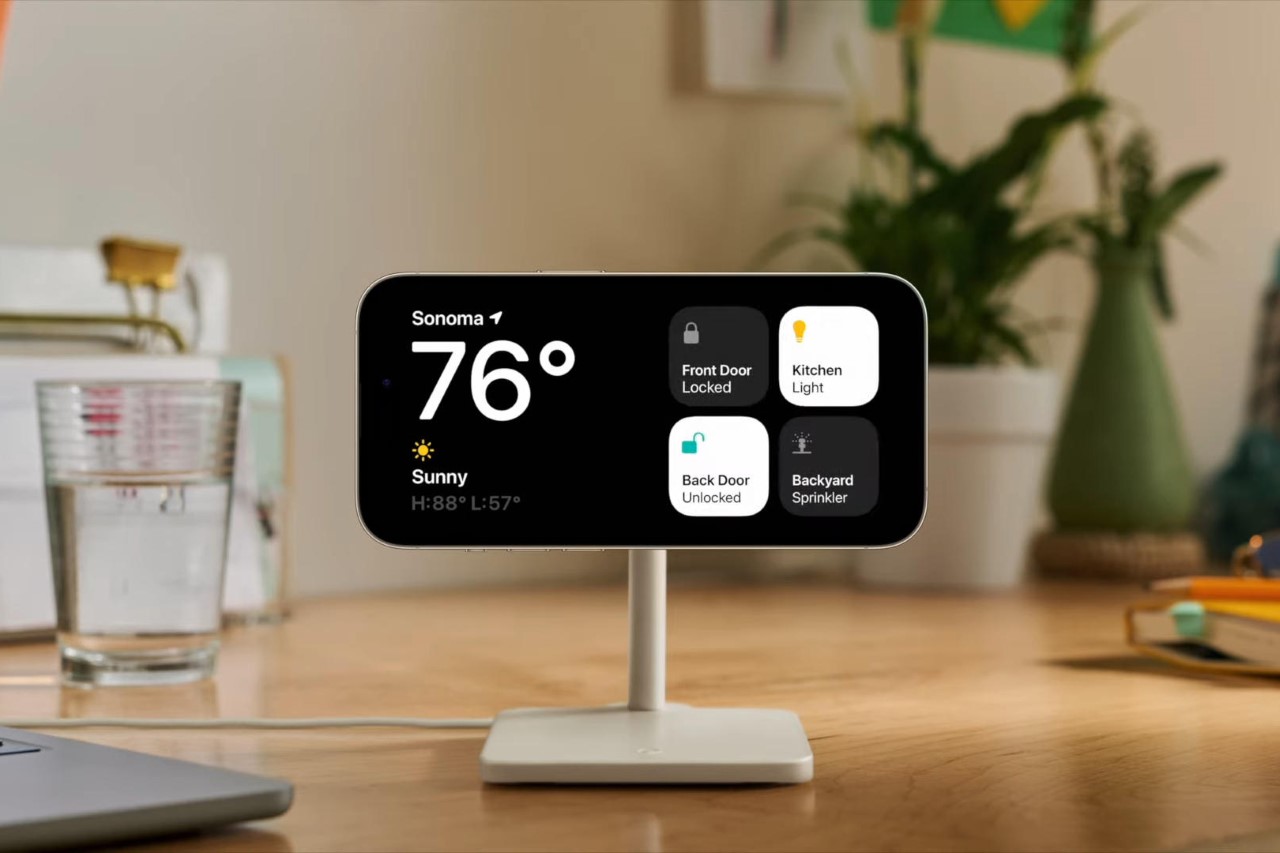
Things get really interesting when you ditch the clock face for widgets. The StandBy feature embraces the power of widgets, allowing you to do things like see the weather, your calendar, your smart home dashboard, or information from your favorite third-party app. All the widgets are ‘smart stacks’, which means they’re actionable, and they update in real-time, making things like a music widget or a game scorecard widget incredibly useful while your phone’s charging. The StandBy mode also works seamlessly with Siri, allowing you to summon information like Maps data with a simple voice command.

Given that most people tend to charge their phone overnight, the StandBy feature also responds to its surroundings by dimming itself in the dark. Quite similar to the Apple Watch Ultra’s Night Mode face, the clock in StandBy mode turns a deep red, being visible without being too bright. It stays that way all night up until the morning when the sun rises. The screen’s low power consumption (and ability to activate only selective pixels instead of the entire display) make the StandBy mode rather power efficient… although given that your phone remains charging throughout also helps.
The StandBy mode comes as an iOS 17 feature that’s due to roll out in the public beta between now and September, when Apple announces the iPhone 15 (its first iPhone that will ship with iOS 17 built-in). However, two crucial details about the StandBy mode remain unanswered – whether the StandBy mode will work when the phone’s docked in portrait instead of landscape, and whether the feature only works with Apple’s chargers or with any third-party wireless charging dock.


The post first appeared on .
Related Posts