Computers are powerful tools that enable all kinds of workflows, including designing products, architectures, or artwork. As powerful as they may be, the devices that we currently have for creating these digital artifacts aren’t exactly conducive to the creative process. Keyboards are large and clunky, and while there are indeed styluses that act like electronic pens, they still require the use of keys at some point or another. Keyboard shortcuts are supposed to help manage those dozens if not hundreds of actions available, but the finger gymnastics and memorization required create more stress and break the creative workflow. That is why custom-made keyboards are becoming popular among creators and designers, and this newest addition offers plenty of power in a small and cute package.
Designer: x
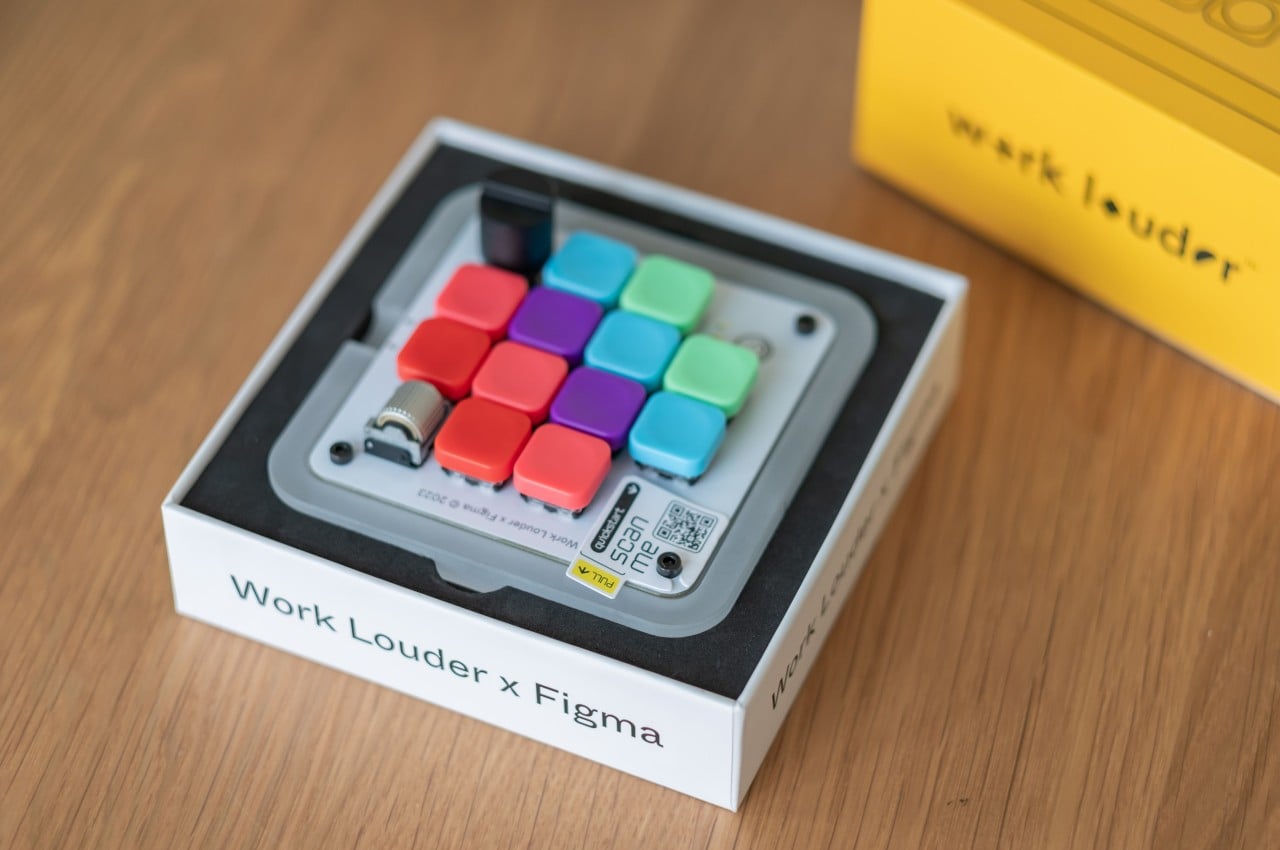
Almost all software for designers and creatives makes use of keyboard shortcuts so that you don’t have to dig through countless menus every time you need to do something. Sadly, the way keyboards work means you have to string a series of keys that may or may not have anything related to the action like Ctrl and Z keys to undo and Ctrl and Y to redo. Not only does it make it harder to remember these shortcuts, they can also be painful for your fingers in the long run.
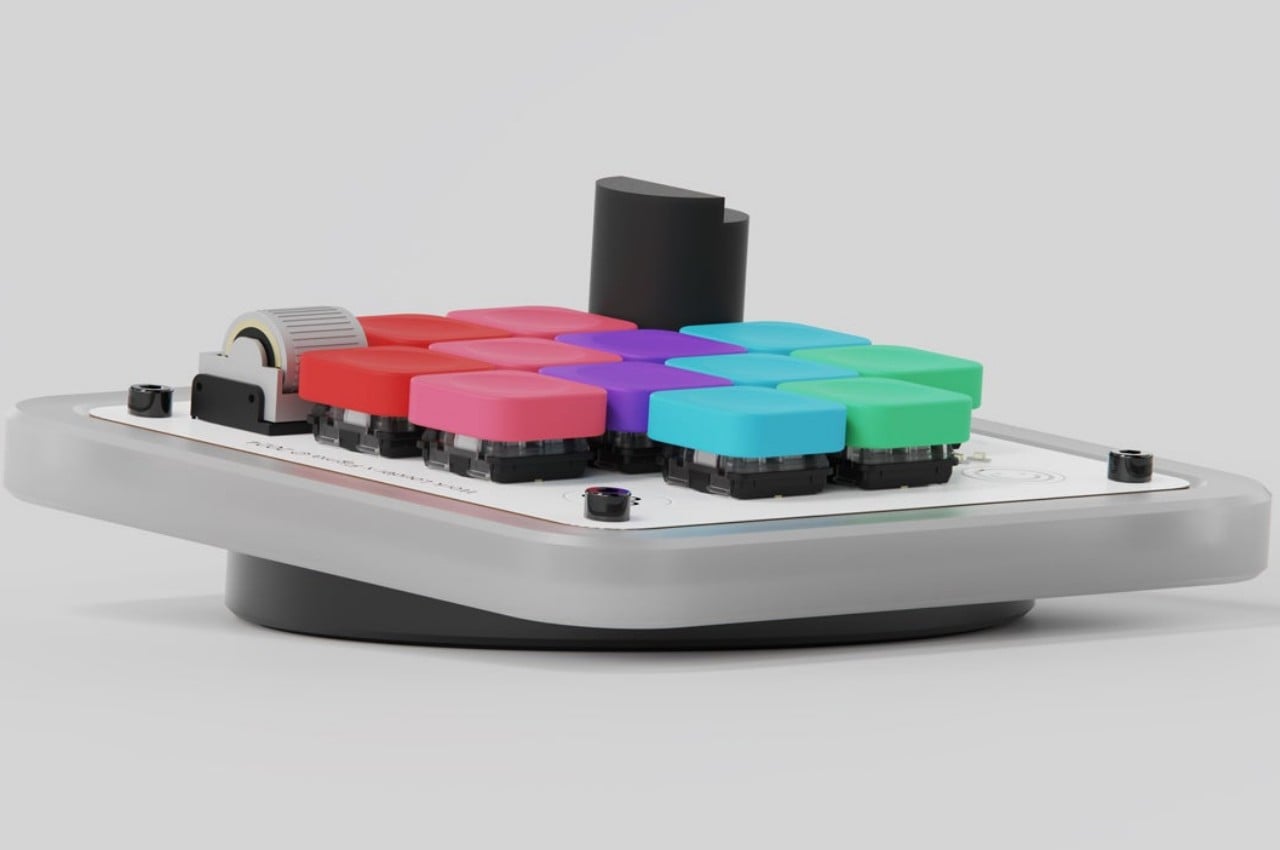
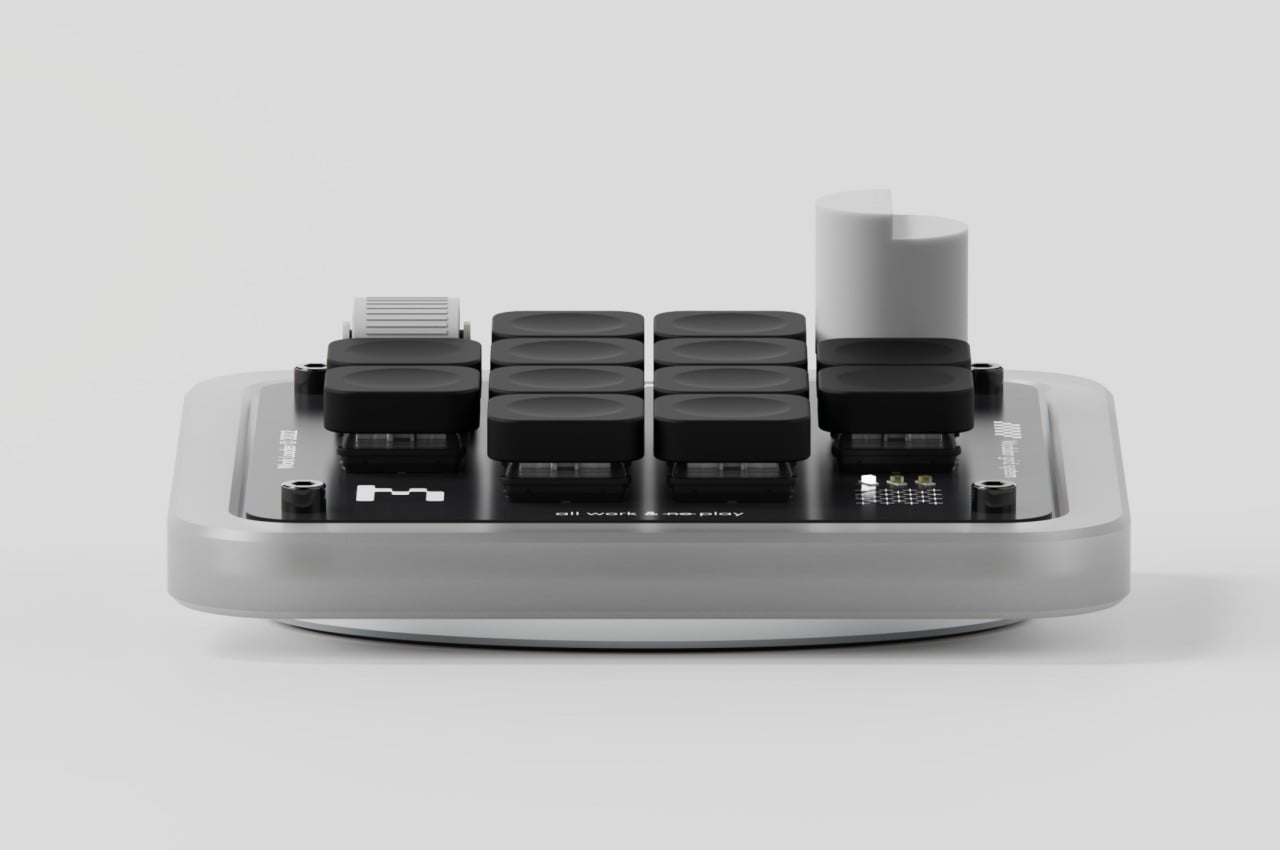
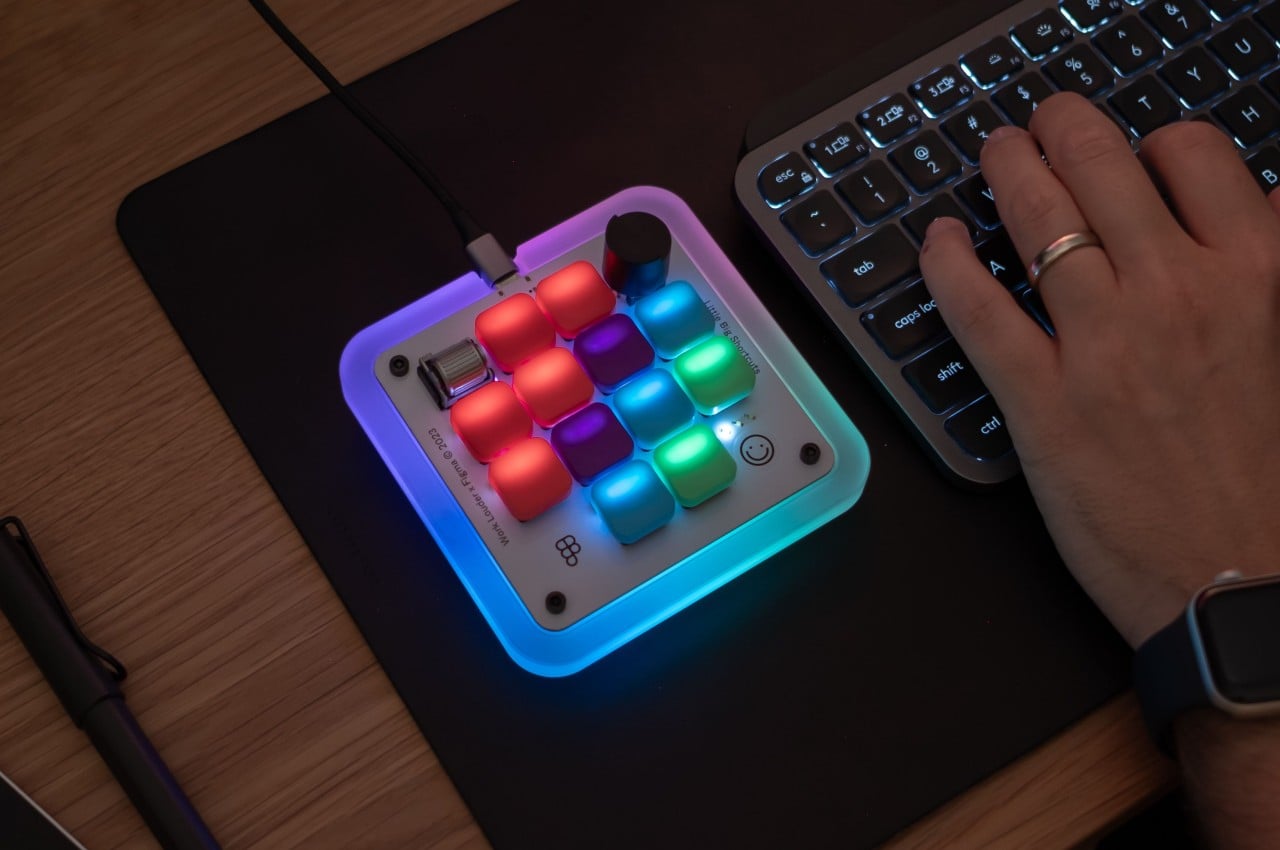
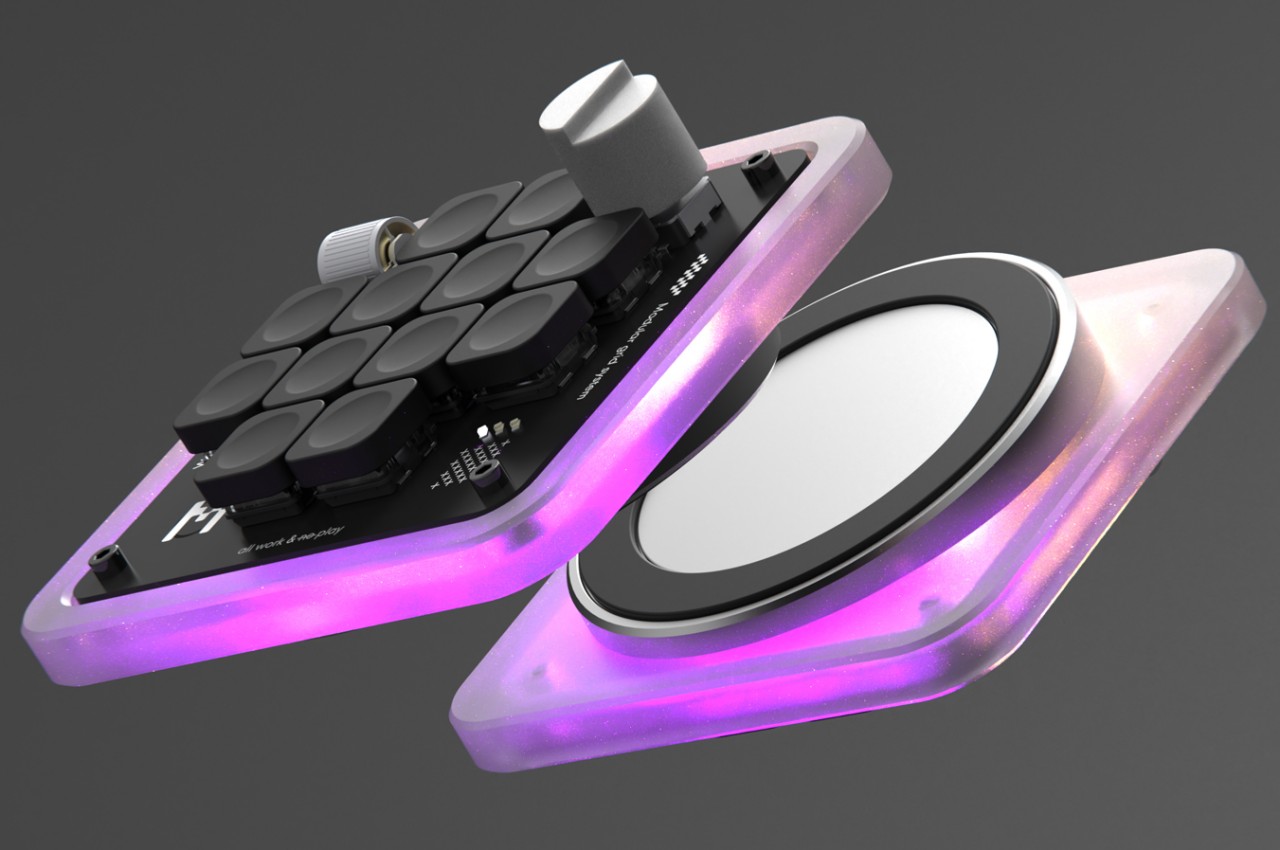
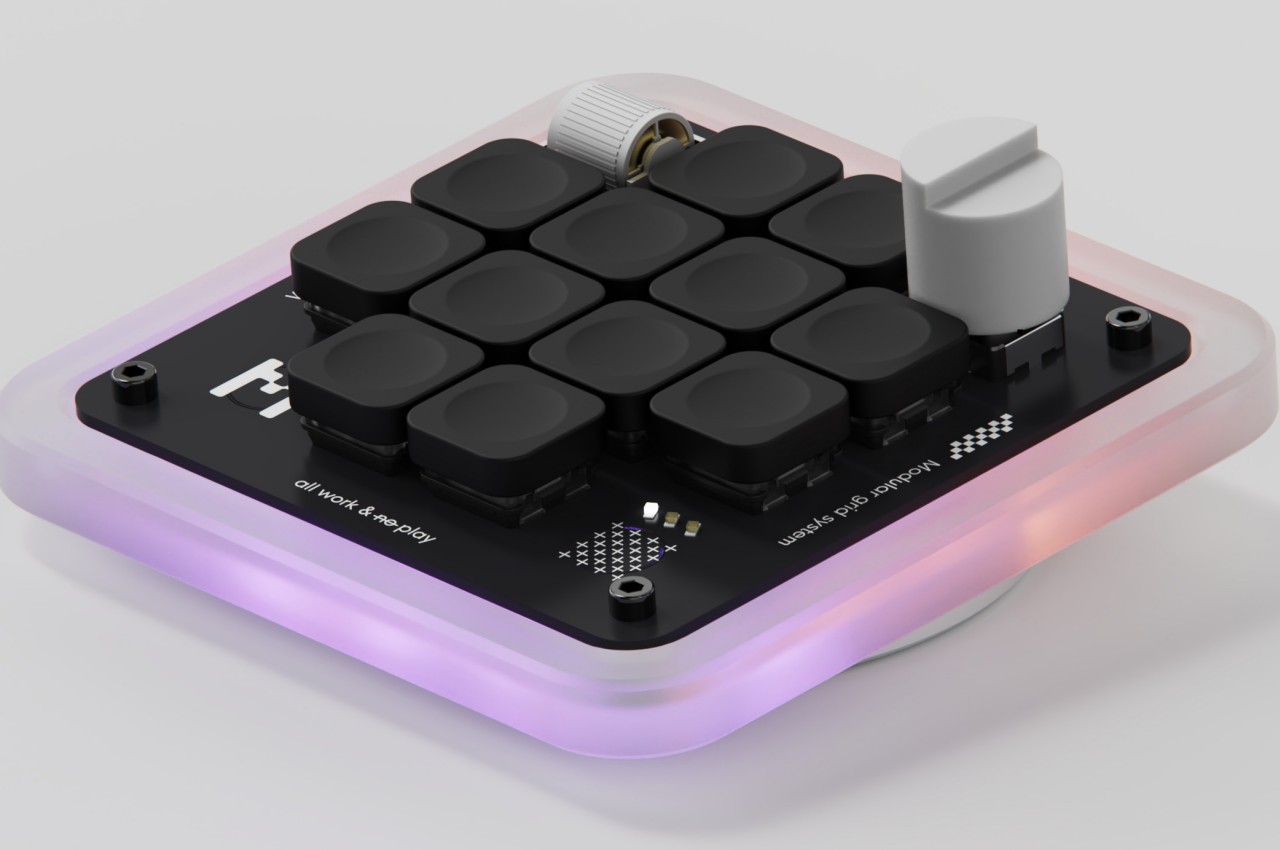
Enter the Figma Creator Micro Keyboard, a small square keyboard with only 12 mechanical keys arranged in a cross formation. The idea is that you can map each of the keys to a single function so you don’t have to press two or more keys to get the same outcome. Of course, 12 keys won’t be enough for many software (Figma itself has over 150 possible actions), but the Figma Creator has four “layers” so that each key can actually have four actions. That gives you a total of 48 keys in groups of 12, available by simply tapping a capacitive sensor in the corner.
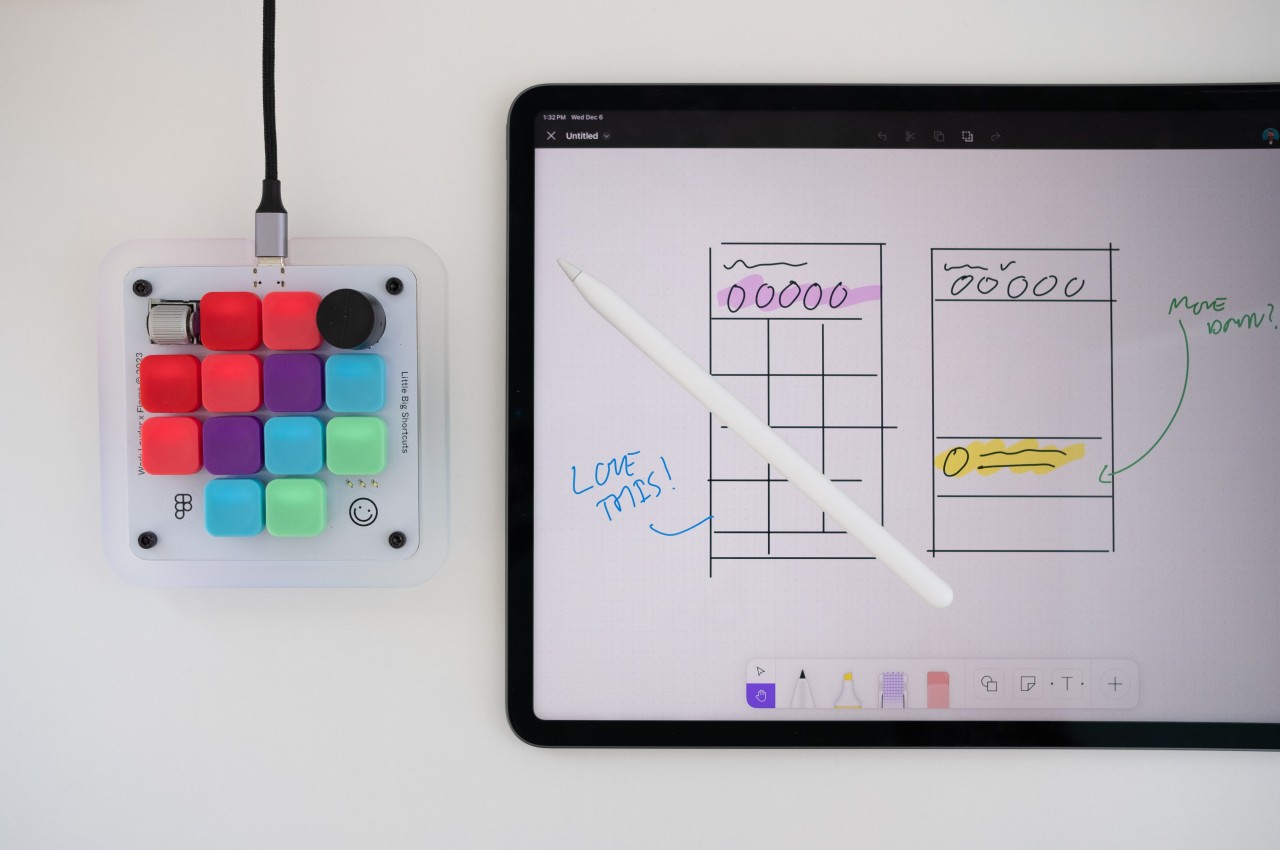
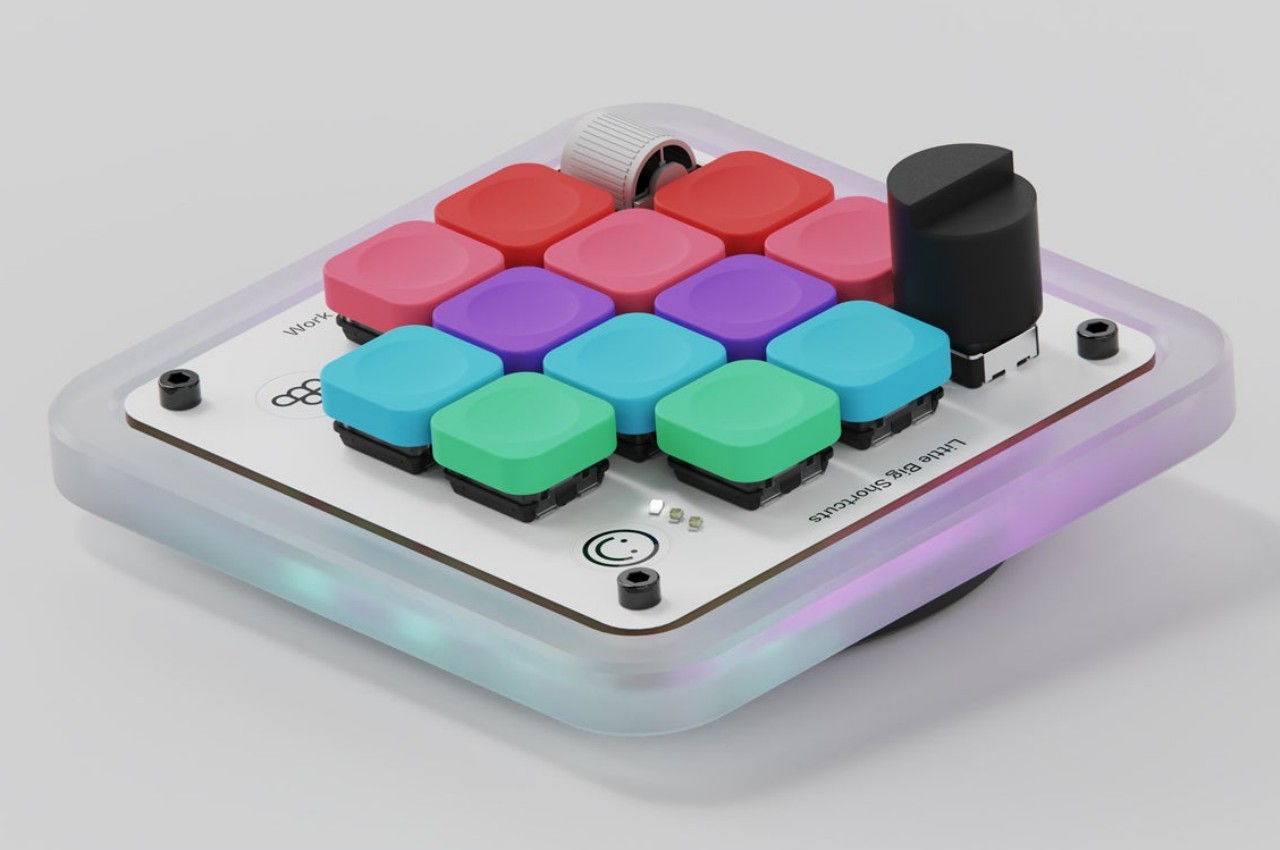
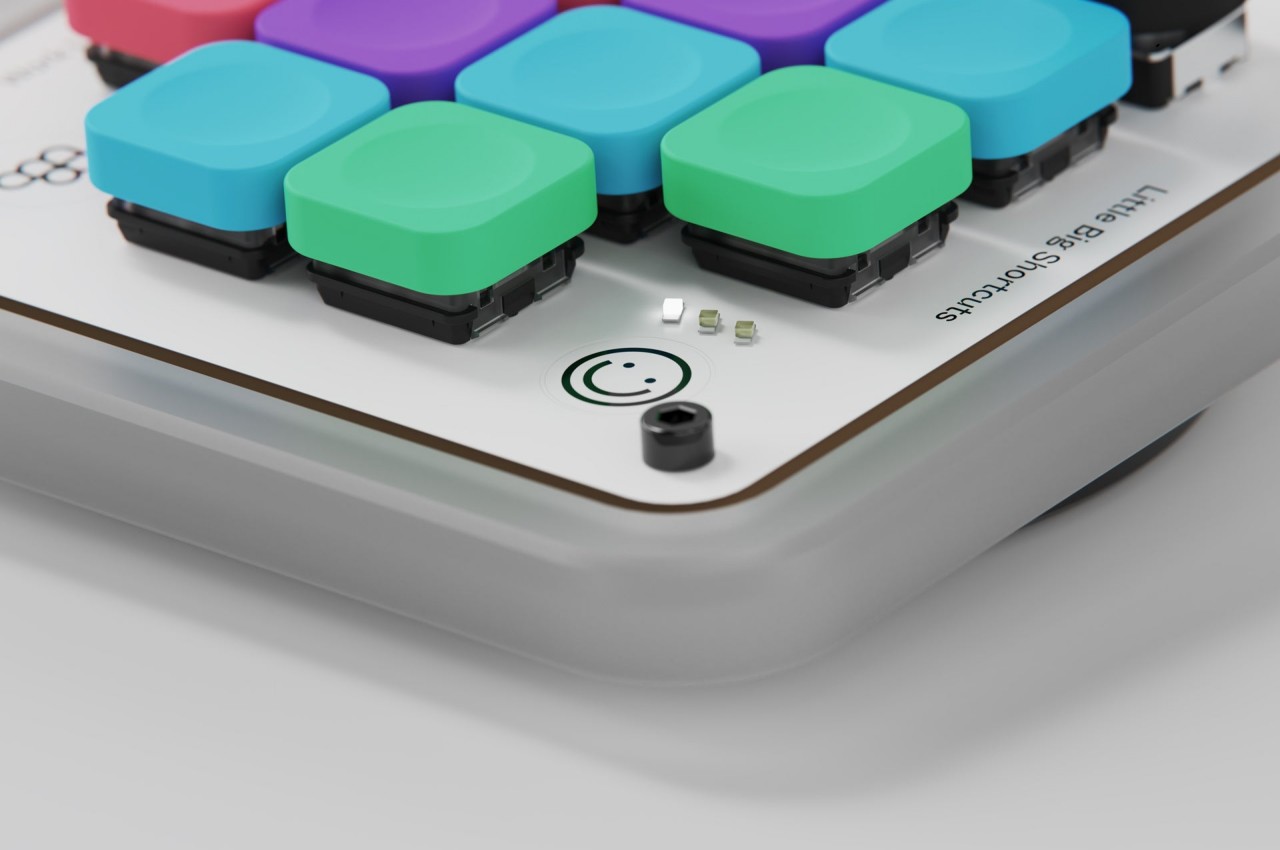
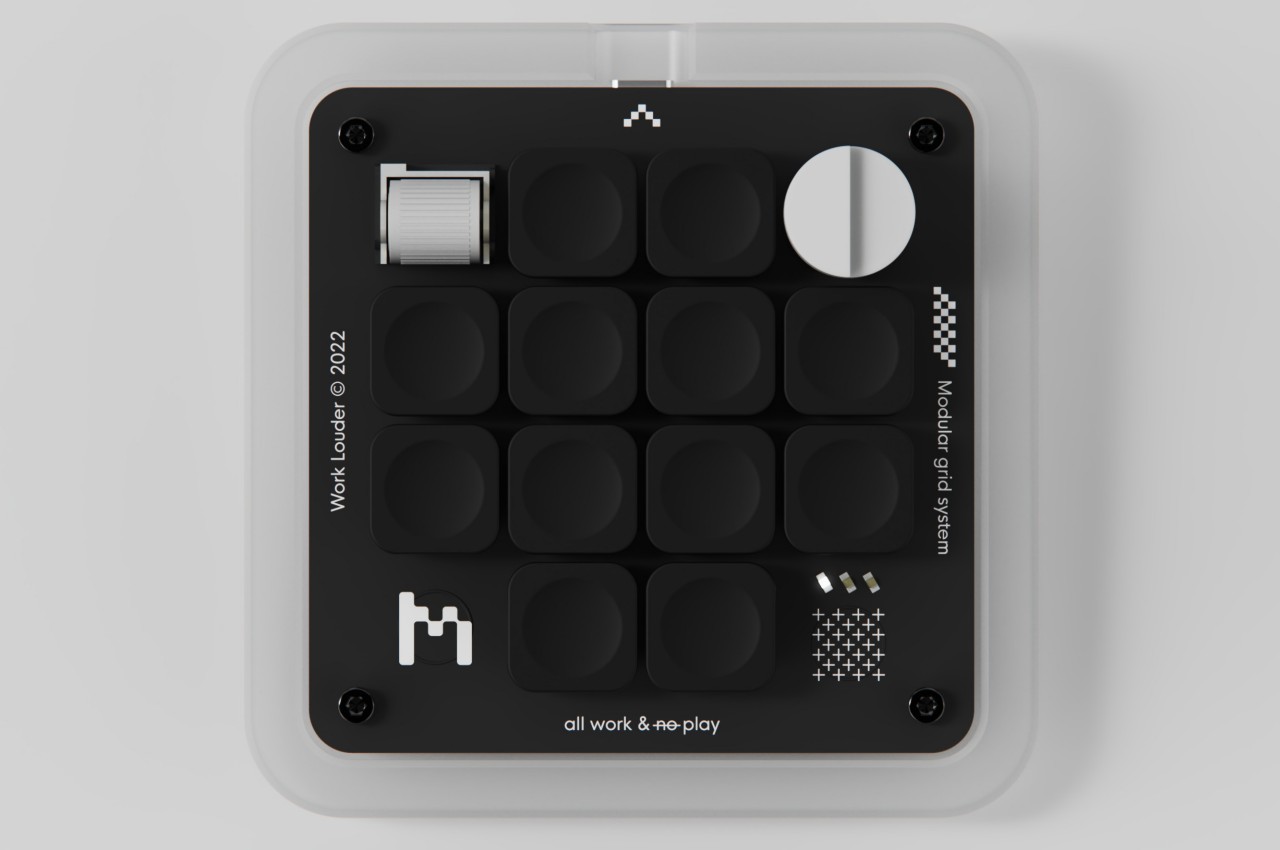
In addition to these keys, there are two analog controls available as well, a dial and a wheel, both of which are also clickable. These can be mapped to changing brush sizes or going through a sequence of undos and redos in rapid succession, basically, anything that would involve a slider or list of some sort. These are must-haves for digital painting and design software, proving how this keyboard was made with this kind of work specifically in mind.
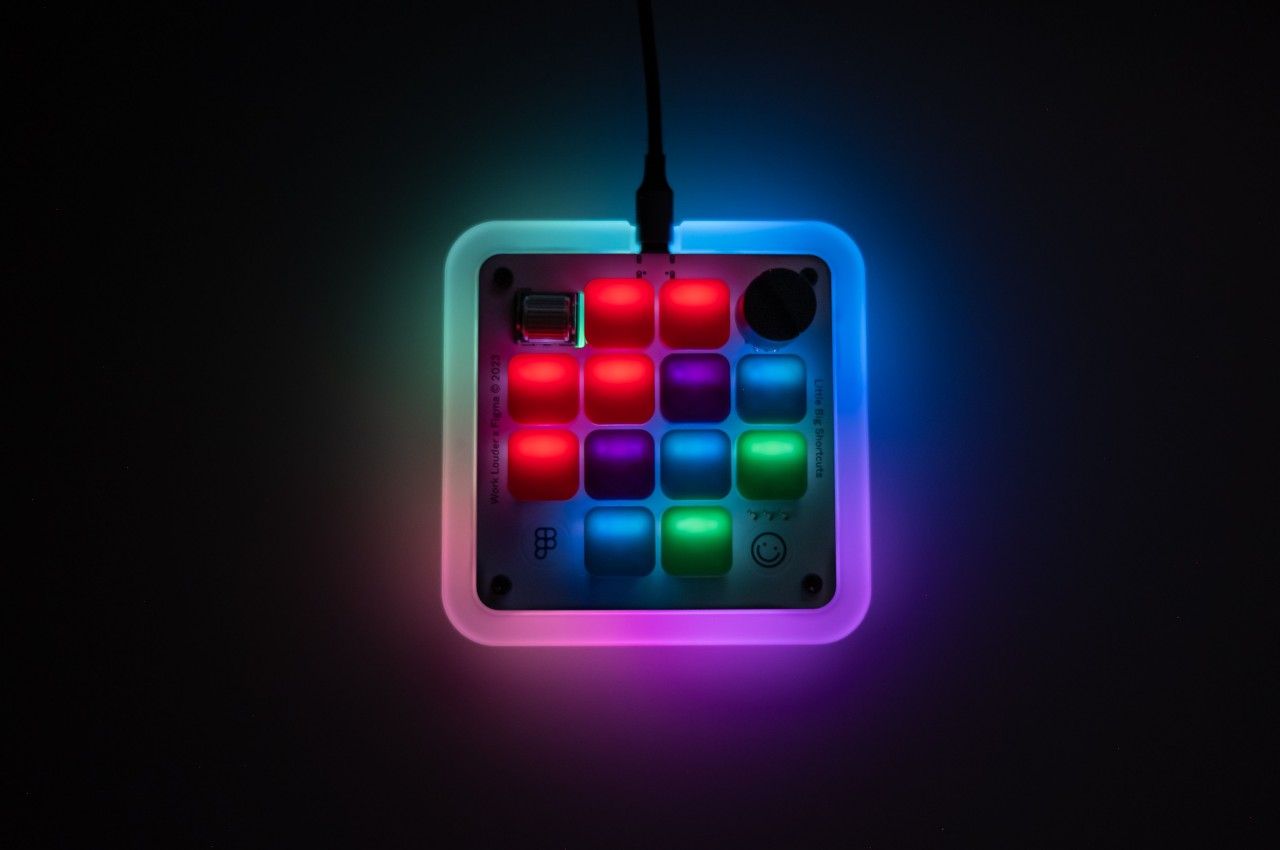
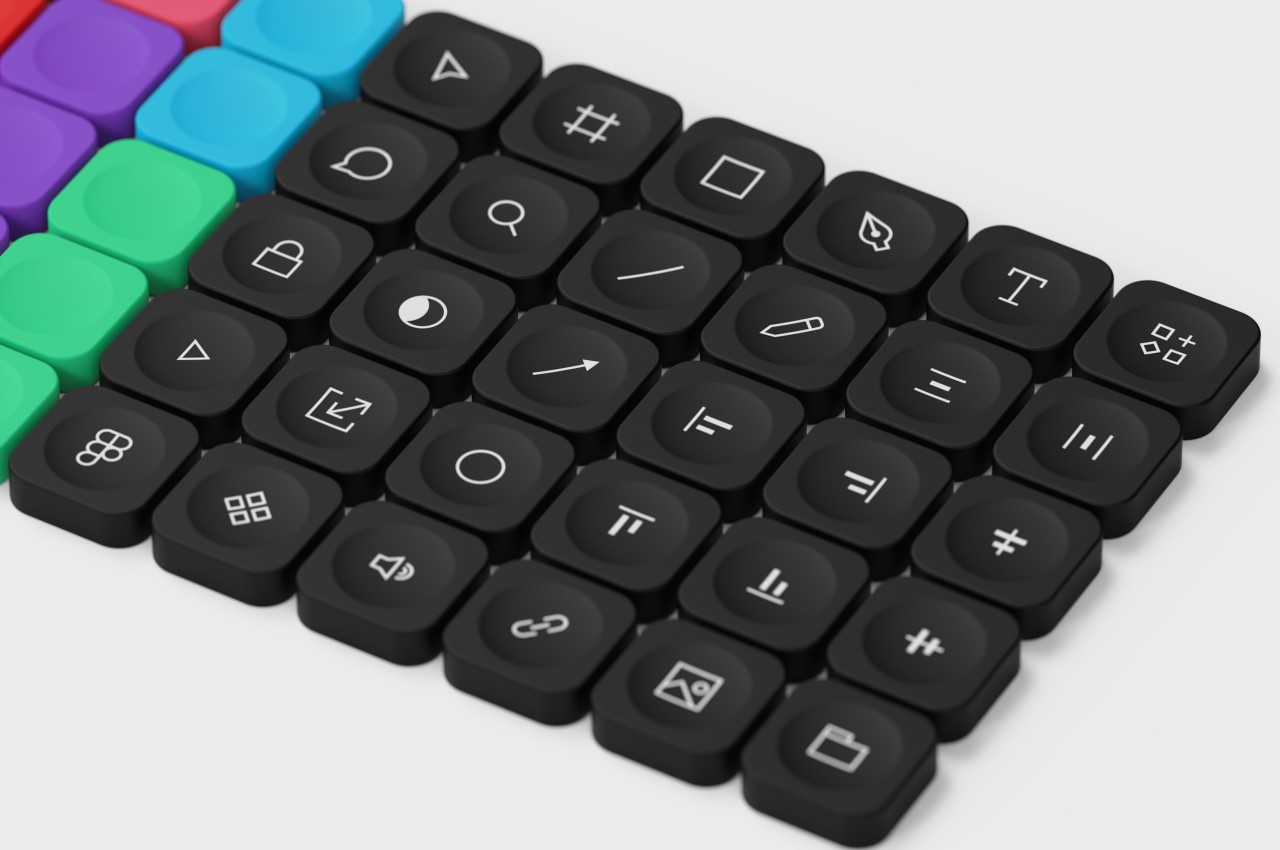
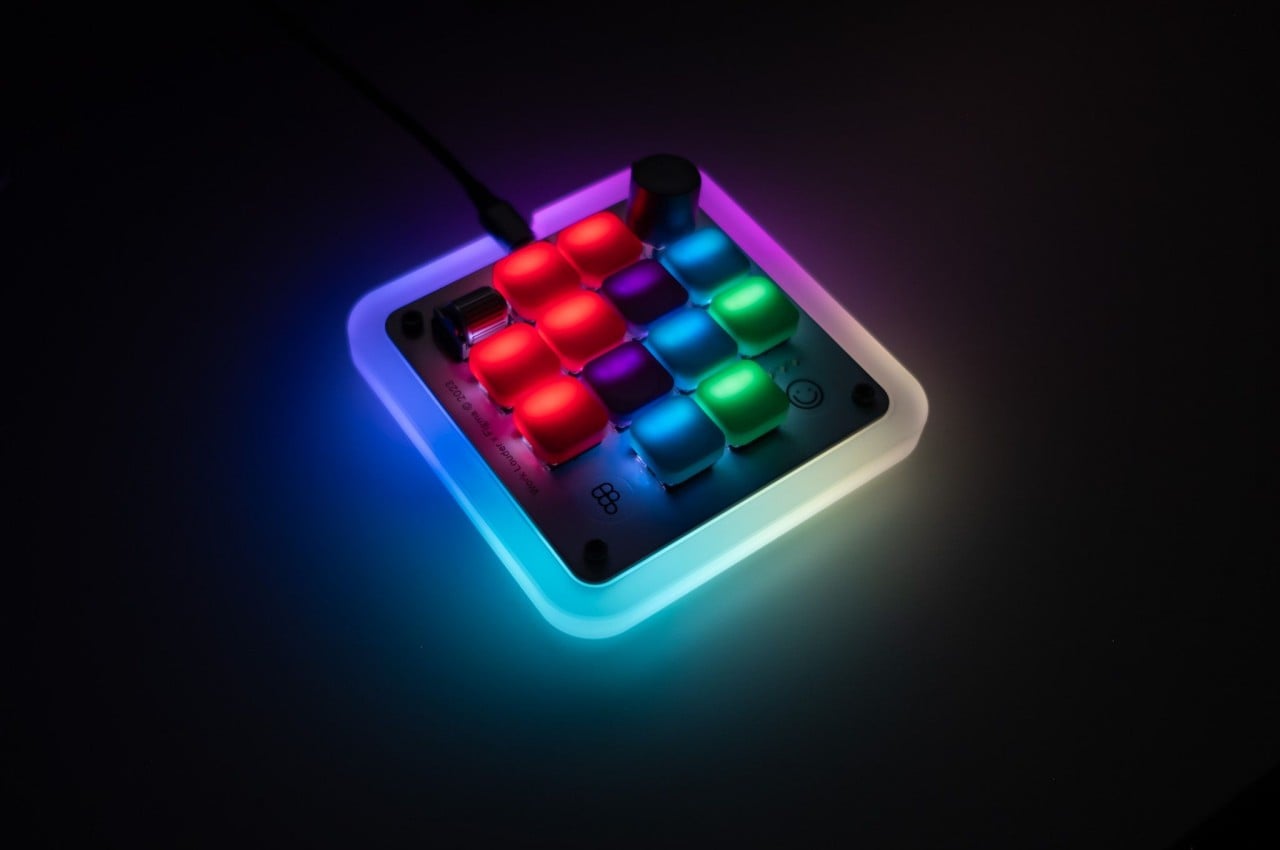
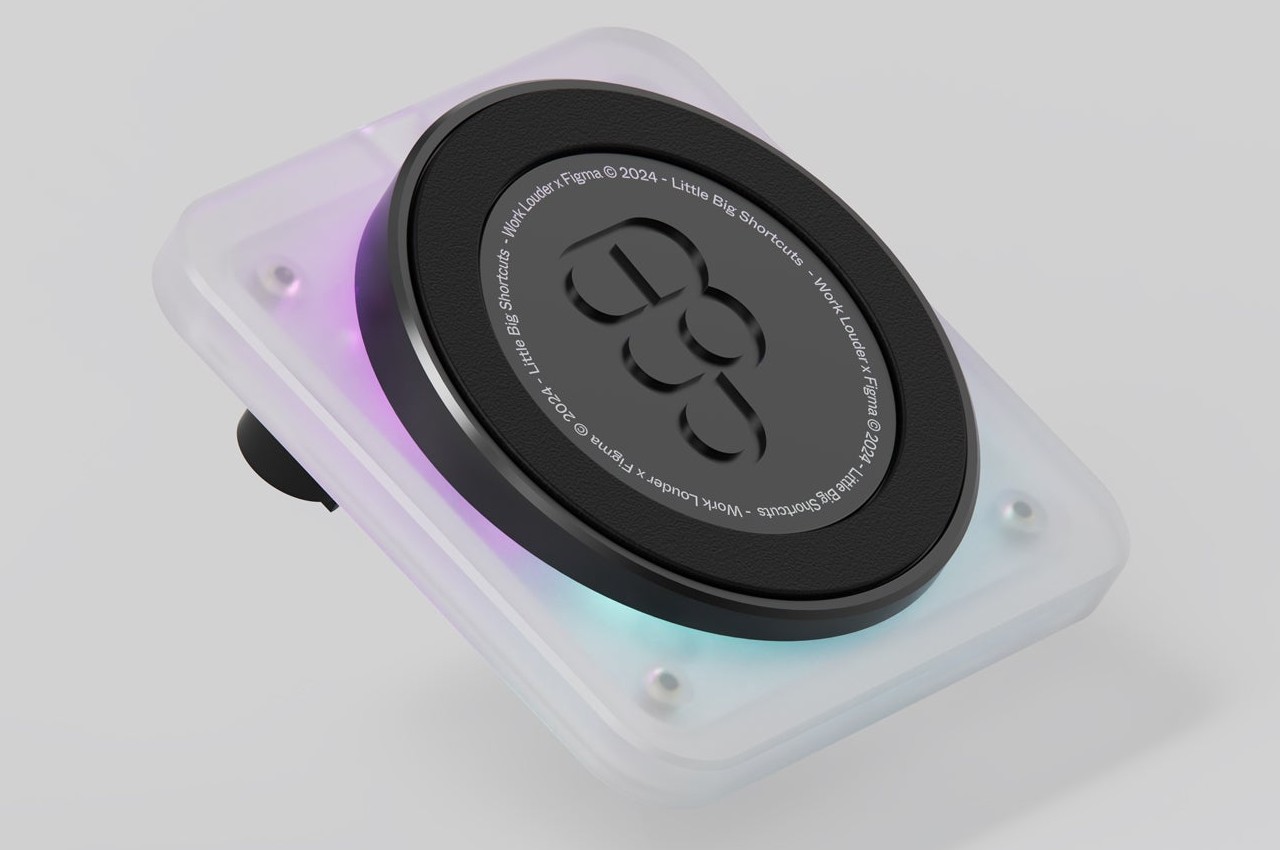
The design of the keyboard itself is quite captivating and fun, using a frosted polycarbonate case that lets the RGB lighting inside shine through. The low-profile concave keycaps are replaceable, so you can pick your theme or design to match your mood and workflow. The catch is that the keyboard costs $139 and is currently still on pre-order, though it does make for a worthwhile investment if you find your fingers always aching and sore after an intense work session.
The post first appeared on .
Related Posts