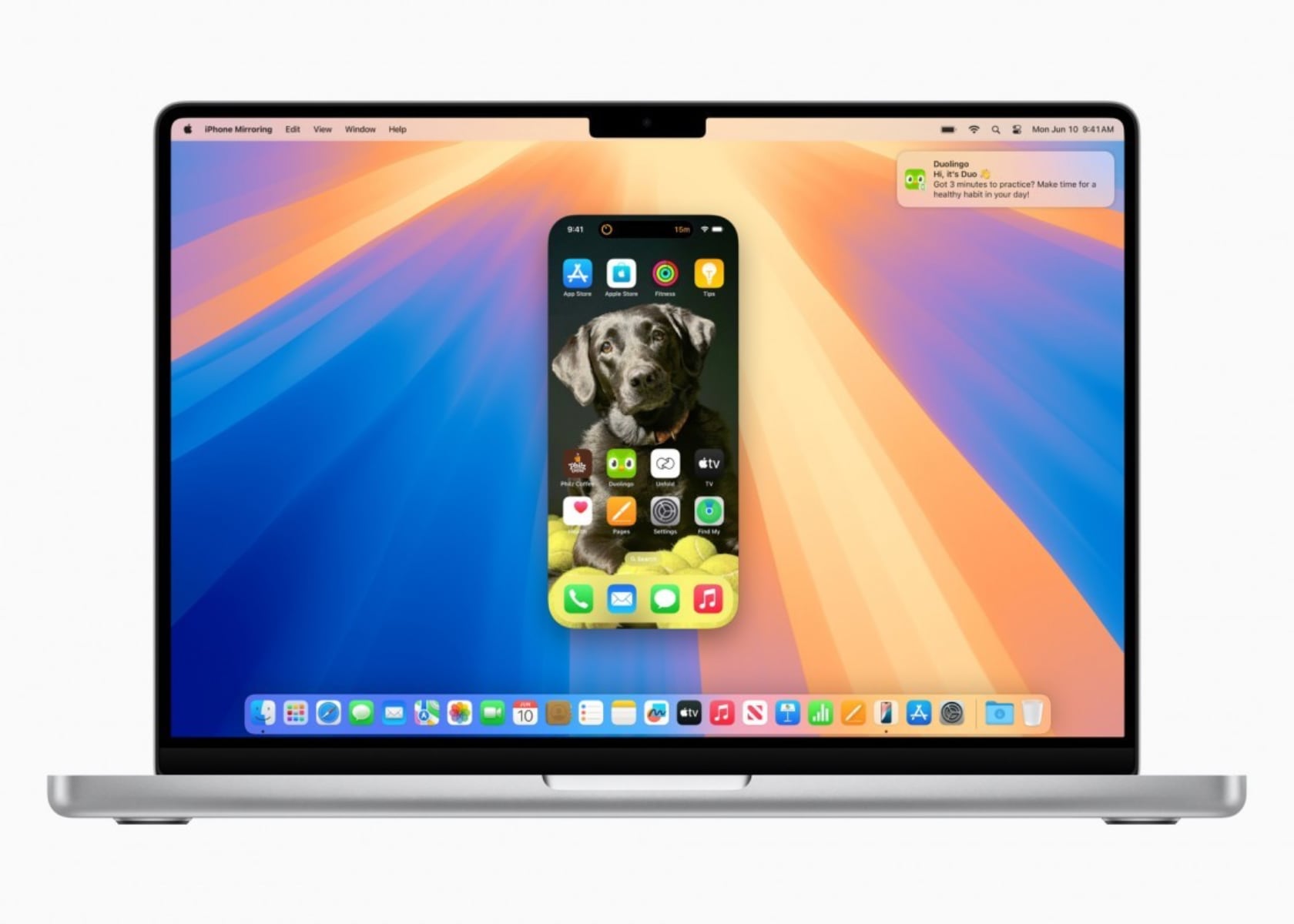
Apple’s iOS 18 developer beta 2 has introduced several notable features and improvements, making it an exciting update for developers and users alike. Among the highlights are iPhone Mirroring on compatible Macs, enhanced SharePlay screen sharing, a dark mode icon for the App Store, and a multi-language keyboard. I’m most excited about iPhone Mirroring, and I can’t wait to test it out in the public beta, which should be available soon.
Designer: Apple
iPhone Mirroring lets you project your iPhone screen onto your Mac, which can be incredibly useful. First, it allows you to get notifications on your Mac without unlocking your iPhone, keeping you in the loop without interrupting your workflow. Second, the drag-and-drop functionality between the iPhone and Mac makes transferring files and interacting with apps a breeze. Finally, it means you can access your iPhone apps and files on your Mac, even when your iPhone is locked or in Standby mode. This seamless integration between devices is a game-changer for productivity.
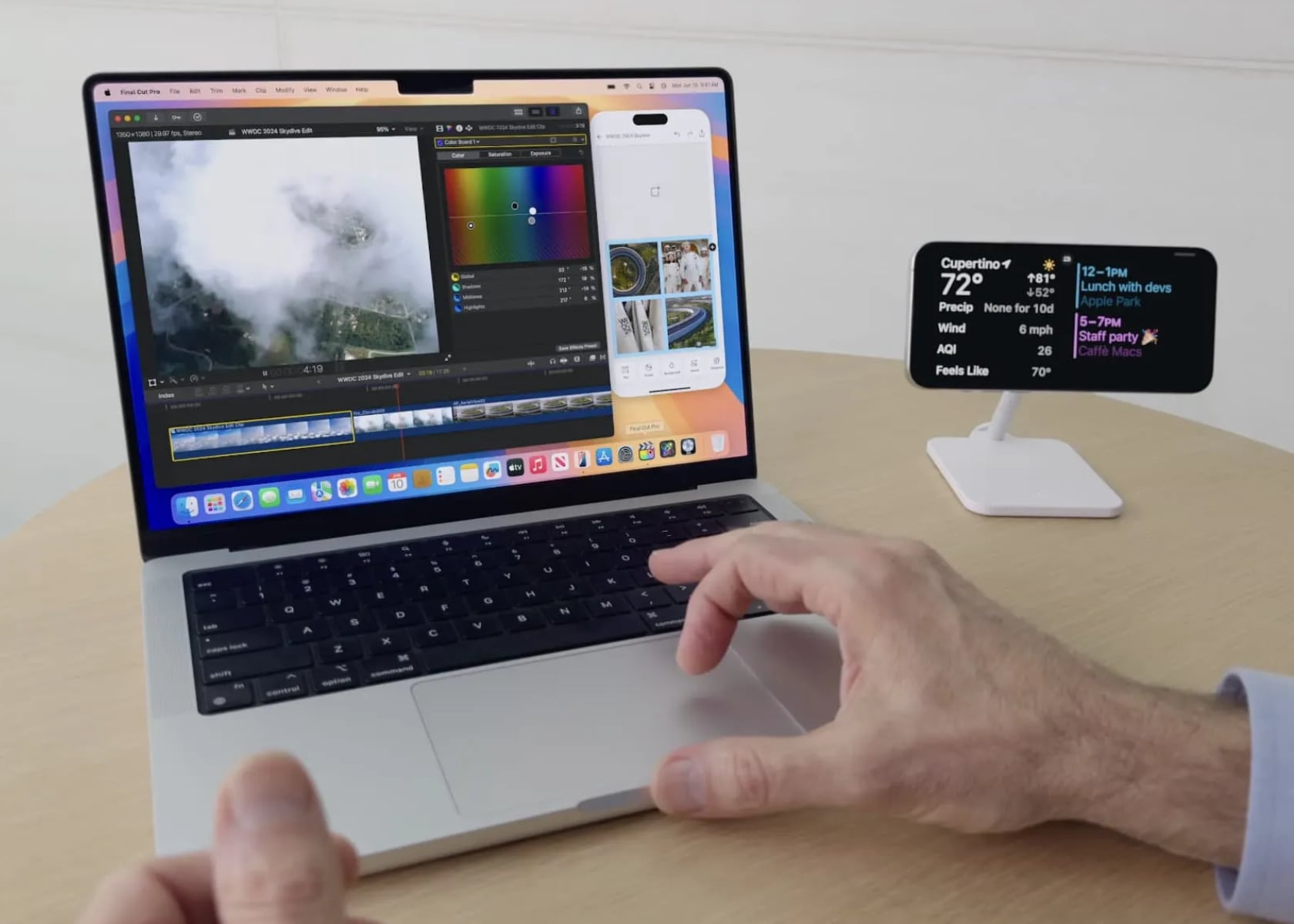
Apple iOS 18 beta 2: iPhone Mirroring
SharePlay screen sharing is another feature that stands out in iOS 18 beta 2. This update allows you to draw on and control others’ screens during shared sessions, making remote assistance and collaboration much more effective. Whether you’re troubleshooting an issue, working on a project together, or teaching someone how to use an app, SharePlay makes it easy to interact and communicate in real-time.
The App Store has also received a visual update with a new dark mode icon. This change aligns with the system-wide dark mode, reducing eye strain, especially in low-light environments. It’s a small yet thoughtful update that enhances the overall user experience.
The multi-language keyboard is another fantastic addition. It now supports up to three languages simultaneously, including 27 Indian languages like Hindi, Assamese, Bangla, and Urdu. This update is perfect for multilingual users, making it easier to switch between languages without changing settings. It’s a step toward making iOS devices more accessible and user-friendly for a diverse global audience.
Finally, iOS 18 beta 2 introduces Rich Communication Services (RCS) support in the Messages app. RCS brings features like read receipts, typing indicators, and higher-quality media sharing to your messages, offering a more interactive and engaging messaging experience.
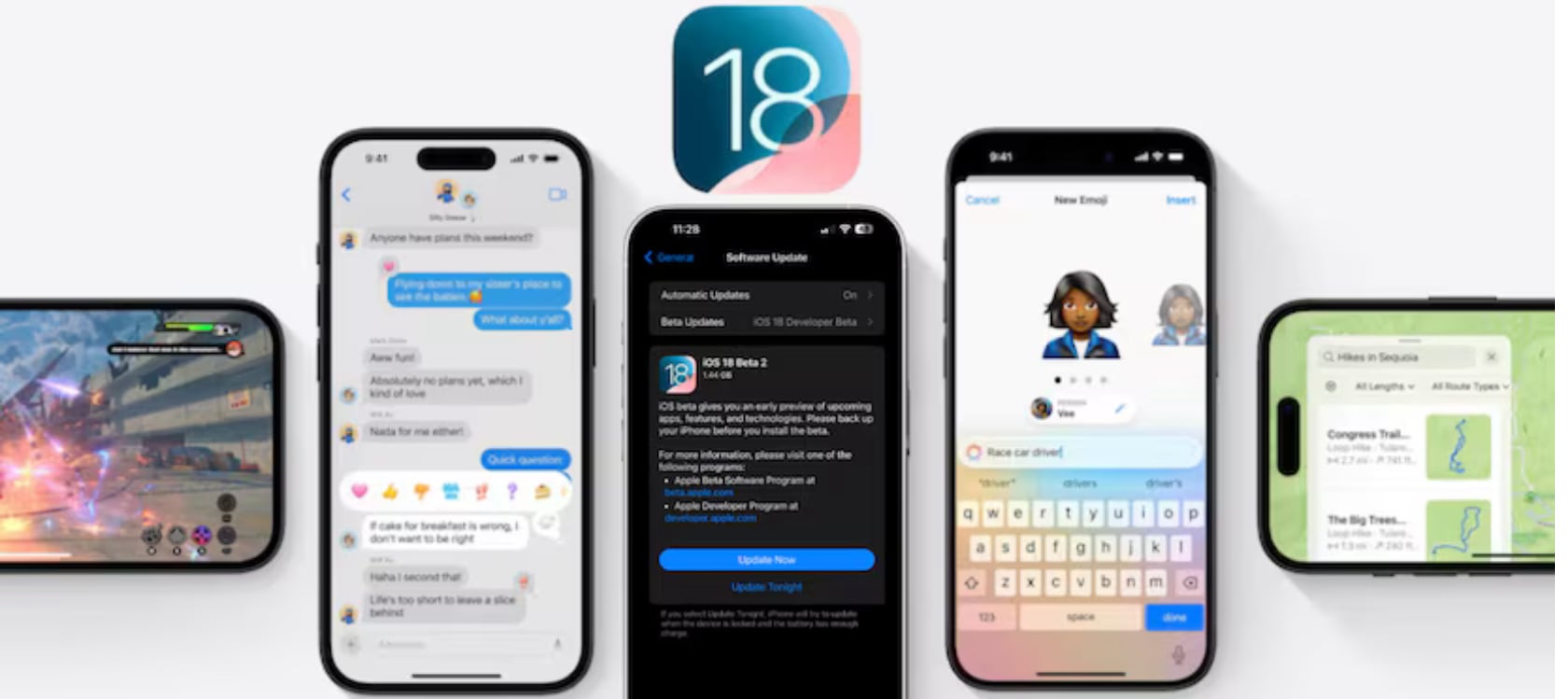
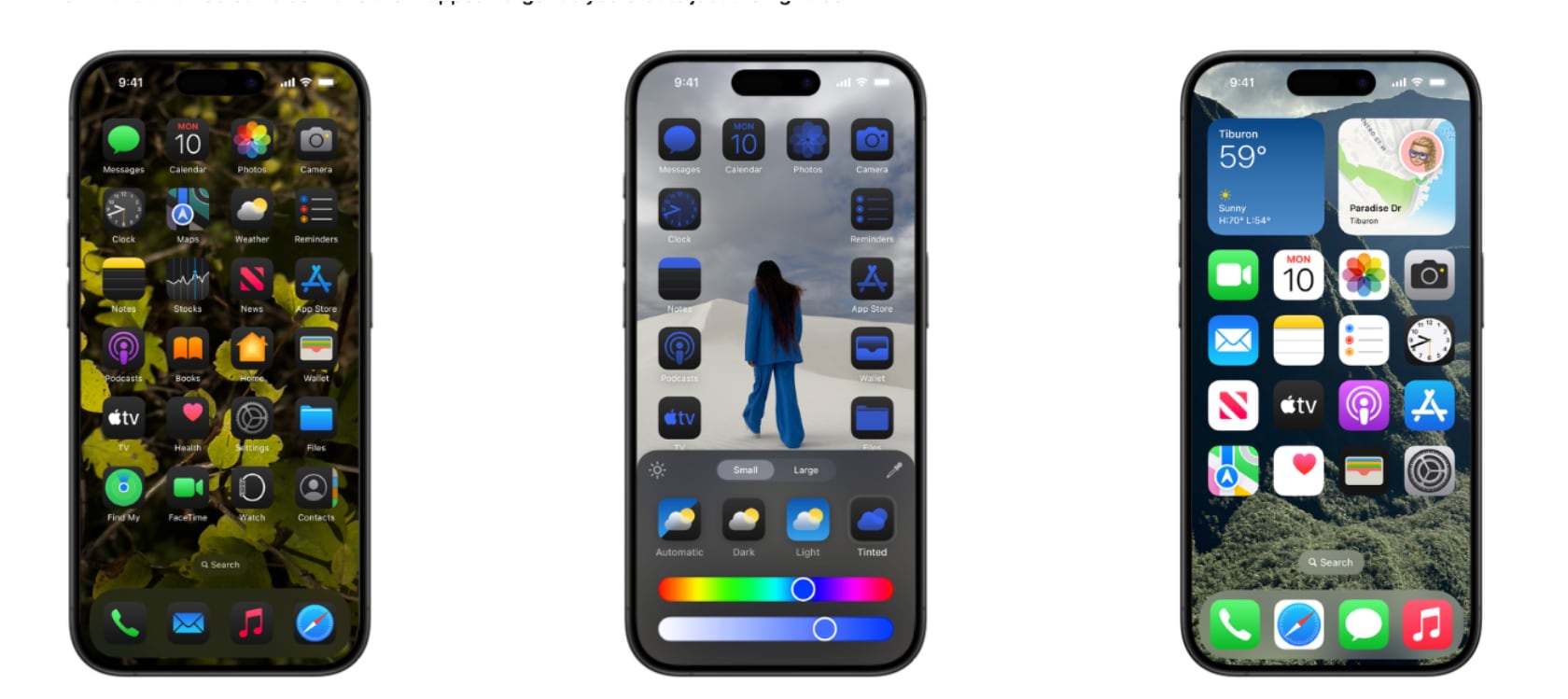
Additionally, the second beta includes some smaller tweaks and interface changes. The Home Screen now features a wallpaper tinting toggle and improved contrast for certain icons. There’s also a new Connected Card Wallet widget, although it’s not functional yet, and enhancements to the Passwords app with a more accessible “+” button for adding new items. The Control Center’s power button now has a more pronounced haptic feel, preventing accidental activation.
Things to Keep in Mind Before Downloading
When testing out the iOS 18 public beta, it’s essential to proceed with caution. Developer betas are designed for testing and may contain bugs that could cause unexpected crashes or issues with certain apps. Before downloading, make sure to back up your device to avoid any potential data loss. If you prefer a more stable experience, consider signing up for the public beta, which is expected to be released later in the month or in July.
iOS 18 Developer Beta 2: Eligible iPhone Models
The iOS 18 developer beta 2 supports the following iPhone models:
– iPhone 15
– iPhone 15 Plus
– iPhone 15 Pro
– iPhone 15 Pro Max
– iPhone 14
– iPhone 14 Plus
– iPhone 14 Pro
– iPhone 14 Pro Max
– iPhone 13
– iPhone 13 mini
– iPhone 13 Pro
– iPhone 13 Pro Max
By ensuring your device is supported and backing up your data, you can safely explore iOS 18’s exciting new features.
The post first appeared on .
Related Posts