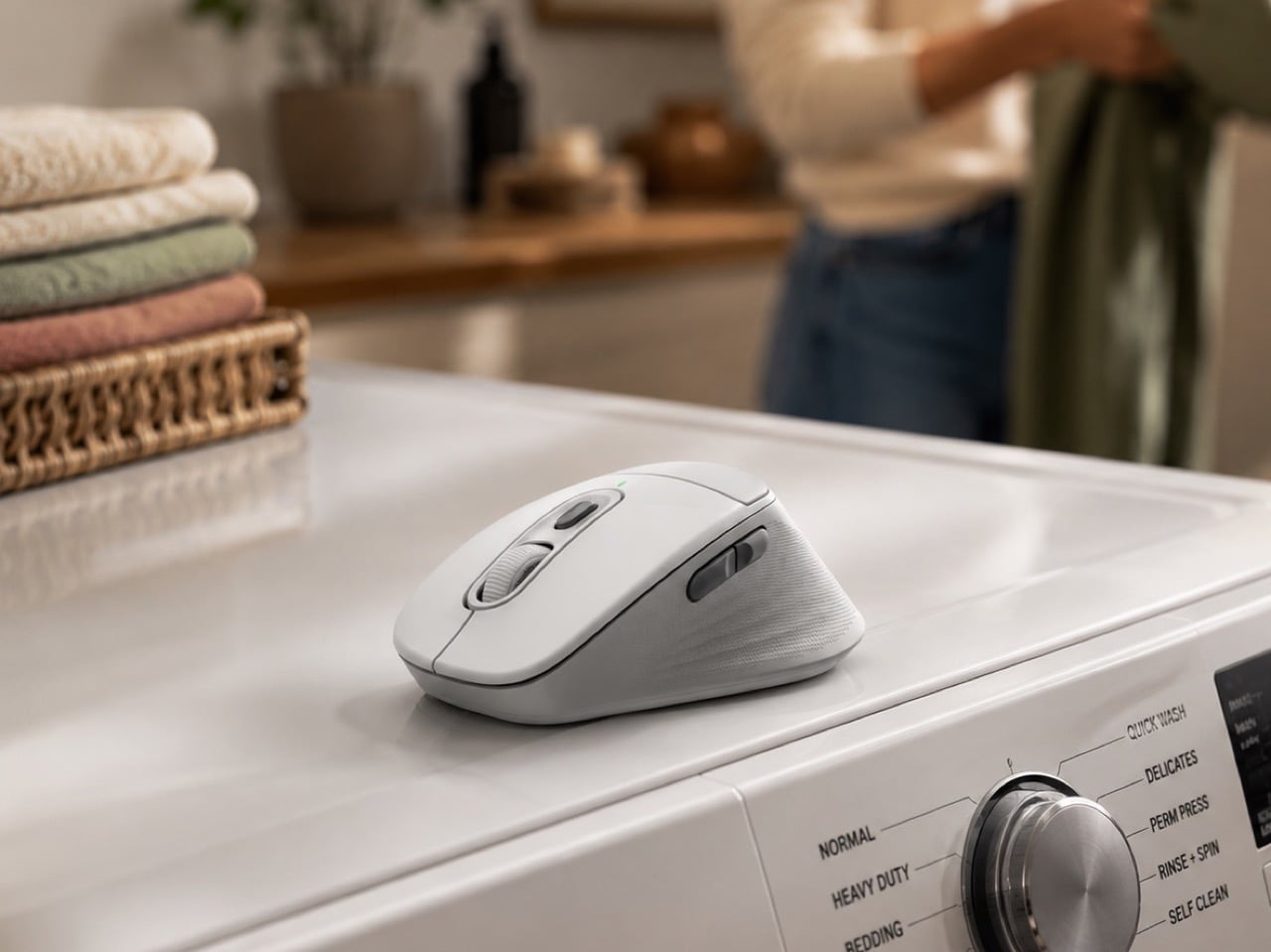
Forty-one percent of people have folded towels while on a work call. One in five have taken meetings from a makeshift setup in their child’s bedroom. Logitech’s own research surfaced these numbers, and they carry the ring of something widely felt but rarely acknowledged. The idea that work and home occupy separate territories has been quietly unraveling for years, and for a significant share of the workforce, that unraveling is now complete. The home does not have an office. The home is the office, and the laundry basket and the borrowed desk chair and the animated bedsheet on the wall behind you are all part of the same workday.
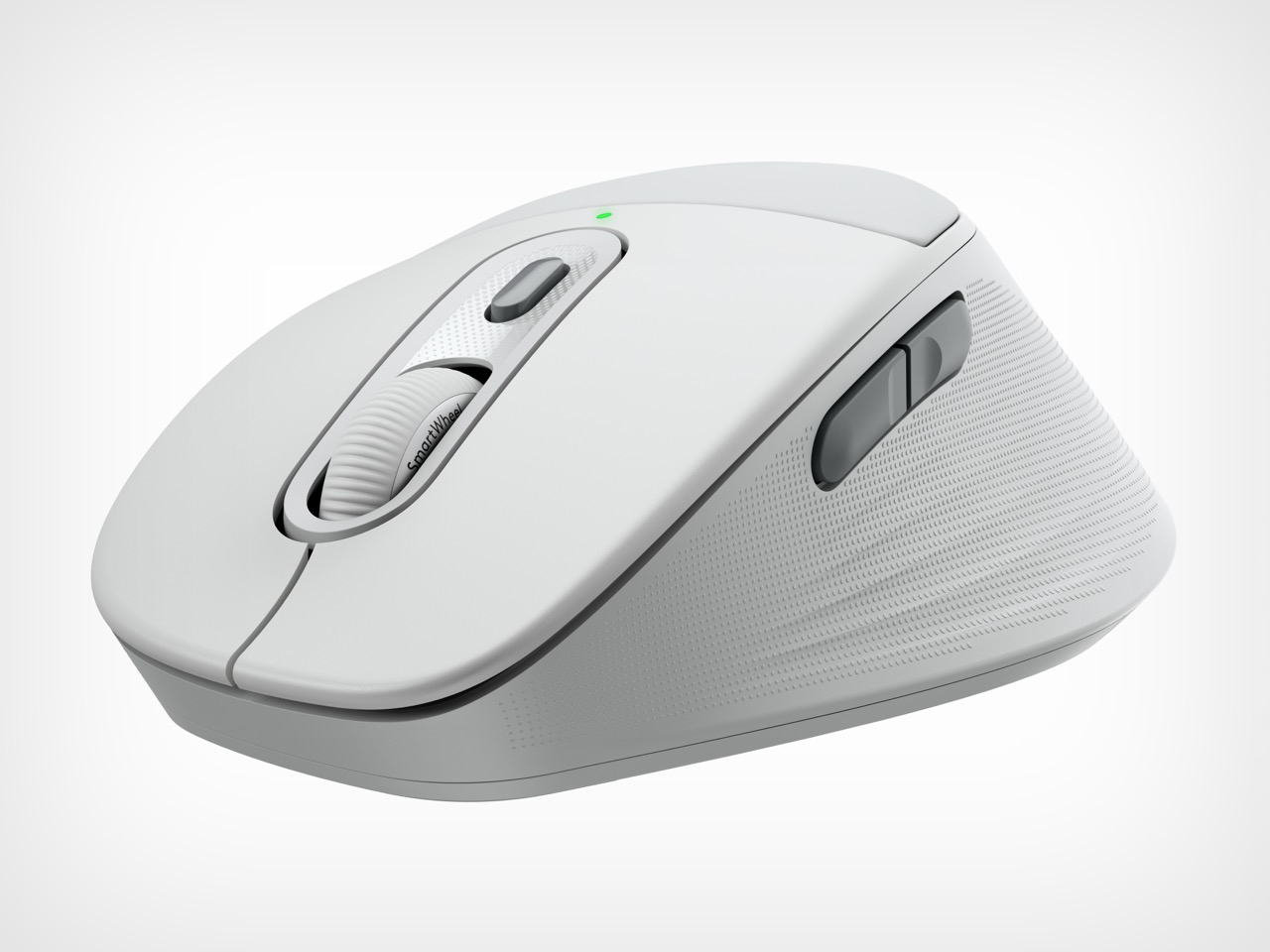
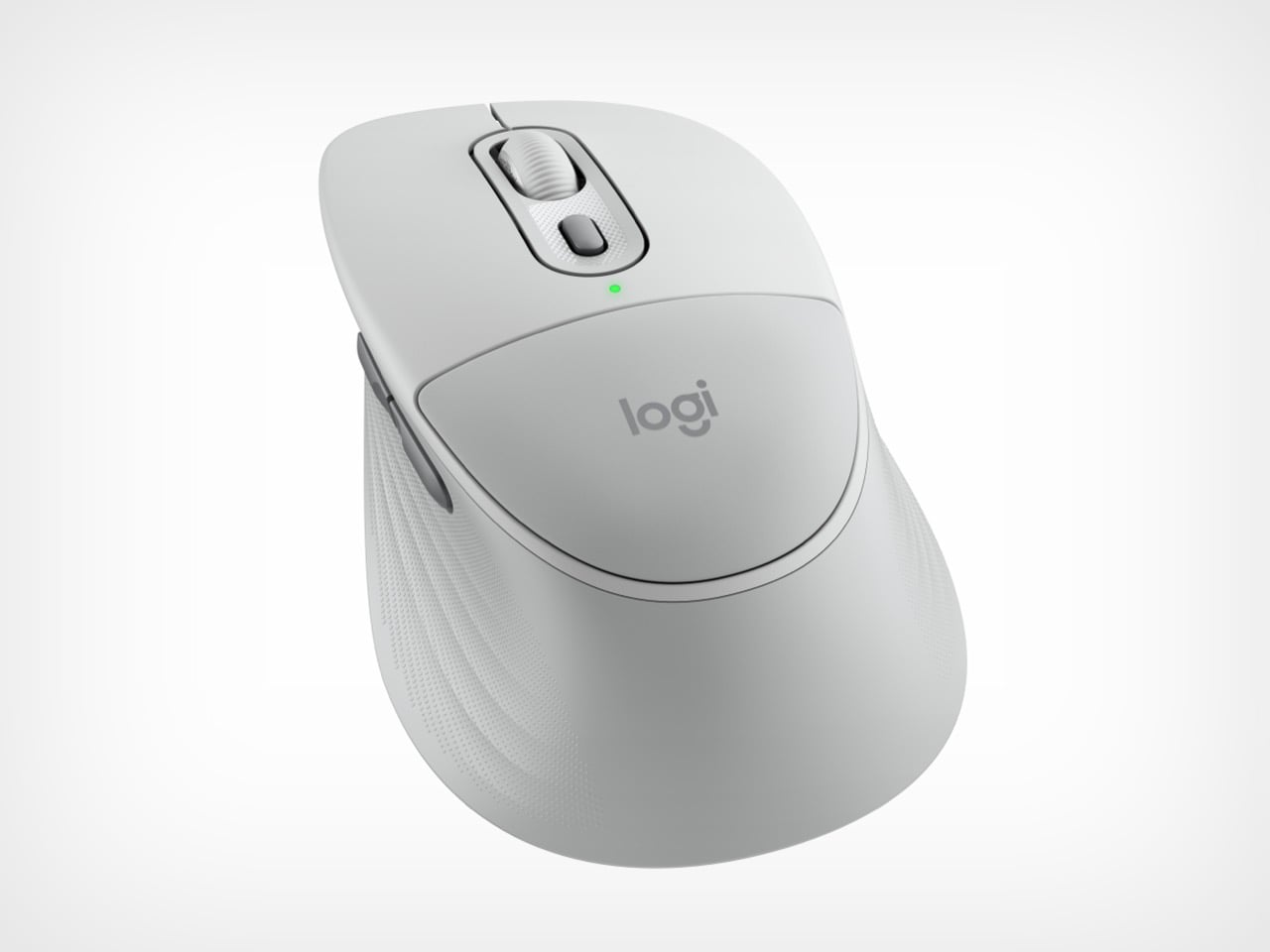
Logitech’s response to that reality is the Signature Comfort Plus lineup, announced today. The product anchoring it is the M850L mouse, and it carries one genuinely new detail: a palm cushion, the first Logitech has ever put on a mouse. It is a soft, fitted support designed for the kind of desk day that starts with a 9 AM call and ends somewhere in the evening without a clean break in between. The cushion reportedly took months of prototyping to land correctly, with the team working through texture, size, and material, spending months pivoting and exploring before arriving at something that actually worked.
Designer: Logitech
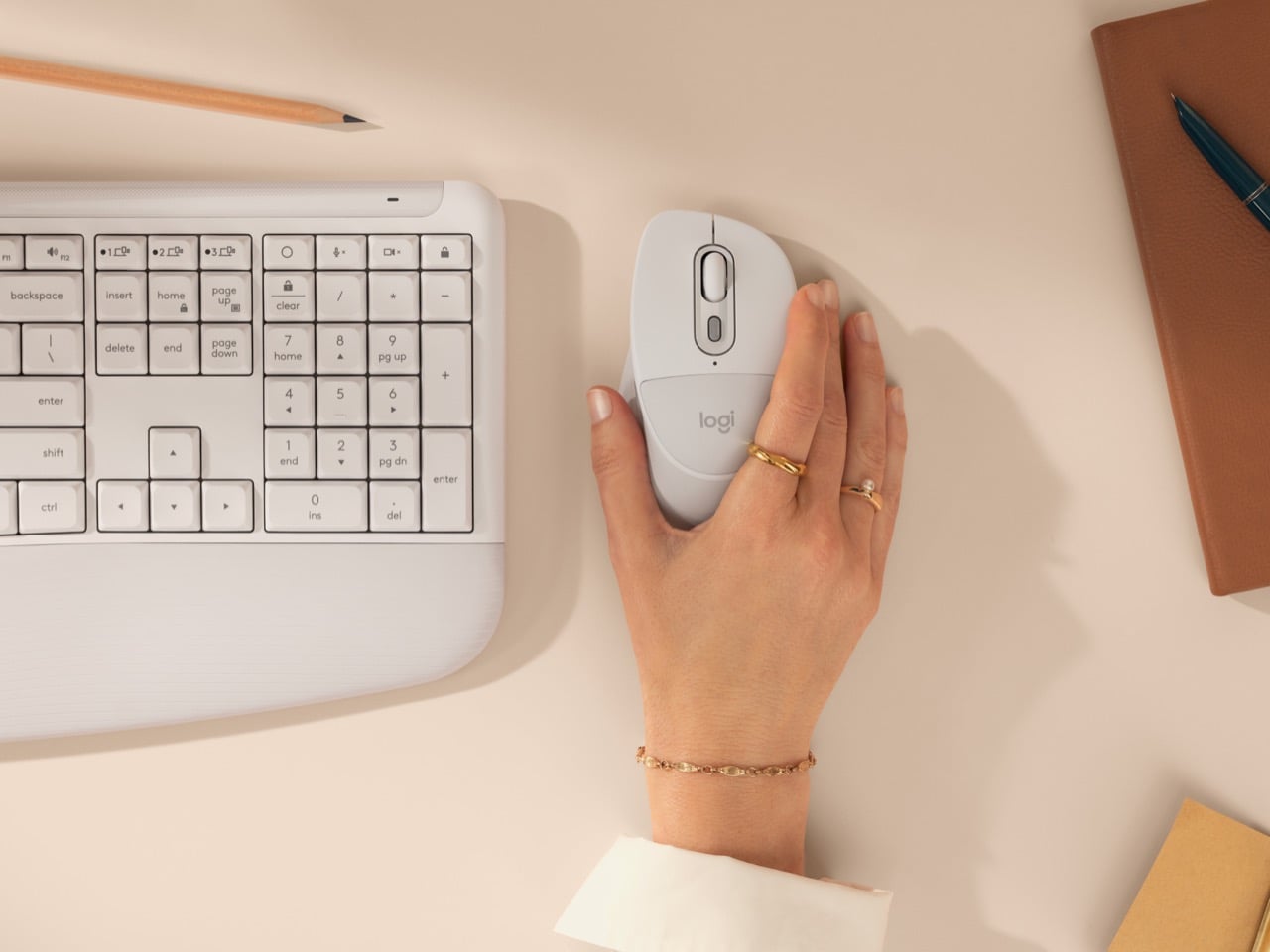
The development question the team kept returning to was deceptively simple: how soft is soft enough? At the launch briefing, Benjamin Ehrenberg walked us through the product’s development arc, including the moment colleagues first handled the prototype. The reaction, by the team’s own account, was immediate: “Wow, this is really amazing. Hey, this mouse is awesome. This mouse feels amazing.” User trials backed that up: 9 out of 10 users felt comfortable at the end of the workday, which is a genuine testament to the development of the product. Seven out of ten also felt more productive with the mouse. The cushion sits beneath the base of the palm, shaped to support the hand across scroll sessions, writing stretches, and the general low-grade physical endurance that a long desk day requires.
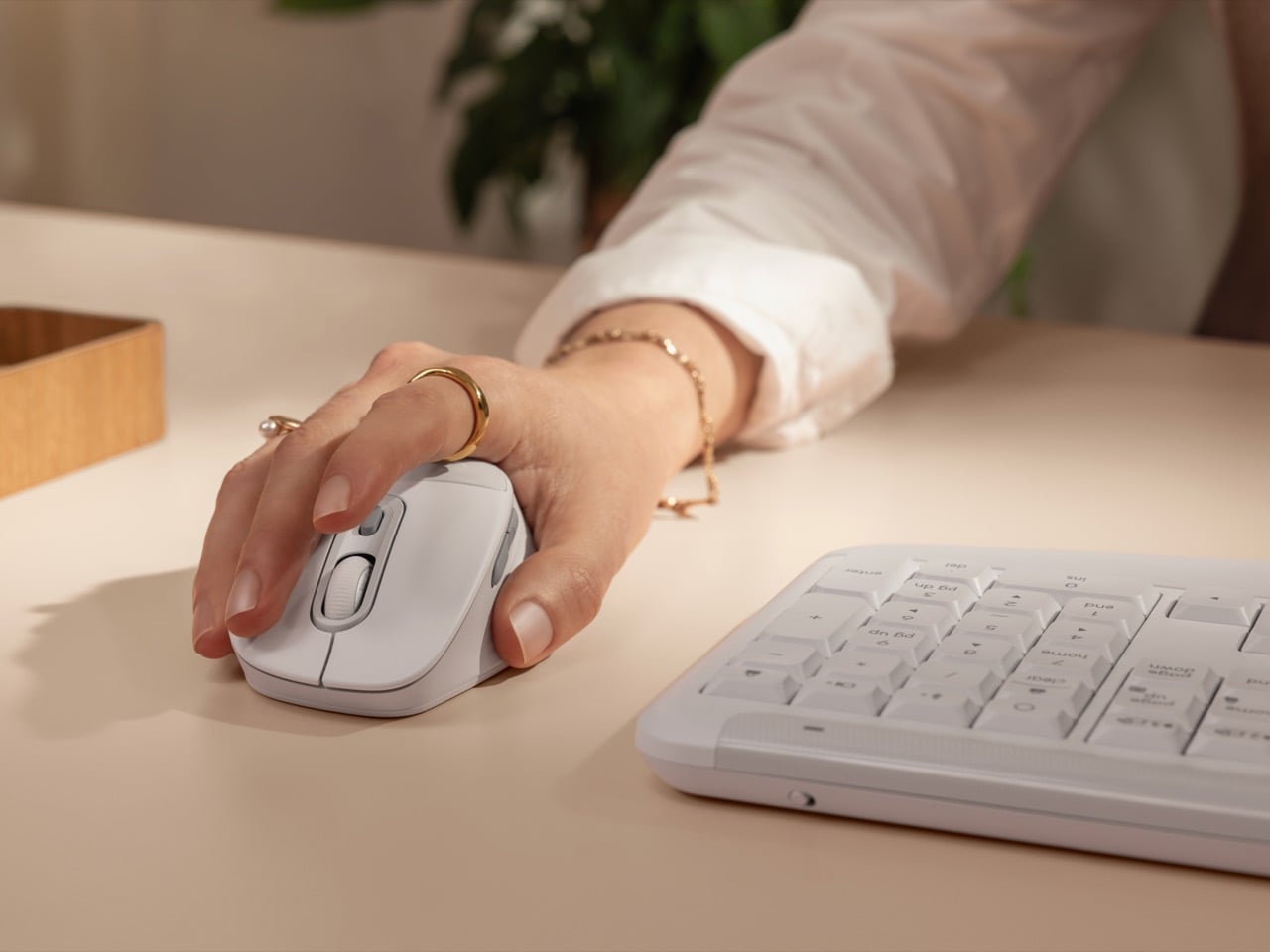
Beyond that central feature, the M850L carries the hardware expected from a Signature mouse: a sculpted shape that fits the hand more naturally, rubber side grips for precision and control, and a thumb support area for that extra thumb support. SmartWheel scrolling lets you move line by line or fly through pages, quiet clicks keep the noise floor low in shared spaces, and Easy Switch handles up to three connected devices across nearly any platform. Logi Options+ handles button customization. Battery life is rated at two years. Among the designers credited with shaping the product’s physical form is Irfan Kachwala, who appeared in Logitech’s promotional film for the lineup and also happens to be a senior from my design alma mater, which was just about as pleasantly surprising as seeing Logitech’s new products every cycle.
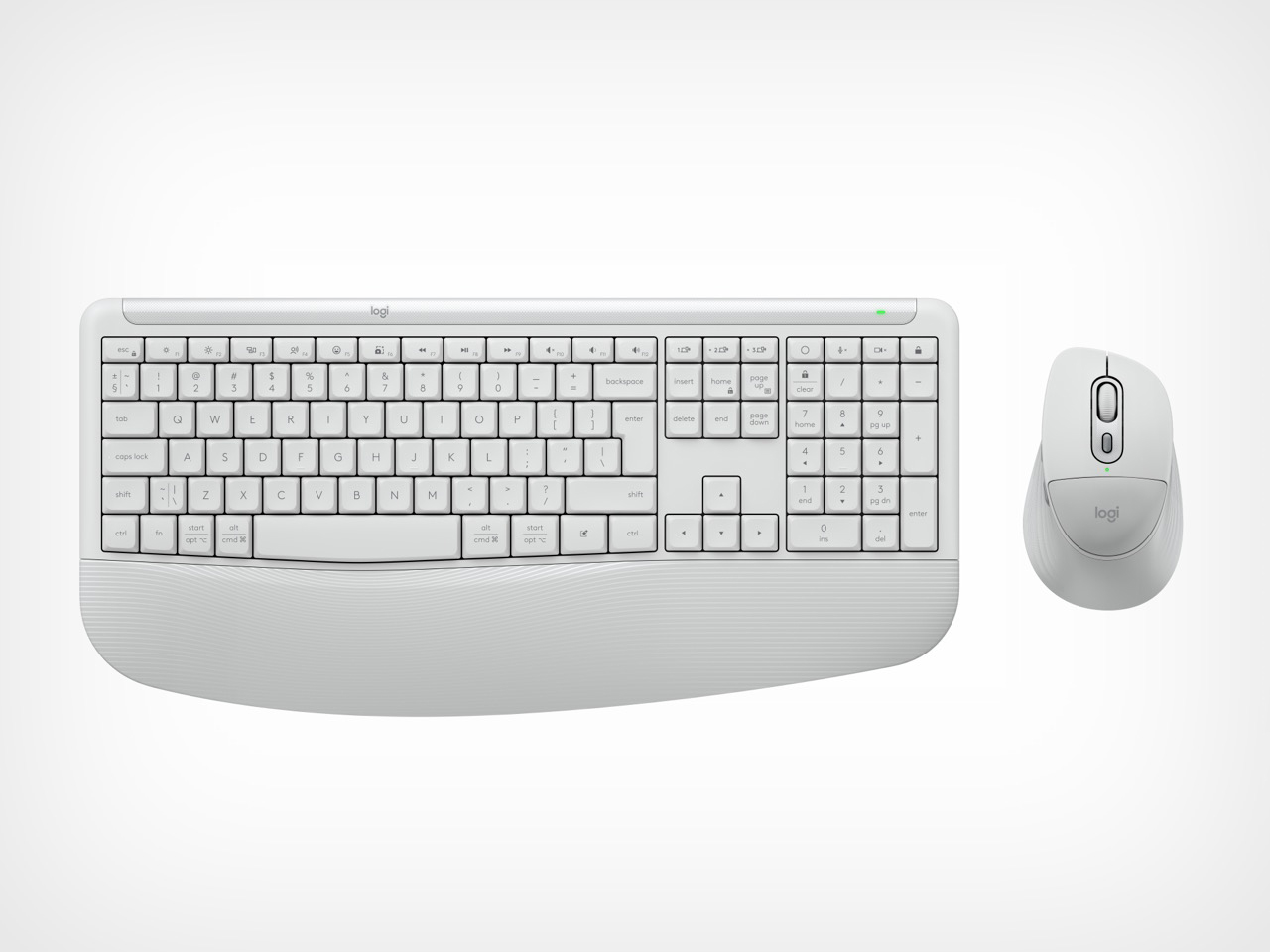
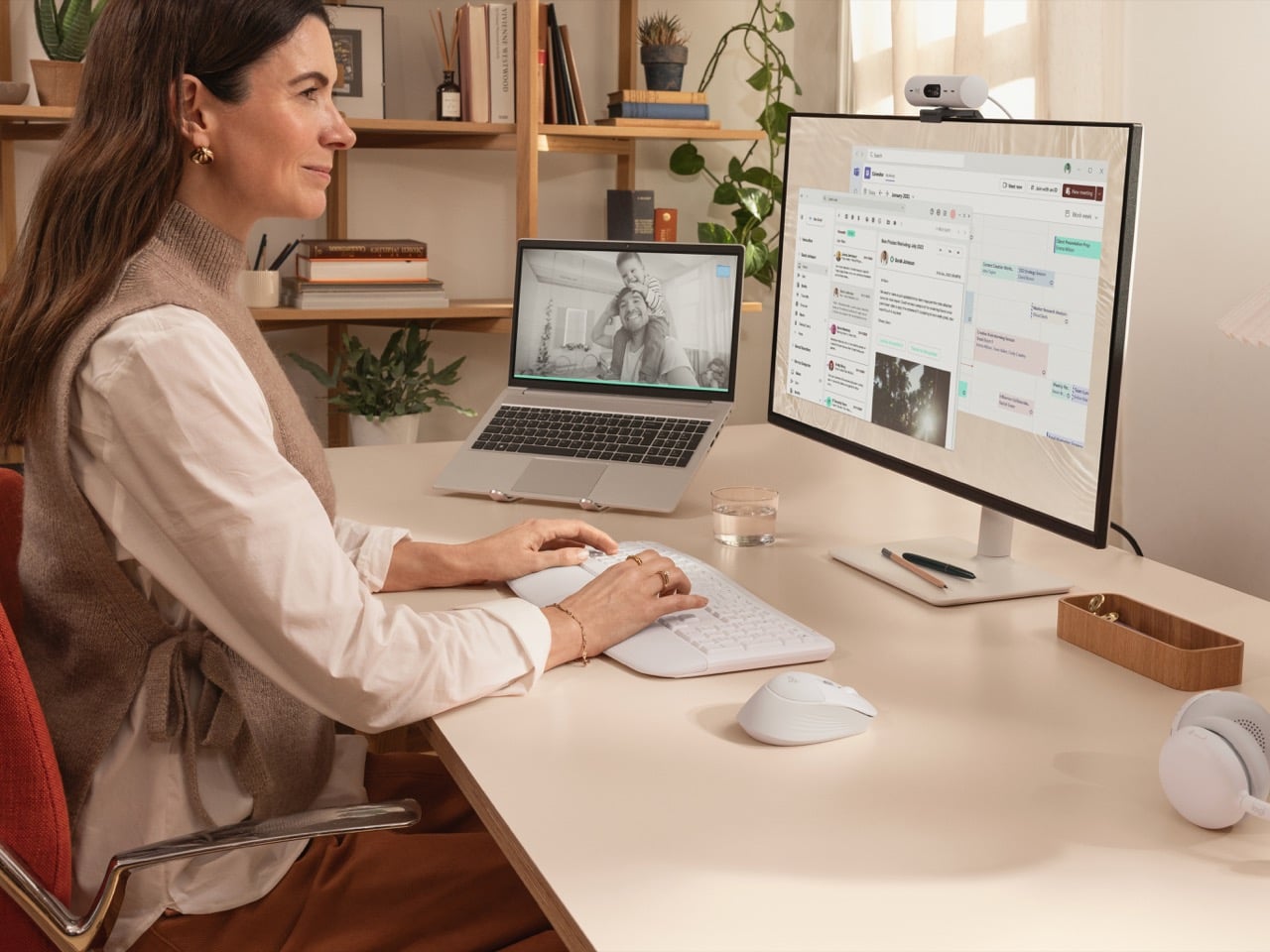
Sitting alongside the mouse in the MK880 combo is a keyboard that takes the same comfort-forward brief seriously. The dual-foam palm rest delivers 70% more palm support compared to the Logitech K650, and typing angles can be set at three positions: 0, 4, or 8 degrees. Keys are deep-cushioned, with curved typing angles built for more comfortable, sustained sessions. In a shared apartment or a kitchen-table setup, that lower noise profile makes a real practical difference.
Dedicated mic mute and video toggle keys sit on the keyboard layout, a feature Logitech first established on the Signature Slim and is clearly doubling down on across its lineup. Paired with Logi Tune, these controls can be assigned for Zoom Workplace and Microsoft Teams, while the Logi Options+ app lets users set up Smart Actions to automate common tasks. The honest commentary here is that a physical key to kill your mic should have been standard hardware during the pandemic in 2020, when video calls went from optional to mandatory overnight. That it is arriving at scale now, five-plus years later, is a small frustration softened by the fact that it is at least arriving consistently. A dedicated AI Launch Key rounds out the top row, giving instant access to tools like Copilot, Gemini, or ChatGPT, fully reassignable through Logi Options+ to whatever a user actually reaches for. AI keys are becoming a fixture on productivity keyboards, and the configurable approach is the sensible one.
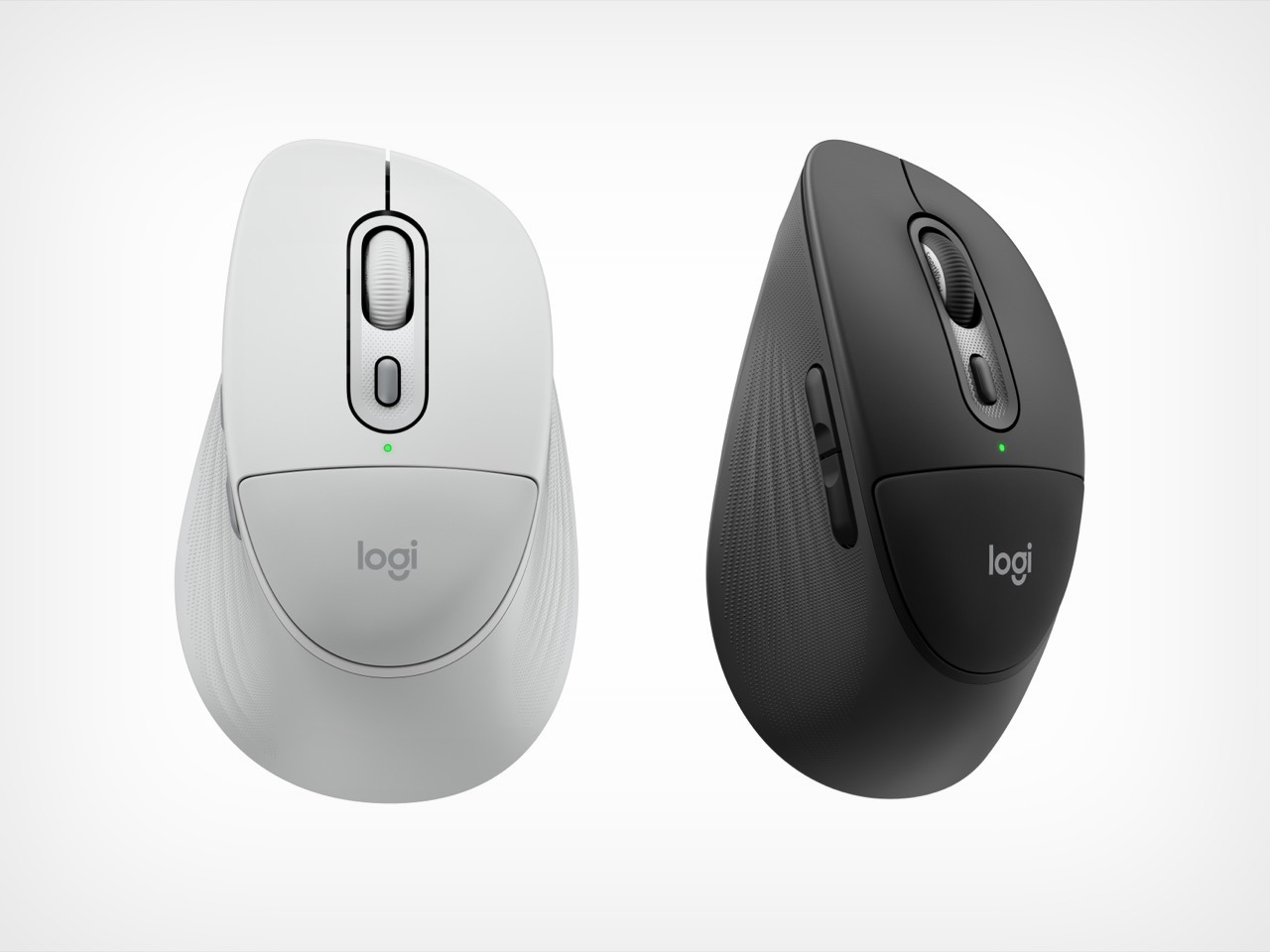
The M850L mouse is priced at $49.99, and the MK880 combo lands at $99.99. Business versions, which include the Logi Bolt USB-C receiver and Logitech Sync for IT management, come in at $59.99 and $109.99 respectively. Both are available from June 2026 on logitech.com and through authorized resellers, in graphite and off-white globally, with black in select channels. Plastic parts contain between 49% and 77% post-consumer recycled material depending on color, and products ship in FSC-certified paper packaging.
The post first appeared on .
Related Posts