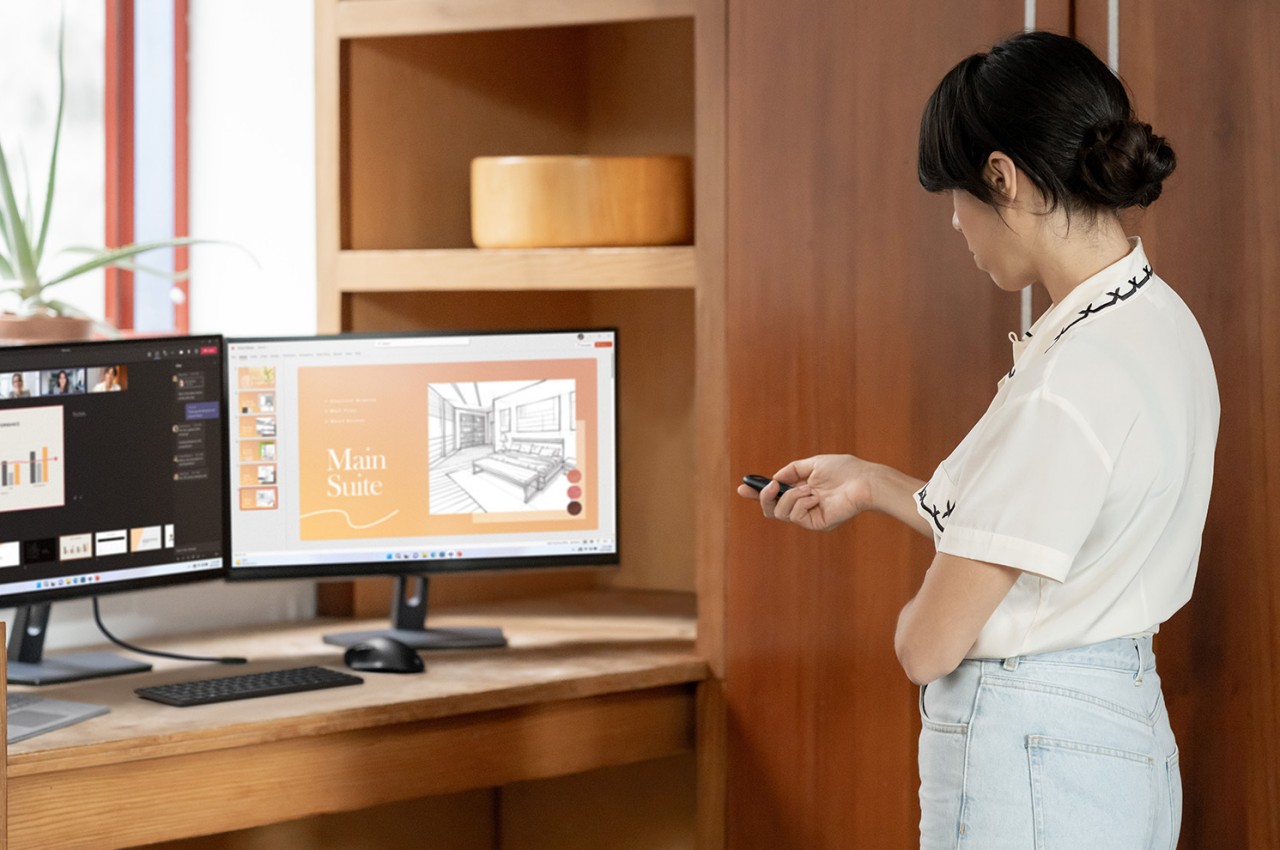
The way we work changed drastically after 2020 due to how many businesses were forced to adopt work-from-home arrangements during the COVID-19 pandemic. Even though many companies have returned to normal operations by now, a lot have embraced hybrid work strategies that let people work in the office or at home, depending on the situation. During these tumultuous times, the one thing about work and even school that hasn’t changed is the need to deliver presentations. Very few people actually find that activity fun, and it can ironically be even more stressful when done remotely. There are a few ways to lessen the cognitive load when doing presentations, and one of them is by having the right tool for the job, like the new Microsoft Presenter+ remote control specifically designed for a hybrid life.
Designer:
No matter how well you’ve prepared your slides and rehearsed your delivery, something always tends to go wrong during presentations. One of the biggest “accidents” that happen is a slide that just refuses to move forward or backward at your command. If you’re near the laptop or computer where the presentation is running, that might be easy to resolve, but not if you’re at a distance, whether in a meeting room or your bedroom.
The new Microsoft Presenter+ addresses a few of these problems and then some. With Bluetooth connectivity and a maximum range of 32 feet, you won’t have to worry about your presses not going through. Dedicated forward and backward buttons make it clear which does what, but these can even be reprogrammed to do other things if you really need some extra functionality. For in-person presentations, a screen pointer is also available to keep your audience focused on the content that matters.

The Microsoft Presenter+ is designed from the ground up for the new systems and technologies that have been adopted in the workplace, especially hybrid work arrangements. A dedicated Microsoft Teams button lets you easily join a meeting or raise your hand when you’re already in one. There is also a clearly-marked mute button, so you won’t have to scramble to click the correct icon. A helpful status indicator lets you easily see if you’re muted or not to prevent that awkward silence.
Although specifically designed with Microsoft Teams and PowerPoint in mind, the Presenter+ also works with other presentation software, including Apple Keynote and Prezi. With an easy-to-use interface and convenient shortcuts to often-used functions, this handy gadget keeps you focused on your presentation rather than on which button to press next. Availability details for the Microsoft Presenter+ are still forthcoming, and this piece will be updated once the information becomes available.
The post first appeared on .
Related Posts