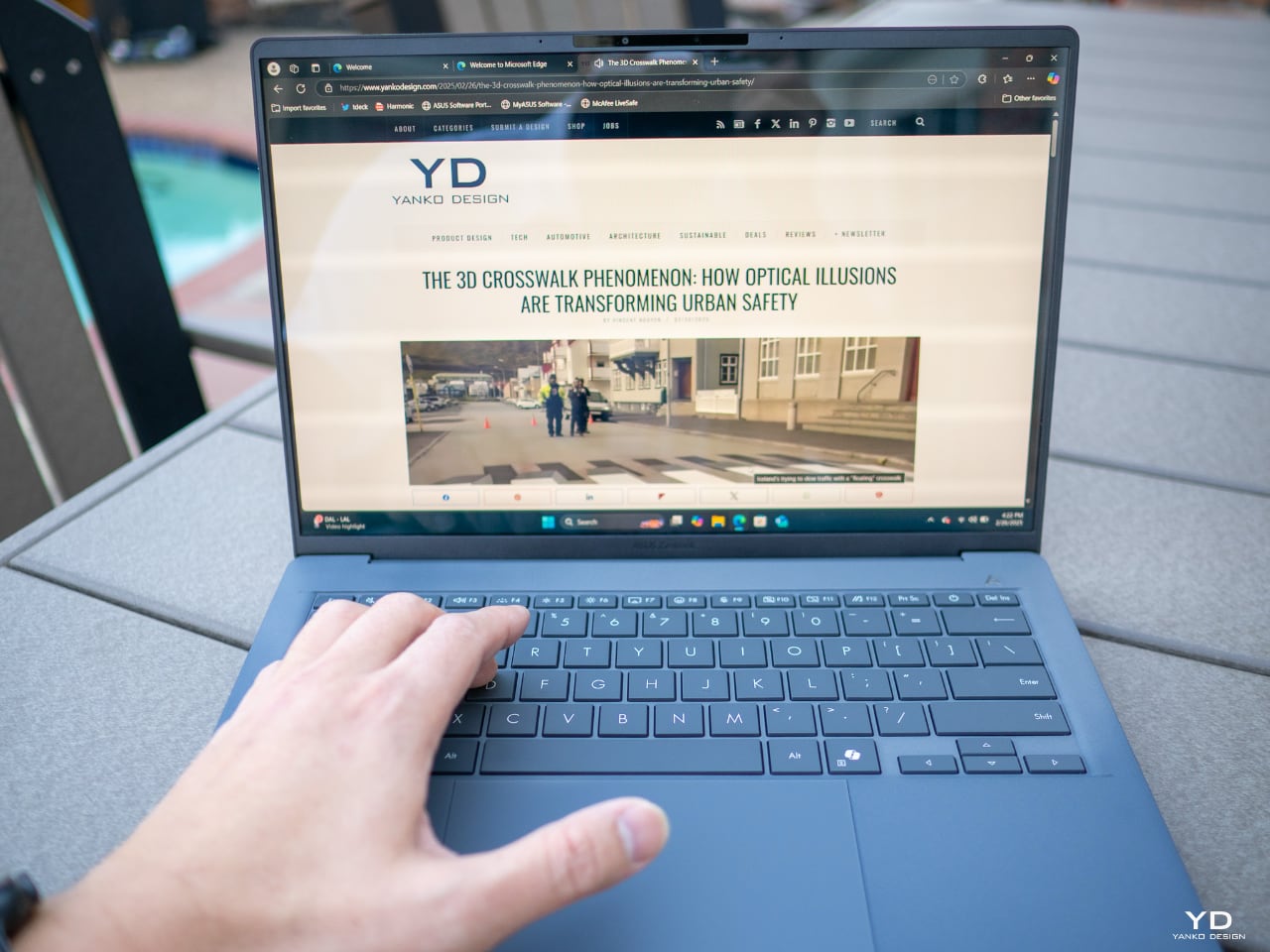
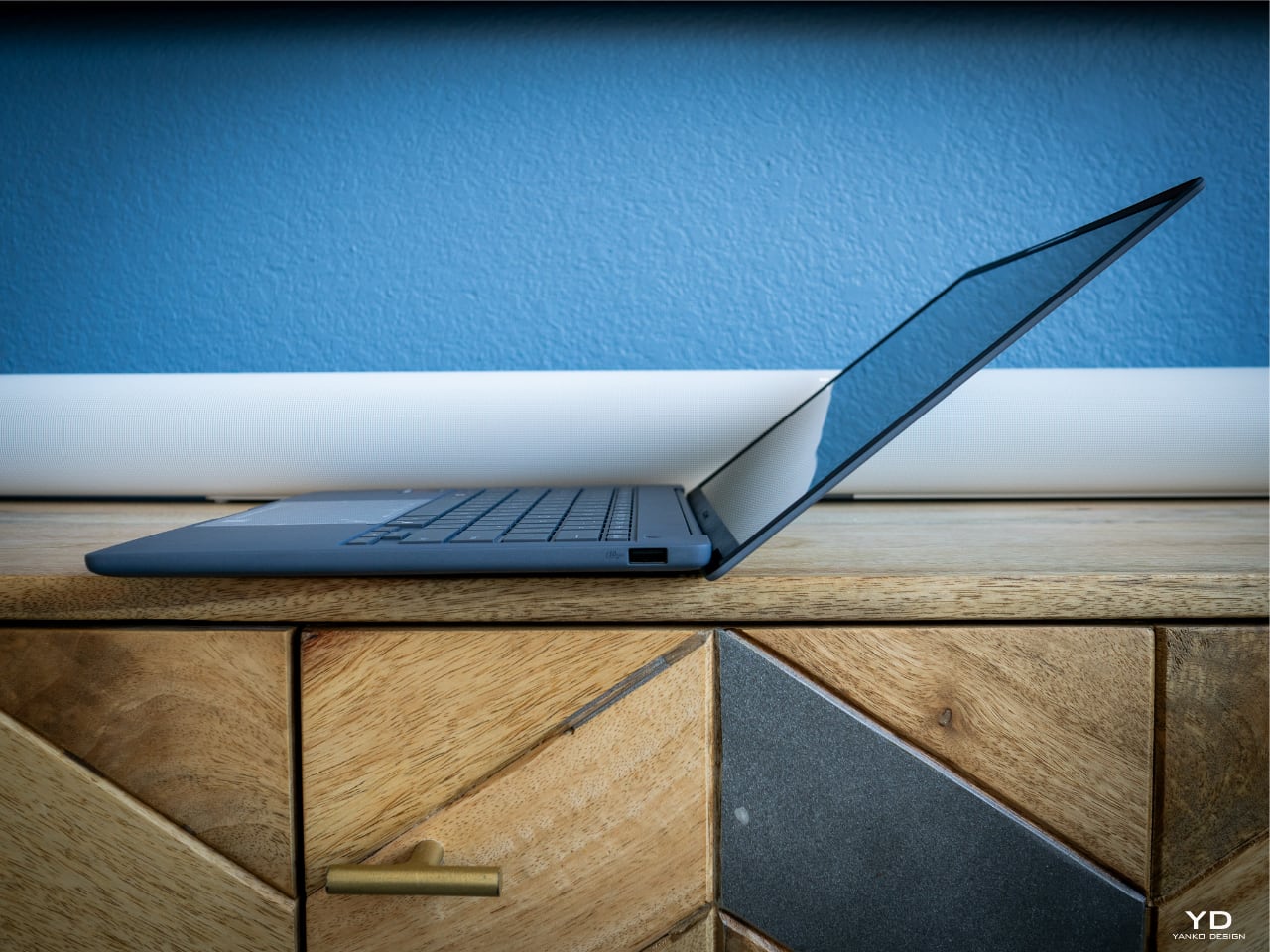
The moment I lifted the ZenBook A14 from its packaging, I knew this wasn’t just another laptop. My fingers immediately registered something different about the surface—this Ceraluminum chassis feels unlike anything I’ve handled before. It’s incredibly light at 989 grams, yet there’s a substantive quality that defies its featherweight status. I spent the first few minutes simply turning it in my hands, marveling at how something so structurally solid could weigh so little.
Designer: ASUS
Opening the lid revealed another surprise. The hinge moves smoothly and requires minimal effort yet holds position where I place it. The screen unfolds to reveal a keyboard that sits at a subtle angle thanks to the tapered design. My wrists settled into a comfortable typing position without the usual adjustment period. The matte finish of my Iceland Gray model has an understated elegance. Running my fingertips across the surface reveals a texture that provides grip without feeling rough.
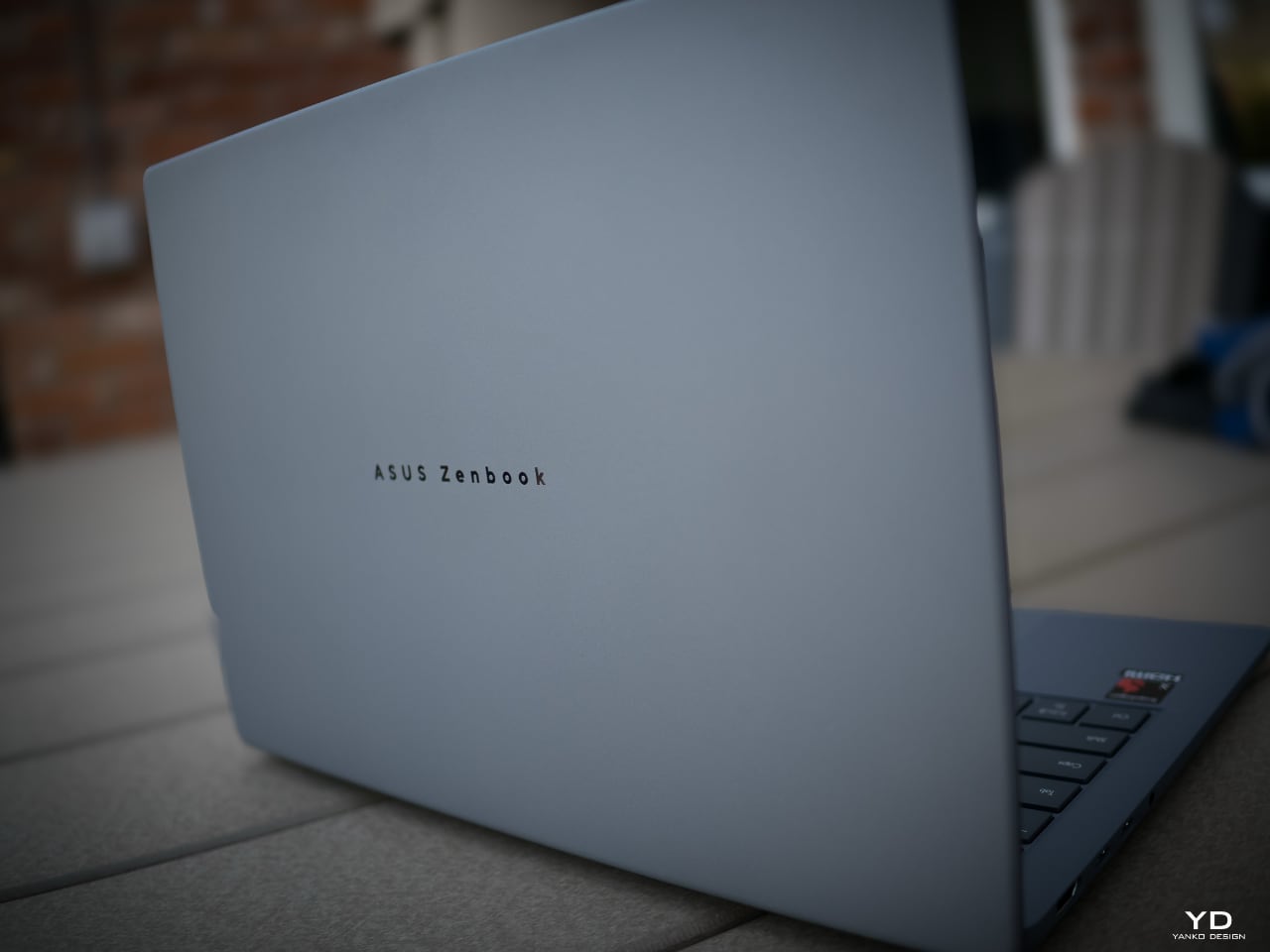
After hours of use, I noticed only minimal smudges appearing on the lid—the Ceraluminum material seems to resist fingerprints better than most laptops I’ve used. While not completely fingerprint-proof, the marks are subtle and far less noticeable than on typical glossy surfaces. An occasional light wipe is all that’s needed to maintain the laptop’s clean appearance, which is a welcome change from constantly polishing other devices.

Typing on the keyboard feels comfortable. The keycaps provide good tactile feedback with each press. While not completely silent, the keyboard is reasonably quiet compared to many laptops I’ve used. The glass touchpad offers ample room for navigation, and multi-finger gestures register reliably. The simulated click works well for my needs.
I appreciate how the edges of the touchpad blend into the palm rest, creating a cohesive surface. Due to its lightweight design, carrying the A14 between my living room and upstairs office was effortless. The slim profile makes it comfortable to grip in one hand, and the textured surface provides enough friction that it doesn’t feel slippery.
Setting up in different areas of my home required me to manually adjust the screen brightness to suit each environment. I found myself tweaking the display settings when moving from my bright living room to my dimmer upstairs office. The keyboard backlighting is helpful in lower light conditions.

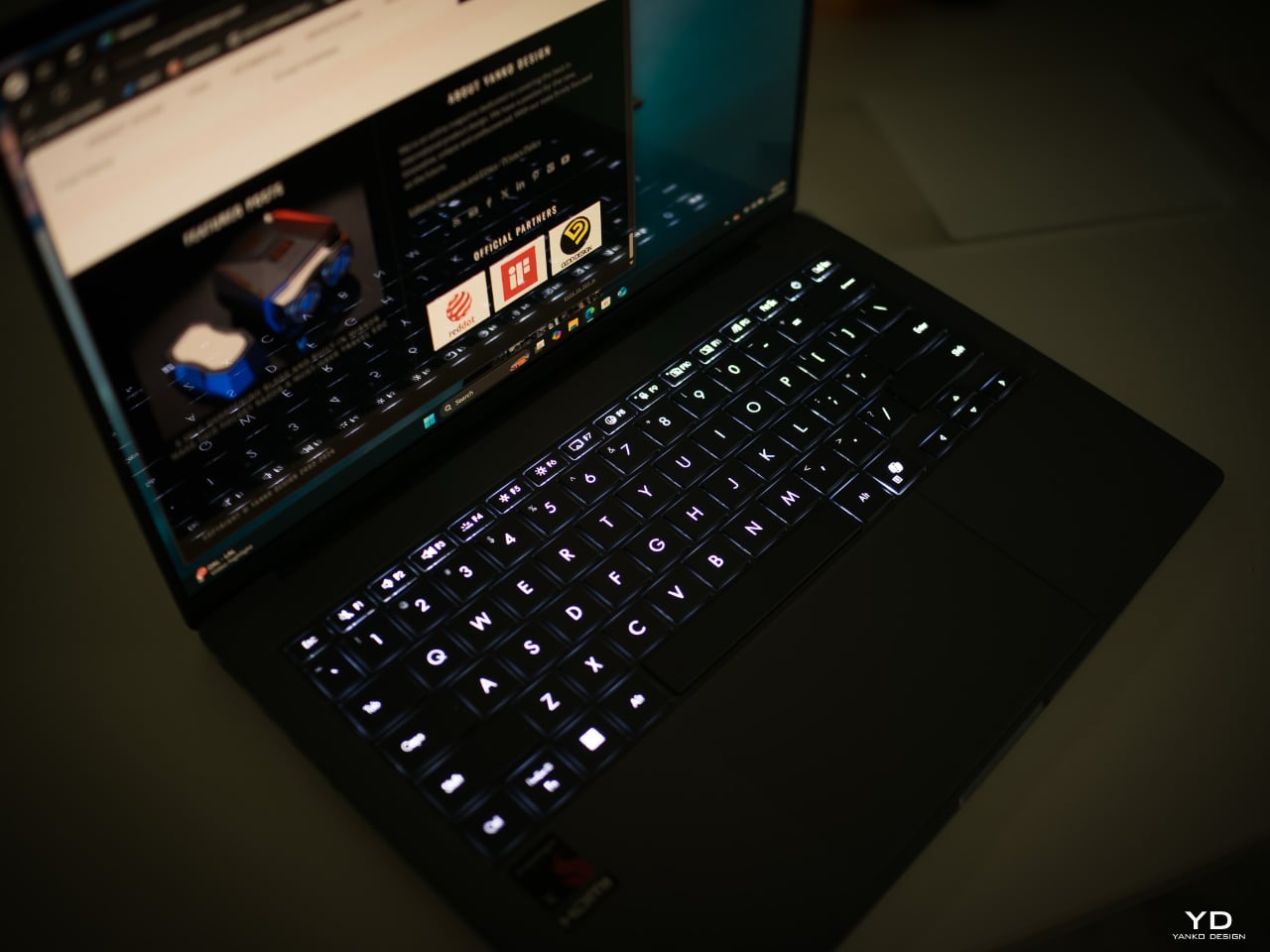
The 60Hz OLED display offers vibrant colors that make the content look appealing, though I notice it doesn’t have the smoother scrolling experience of higher refresh rate screens found on some other laptops. The text appears crisp and readable, which I appreciate when working on documents. The minimal bezels create an immersive viewing experience that makes good use of the 14-inch screen size.
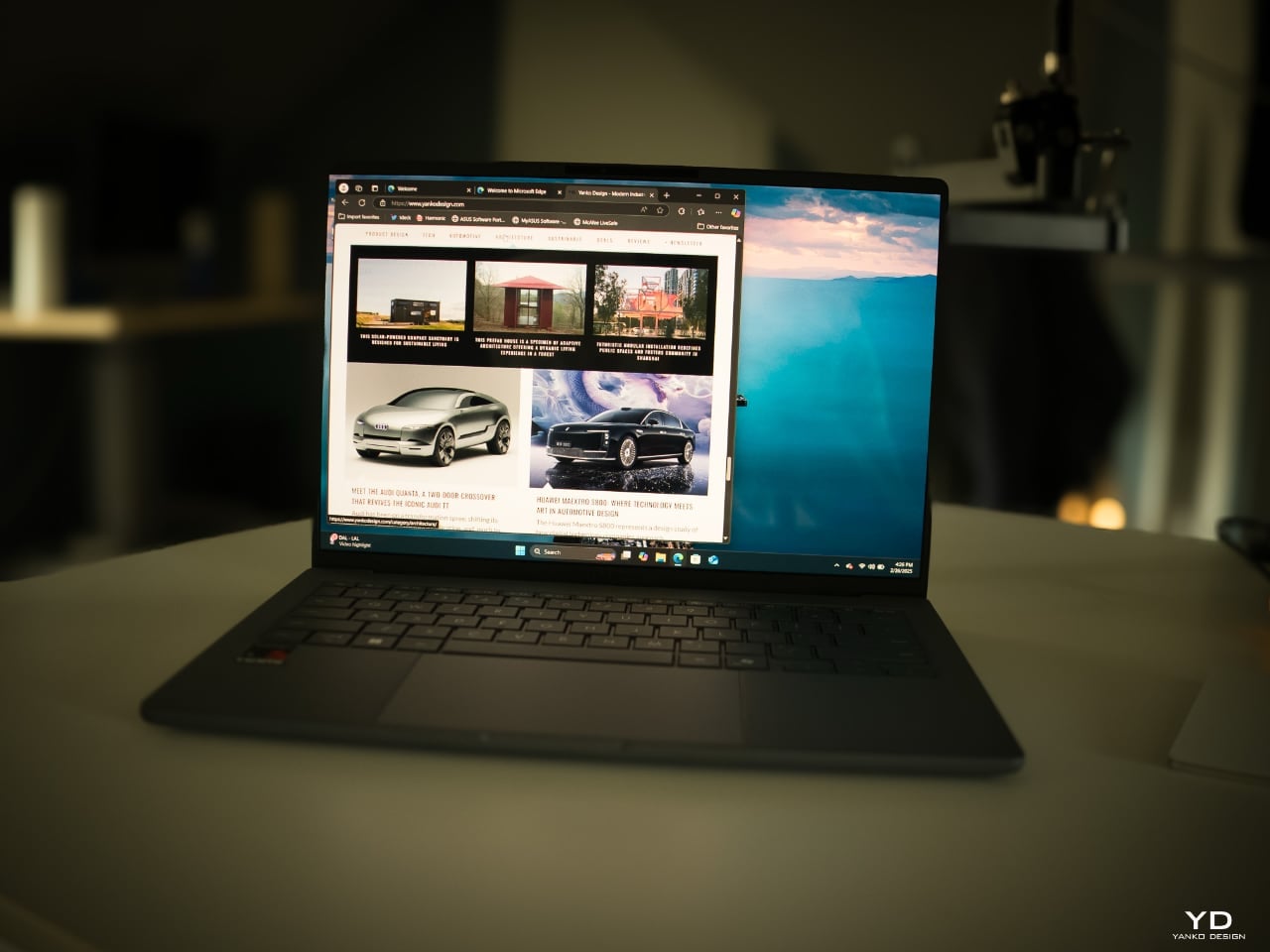
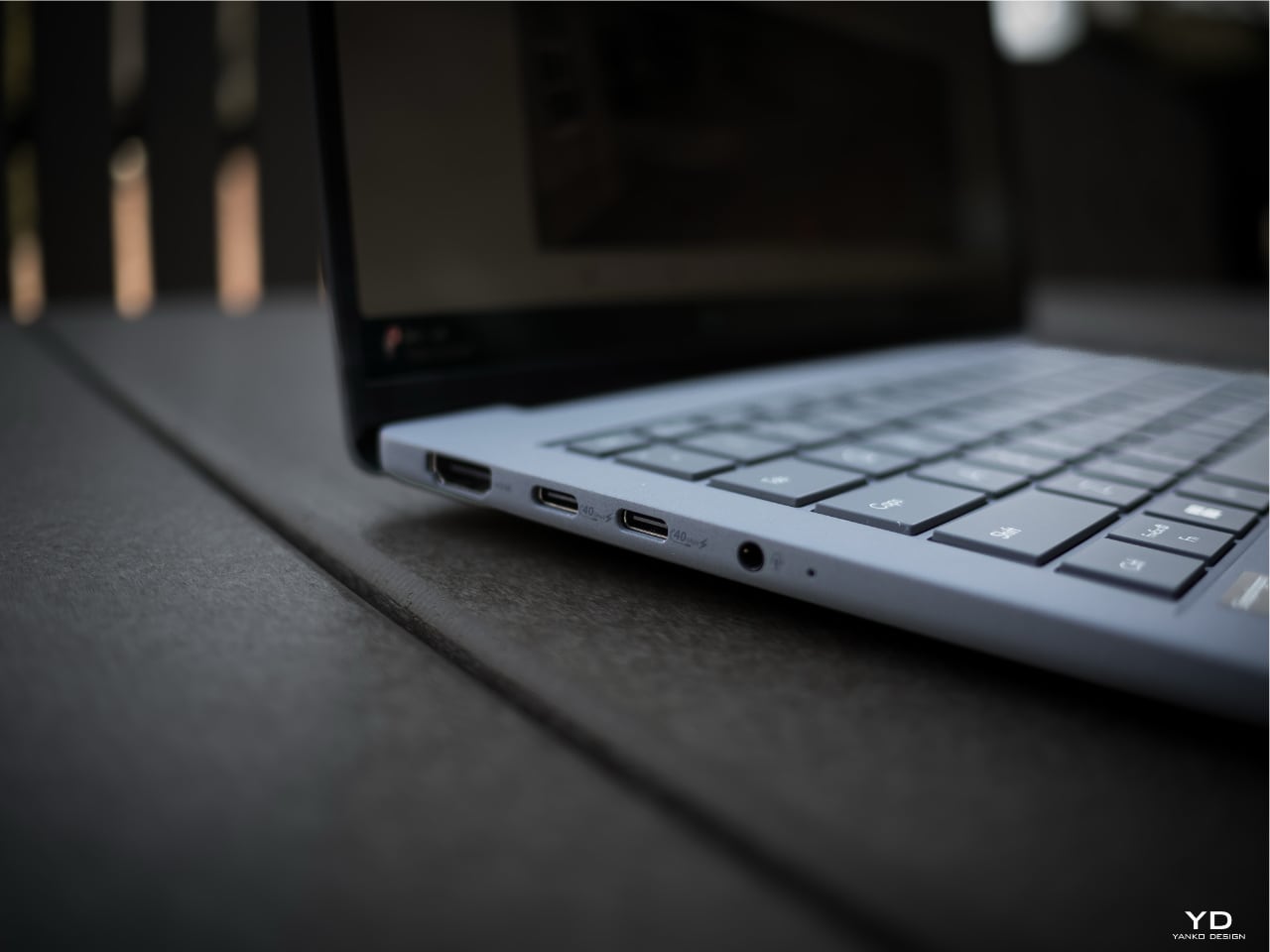
The port selection includes what I need for basic connectivity, though some users might need dongles for specialized peripherals. One amazing feature is the claimed 32-hour battery life for video playback—though real-world mixed usage will likely be less, it’s still impressive for an ultraportable.
The port layout on the ZenBook A14 is well-considered. ASUS has distributed the connections in a way that makes practical sense for most workspace setups. The USB-C ports are positioned where my power cable naturally falls, keeping the charging cable organized. When connecting an external display, the HDMI port allows the cable to be routed neatly.
After just a few hours of use, I’ve developed an appreciation for how the ZenBook A14 balances aesthetic design with usability. While it’s not without limitations—particularly regarding the Snapdragon X processor, which offers excellent battery life but may have some performance and software compatibility trade-offs compared to x86 processors—it feels like a thoughtfully designed device for those prioritizing portability.
The A14 is both capable and unobtrusive, offering its features without unnecessary complexity. In a world of devices competing for attention, this straightforward approach is refreshing.

Yanko Design’s full review is forthcoming, but I just wanted to provide you with my initial impression of the design. While I’ve highlighted what I personally find appealing about the ZenBook A14, potential buyers should certainly seek out comprehensive, objective reviews that thoroughly test performance, battery life, and compatibility before making a purchase decision.
The post first appeared on .
Related Posts