For the uninitiated, 3D printing is a fairly complex process. You can’t just hit print the way you do on a regular printer – a 3D printer needs preparation, a bit of technical know-how, and knowing the language of a printer, by which I mean understanding how a 3D printer looks at 3D models.
Sounds complicated, but simply put, most extrusion-based printers have a small nozzle moving around a baseplate, printing a model layer by layer by layer. This means the 3D model you see is actually a massive spiral staircase for the printer’s nozzle. It starts at the bottom and gradually moves upwards as it builds each layer, following instructions to create a desired shape. For seasoned printing geeks, the go-to software to turn 3D models into these ‘instructions’ is PrusaSlicer.
Designer: Andrea Perugini
PrusaSlicer has been a crowd favorite for a while, and complements Prusa’s own 3D printers perfectly. The problem, however, is that like any good software, it sort of gets crippled by a lacking hardware experience. You run PrusaSlicer on your laptop, but are limited to controlling it via a keyboard and mouse – the PrusaSlicer macro-pad changes that by giving you intuitive controls at your fingertips.
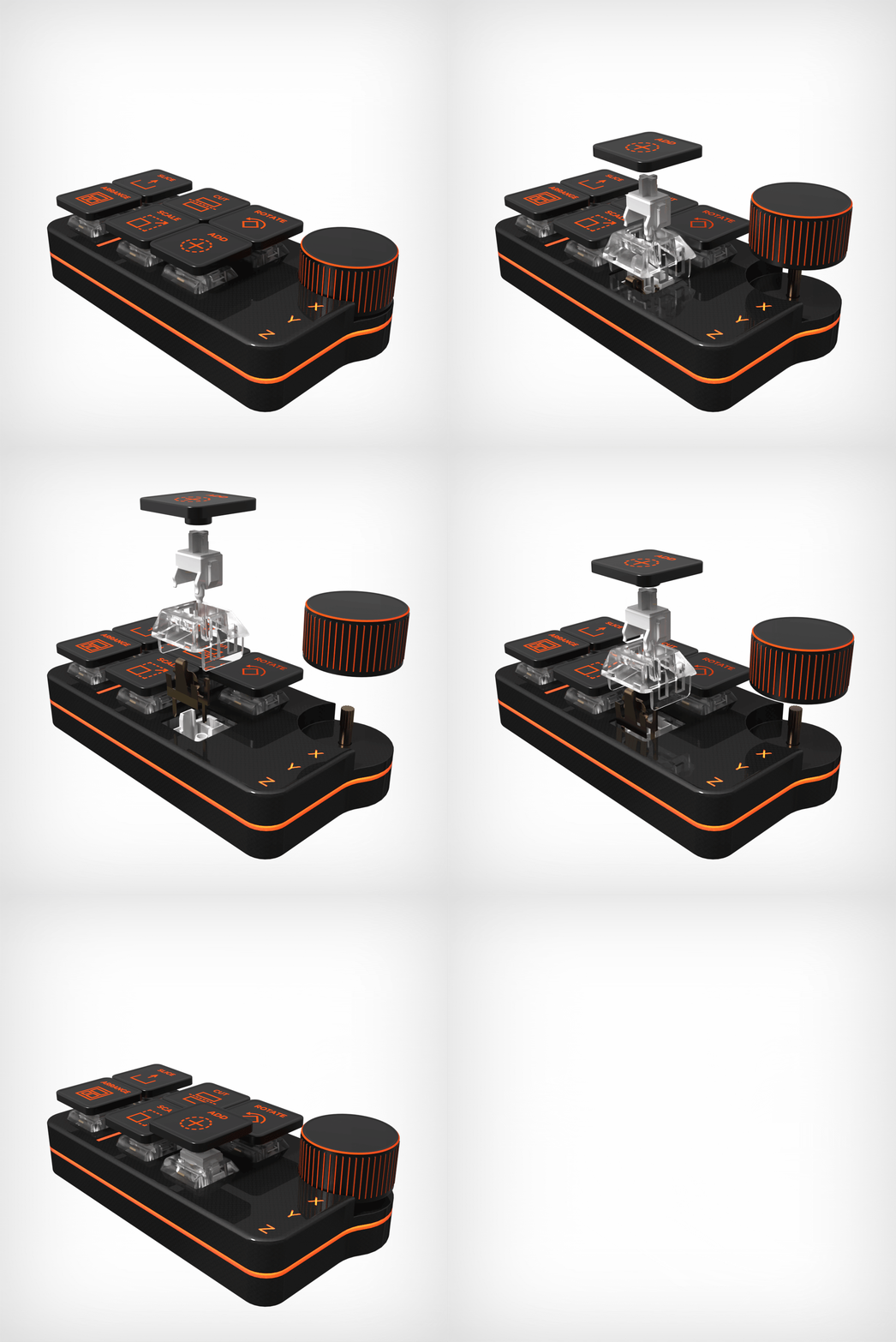
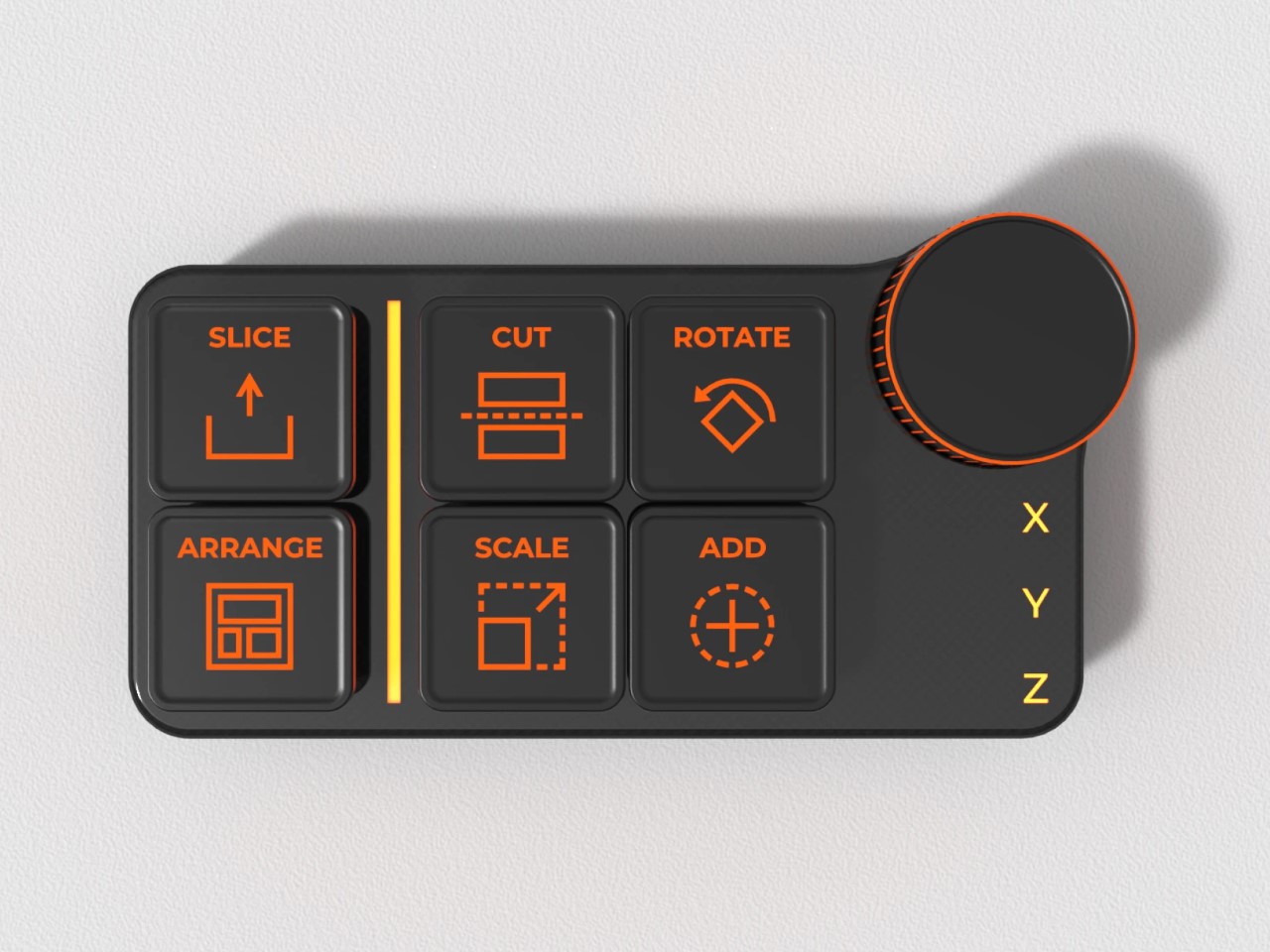
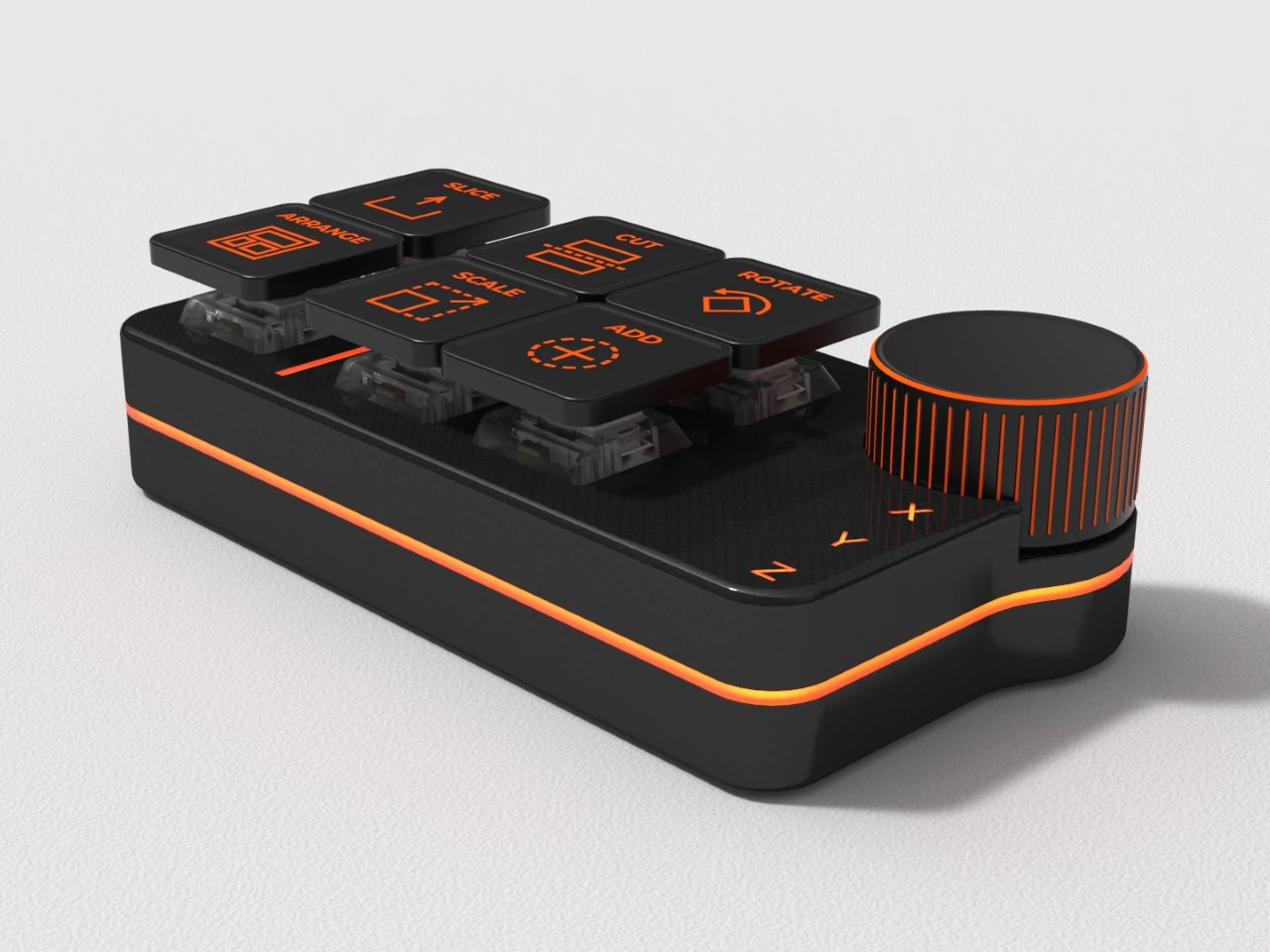
The PrusaSlicer macro-pad comes from the mind of Andrea Perugini, who probably felt like a hardware solution would elevate the software to another level (like most of us). The macro-pad is ridiculously simple – six keys and a knob. Each control does something fundamentally necessary for prepping a 3D model before sending instructions to a printer.
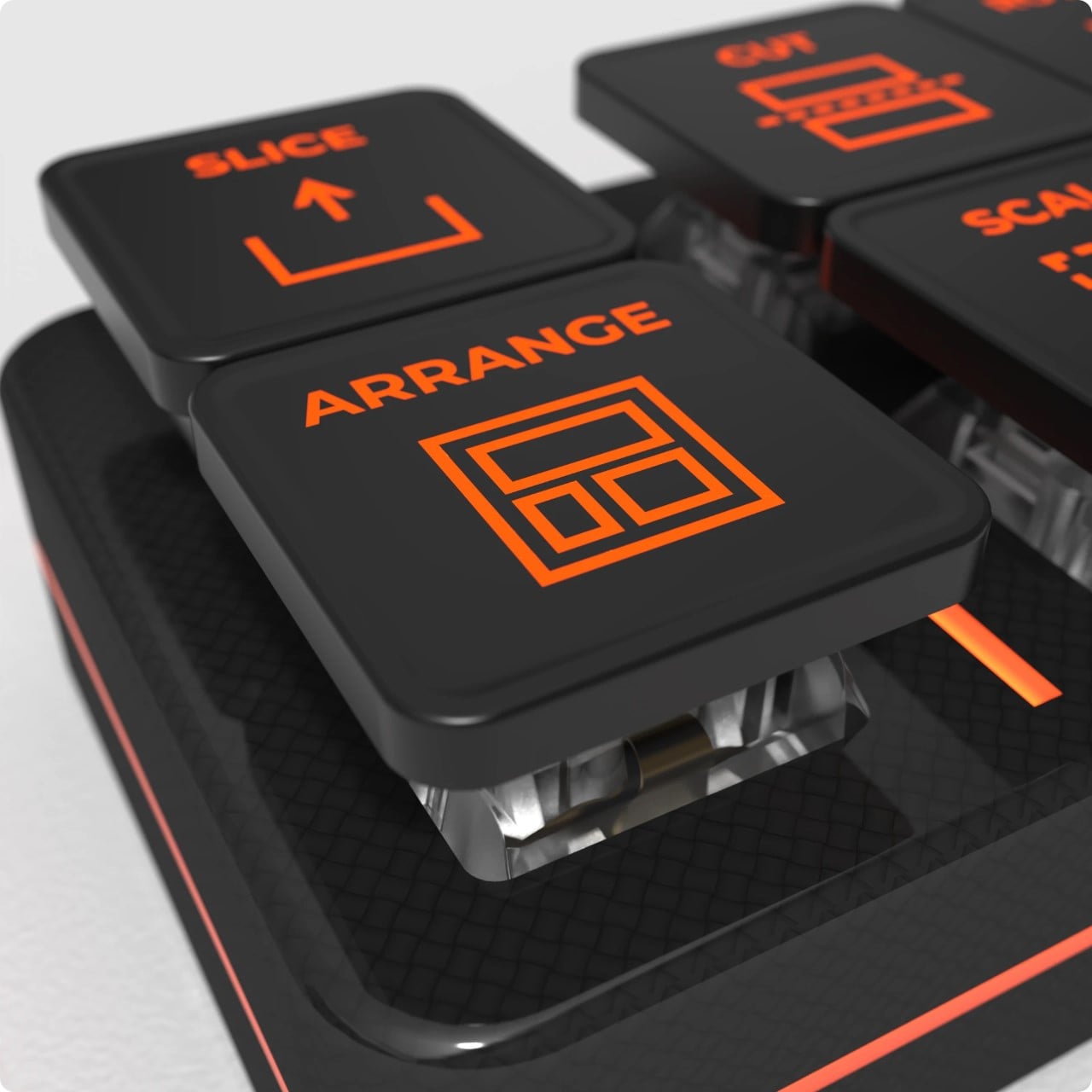
You can arrange models, add new models, cut, rotate, and scale them. The rotary knob aids the rotate function by letting you quickly rotate a model on the X Y or Z axis while placing it on your baseplate. Again, for the uninitiated, most 3D models print vertically, but for tricker (or larger prints), it’s important to place or orient the model in a way that allows the vertical printing to be efficient. For example, the way you print a model can determine how much time or how many supports it needs – those real-world metrics make a big difference to quality and efficiency.
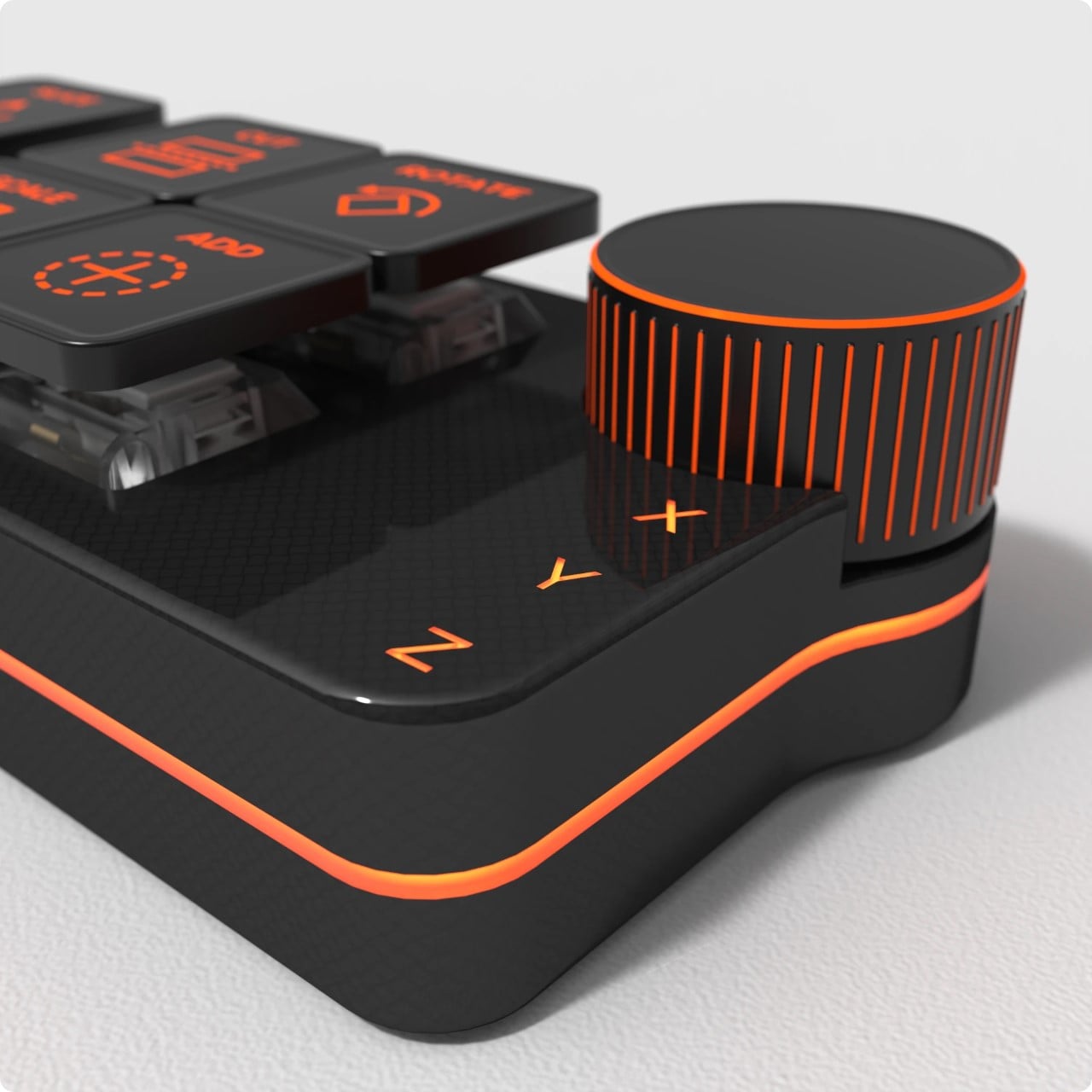
Finally, a Slice button turns your oriented 3D model into a set of linear instructions for the printer. The Slice button might be the first on the macro-pad, but it’s often the last button you hit. Once the model is ‘sliced’, the file can then go to the printer, which executes your commands to bring a 3D model to life.
Sadly, the PrusaSlicer macro-pad is merely conceptual, but I can totally see it being built as a third-party device to make 3D printing easier. I’m pretty sure a whole lot of printer-owners will pay good money to streamline their printing process!
The post first appeared on .
Related Posts