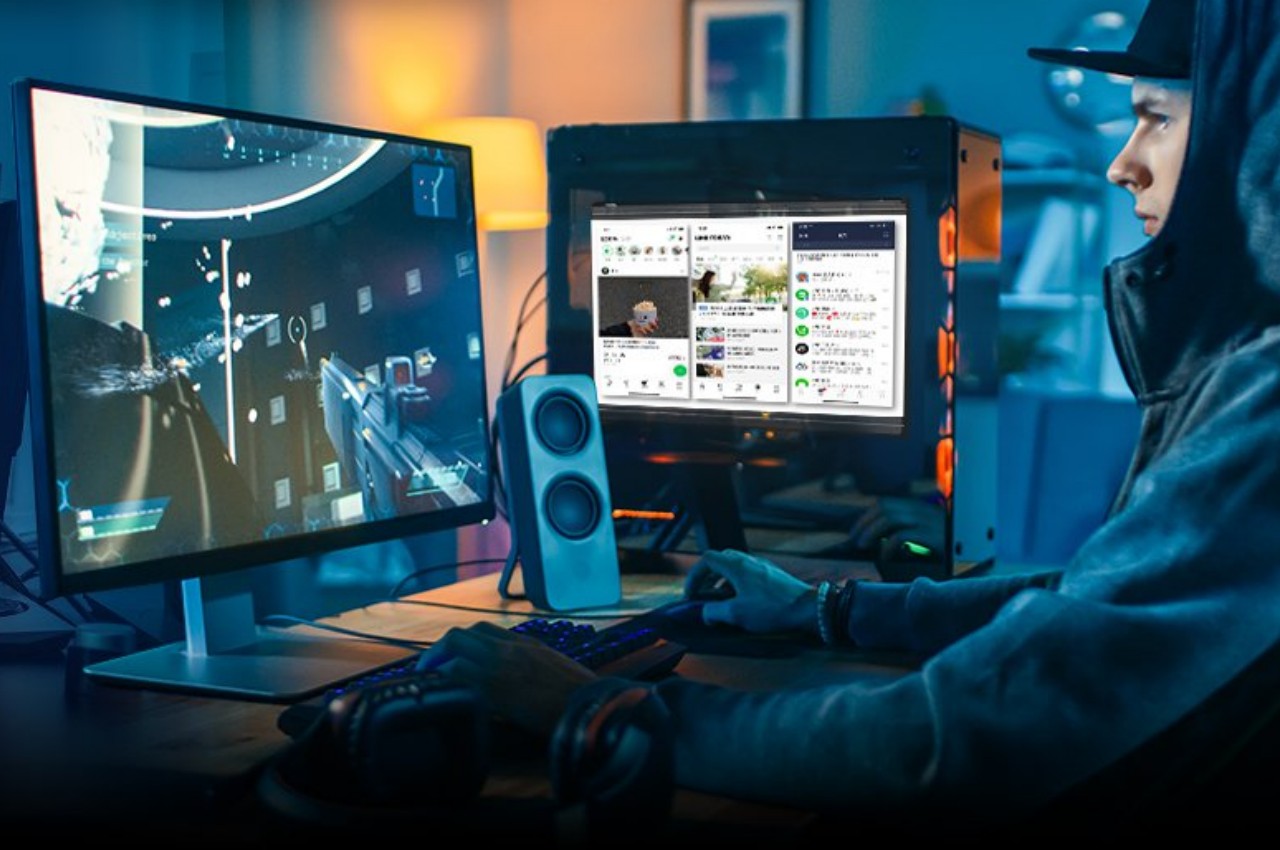
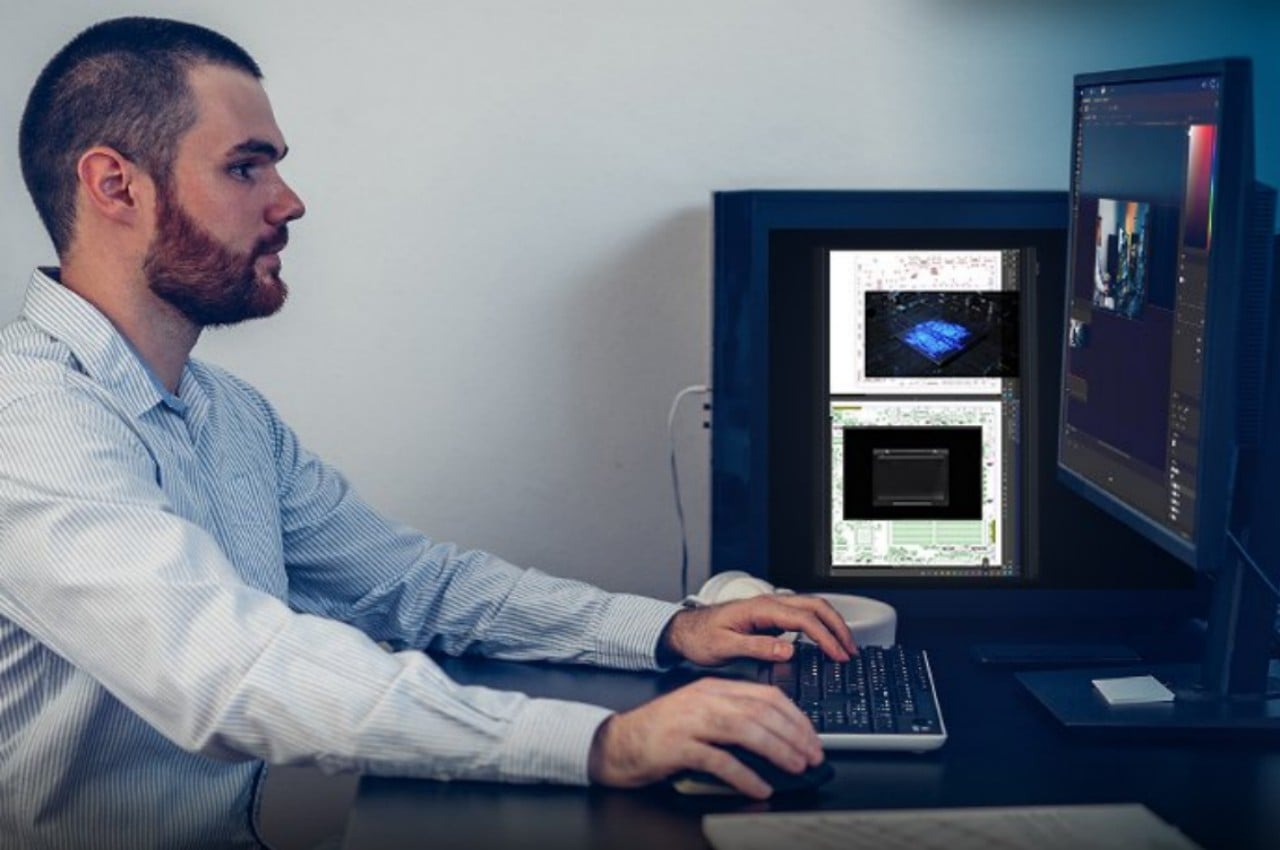
The jury is still out, but many people already swear by having more than one monitor to boost their productivity. This is probably more applicable to people that need to have a lot of content displayed on the screen at the same time. These can be a mix of references, monitoring tools, communication applications, and the actual work that needs to be done. Given how much of today’s office and creative work revolves around those, that case is more common than not. Not everyone, however, might have enough desk space for a second monitor, especially if their desktop PC is already taking up space. Taking that into consideration, this kit tries to make use of that fact and turns your desktop’s towering case into a second monitor, albeit with a few critical requirements.
Designer:


There are plenty of ultra-wide or ultra-large computer monitors these days, but many people already have a decently big screen on their desks. It could be more effective to add a second monitor rather than buying a new and bigger one, but some desks aren’t big enough to accommodate those. That’s especially true if the PC itself is standing right next to the monitor rather instead of being hidden from view, a setup that is quite common both in offices and in homes.
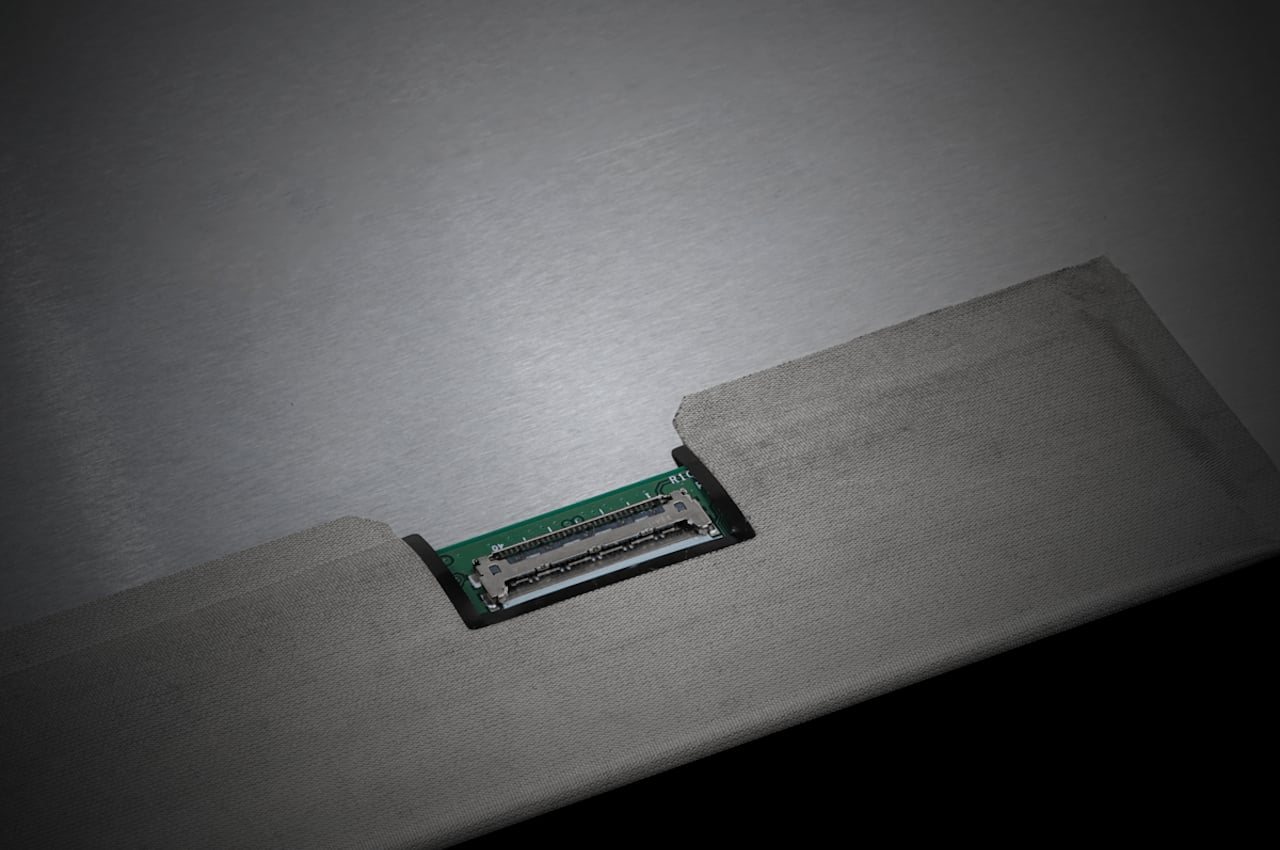
Motherboard manufacturer ASRock seems to have stumbled upon the idea of using the desktop PC case as a second screen to avoid having to put another monitor on your desk. The ASRock Side Panel Kit practically mounts a 13.3-inch display panel on the inside of that case. It might actually sound like an ingenious solution to save space, but the conditions needed to be met make it a little bit more trouble than it’s worth.
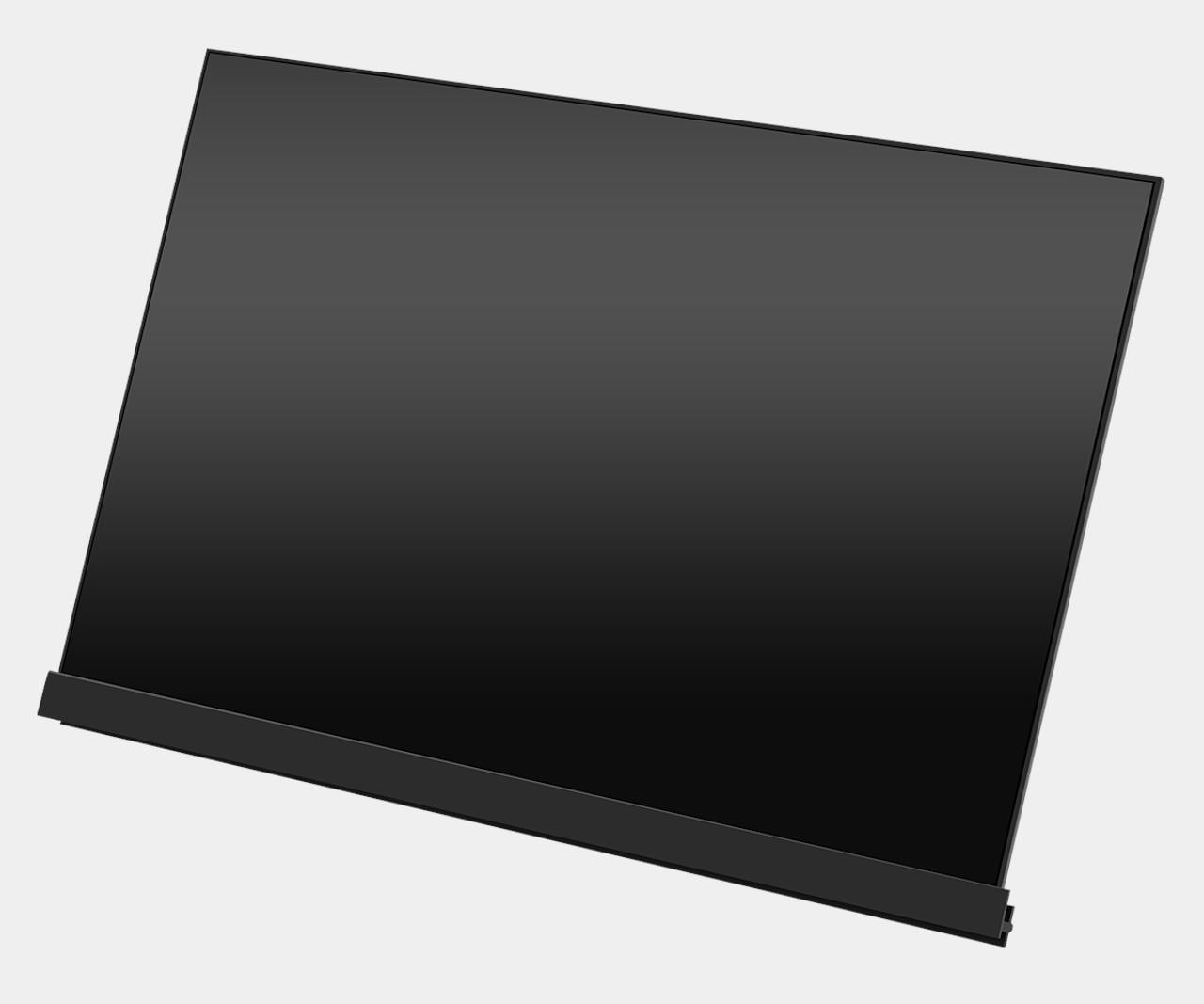
For one, your PC case must have transparent side panels because this screen doesn’t replace those panels and mounts from the inside rather than the outside. It also works with a specific motherboard feature that isn’t exactly widely available on many desktop computers. Of course, ASRock sells motherboards that meet the requirements, which is possibly a strategy to get interested buyers to also invest in one of those.
That said, while this ASRock Side Panel Kit does look useful and space efficient, its ergonomics might be questionable. Having a screen off to the side and perpendicular to your main monitor might strain your neck in the long run. It might be useful for almost static content that you rarely check, but you might as well just have a single monitor where you can switch to those apps from time to time instead.
The post first appeared on .
Related Posts