The macro pad market has been flooded with options lately, from bare-bones DIY kits to RGB-heavy gaming peripherals. Most follow predictable patterns: a handful of keys, basic programmability, and the usual suspects for connectivity. Creavi Tech’s entry into this space takes a different approach, one that actually addresses some genuine pain points that plague existing solutions. Their macropad isn’t trying to be the flashiest or the cheapest; instead, it focuses on solving real usability problems that anyone who’s used a macro pad for serious work has encountered.
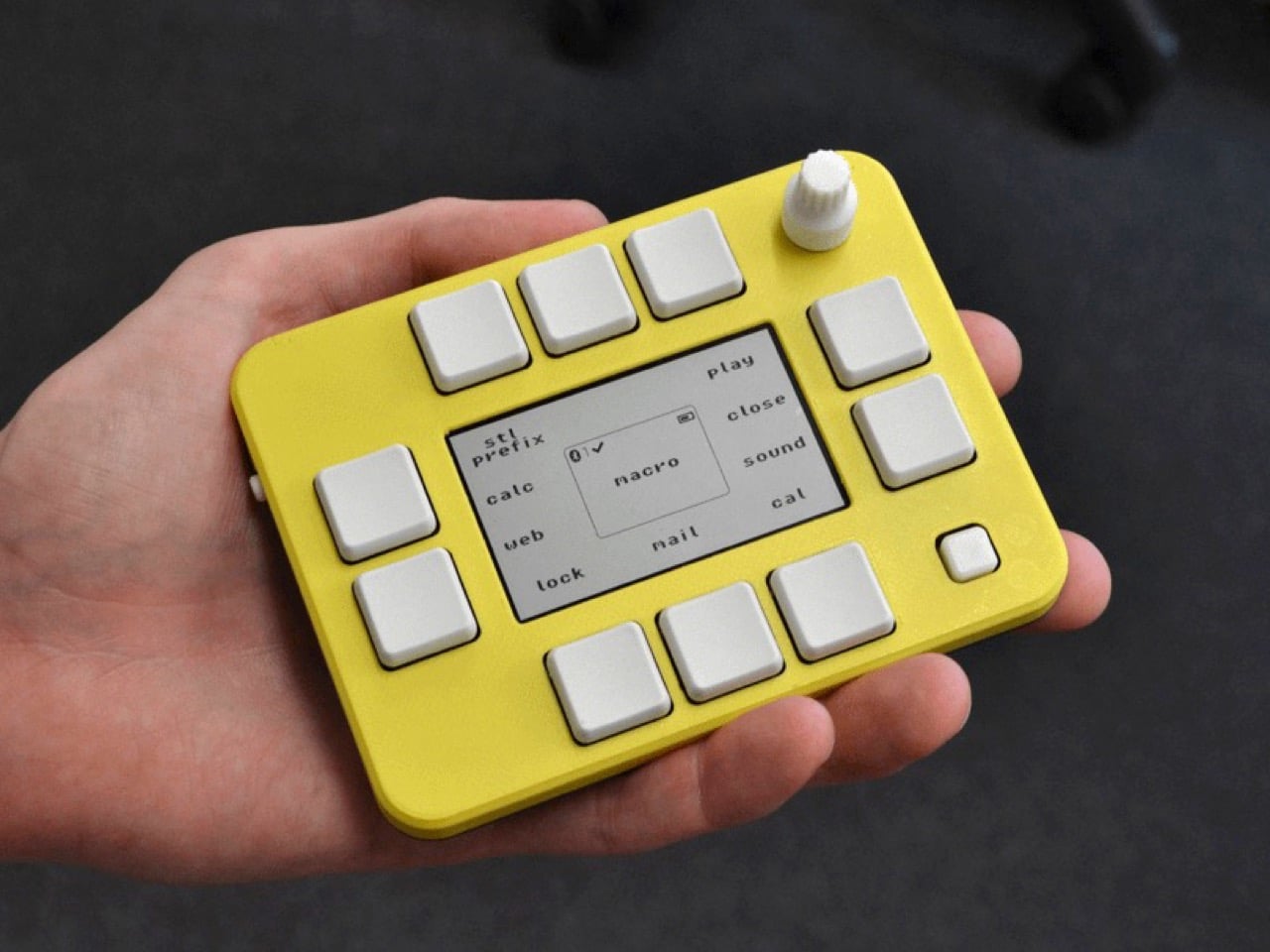
The pad, palm-sized, features 10 buttons oriented around a monochrome display. The display, instead of working as an external monitor, or housing some functionality-driven apps, has a simple purpose – tell the user exactly which button does what. Think to something like Elgato’s gear, but rather than building tiny displays into each button, this one just chooses one display at the center, acting like a map or legend of sorts. You’d think of it as a slightly limiting feature, but I can’t begin to appreciate how simple and clever it is. One display working as an immaculate key-guide, changing between apps so you know which key to press. Nothing complicated, nothing expensive.
Designer:
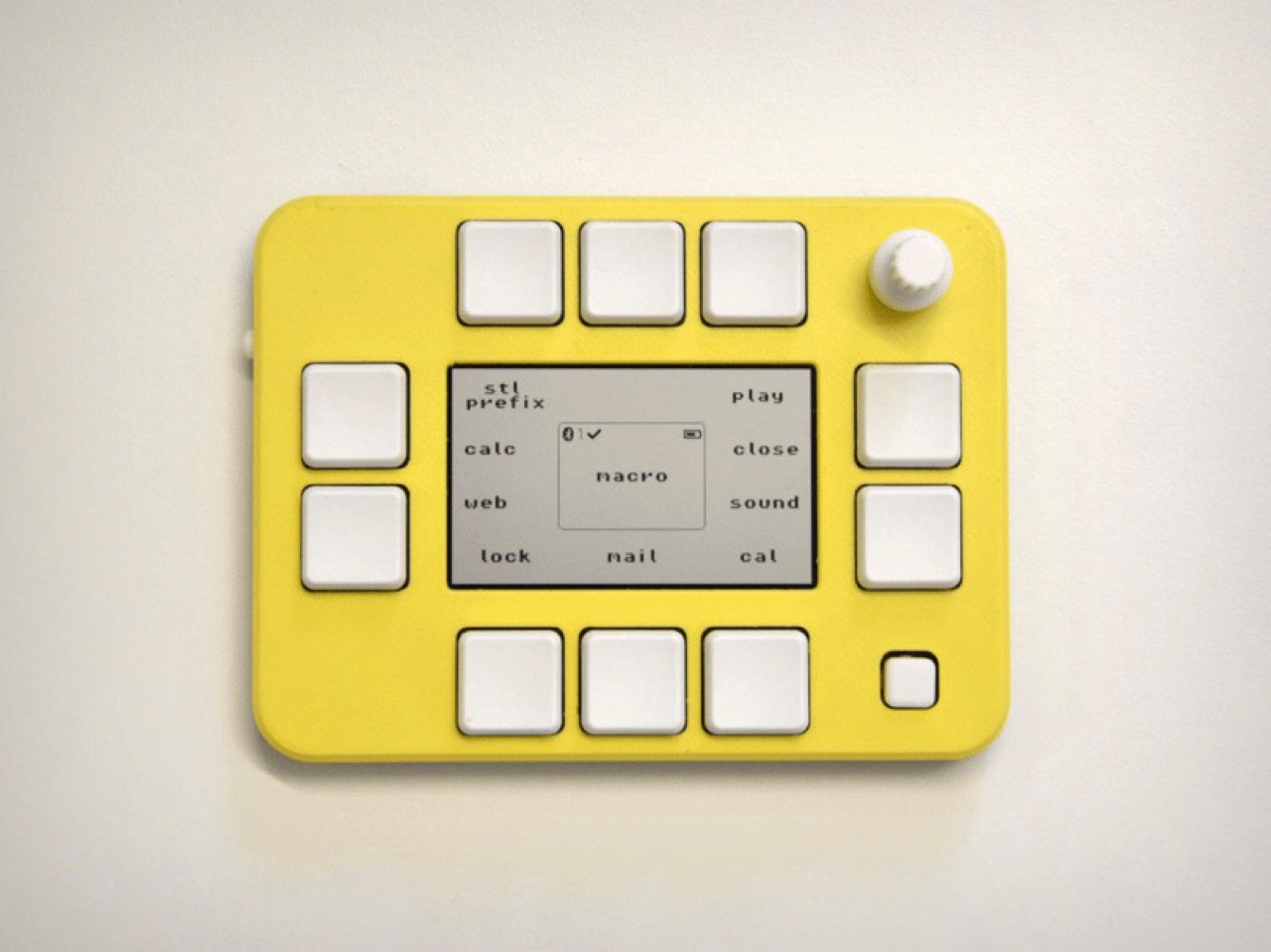
That tiny 400×240 pixel screen’s reflective display technology also drives what might be the macropad’s most practical advantage: exceptional battery life. Creavi claims at least one month of usage per charge, which puts it in a completely different category from most wireless peripherals. The reflective screen consumes minimal power compared to traditional displays, and when combined with the efficient Nordic nRF52840 ARM Cortex-M4 processor running at 64 MHz, the power consumption stays remarkably low. This means the device can actually deliver on its portability promise without the constant anxiety of dead batteries.
The wireless implementation uses Bluetooth connectivity, freeing users from cable management while maintaining responsive performance. The Nordic chipset is a solid choice here, known for reliable low-energy Bluetooth performance and sufficient processing power for handling complex macro sequences. At 125 x 20 x 93 mm, the form factor strikes a reasonable balance between portability and usability, though it’s notably thicker than some competitors at 20mm.
Customization happens entirely through a web browser, which is both refreshing and practical. No proprietary software to install, no driver compatibility issues, and no platform restrictions. Users can configure up to five layers, program complex macros, and update firmware all through a web interface. Creavi even claims their firmware update process is “unbrickable,” which suggests they’ve put serious thought into recovery mechanisms. The browser-based approach also means the device works equally well with Windows, Mac, or Linux systems without additional setup.
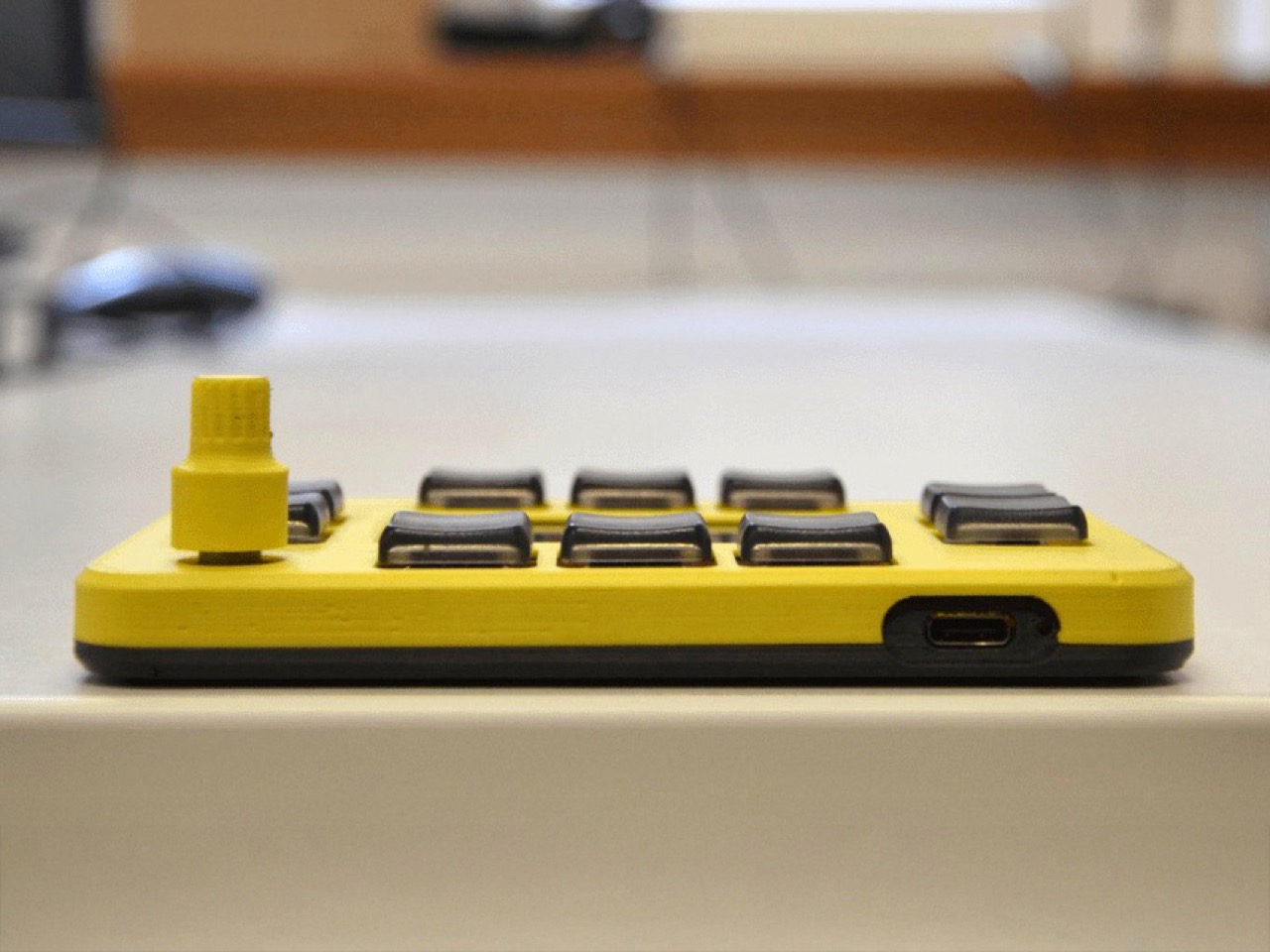
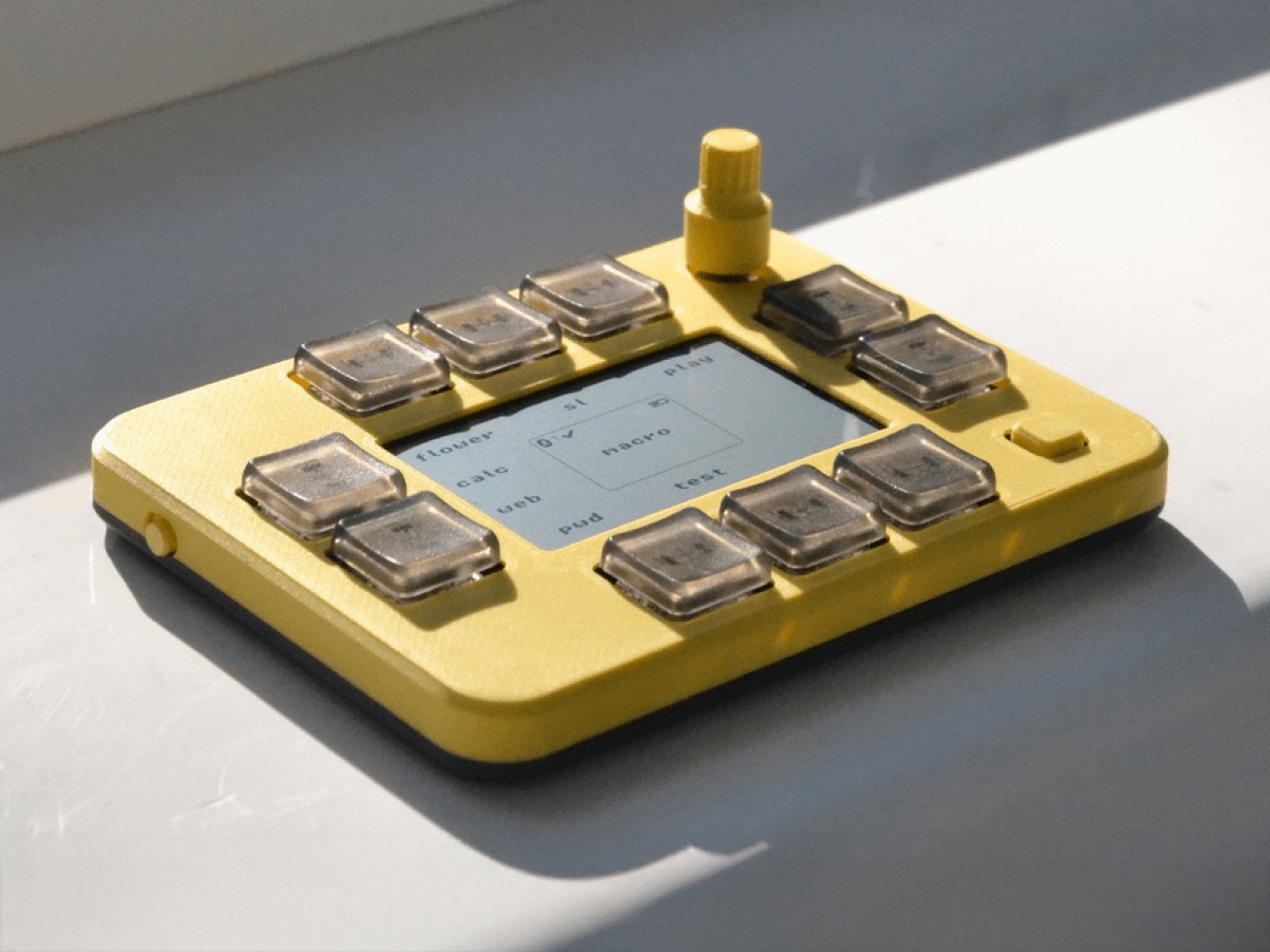
The hardware specs cater to mechanical keyboard enthusiasts with hotswappable Kailh CHOC V1 low-profile switches and Chosfox CFX keycaps. Switch swapping requires no soldering, so users can easily experiment with different tactile feels. The case is 3D printed in matte PLA with customizable color options, which keeps manufacturing costs reasonable while offering personalization. A single rotary encoder with integrated push button provides additional input options for volume control, scrolling, or menu navigation.
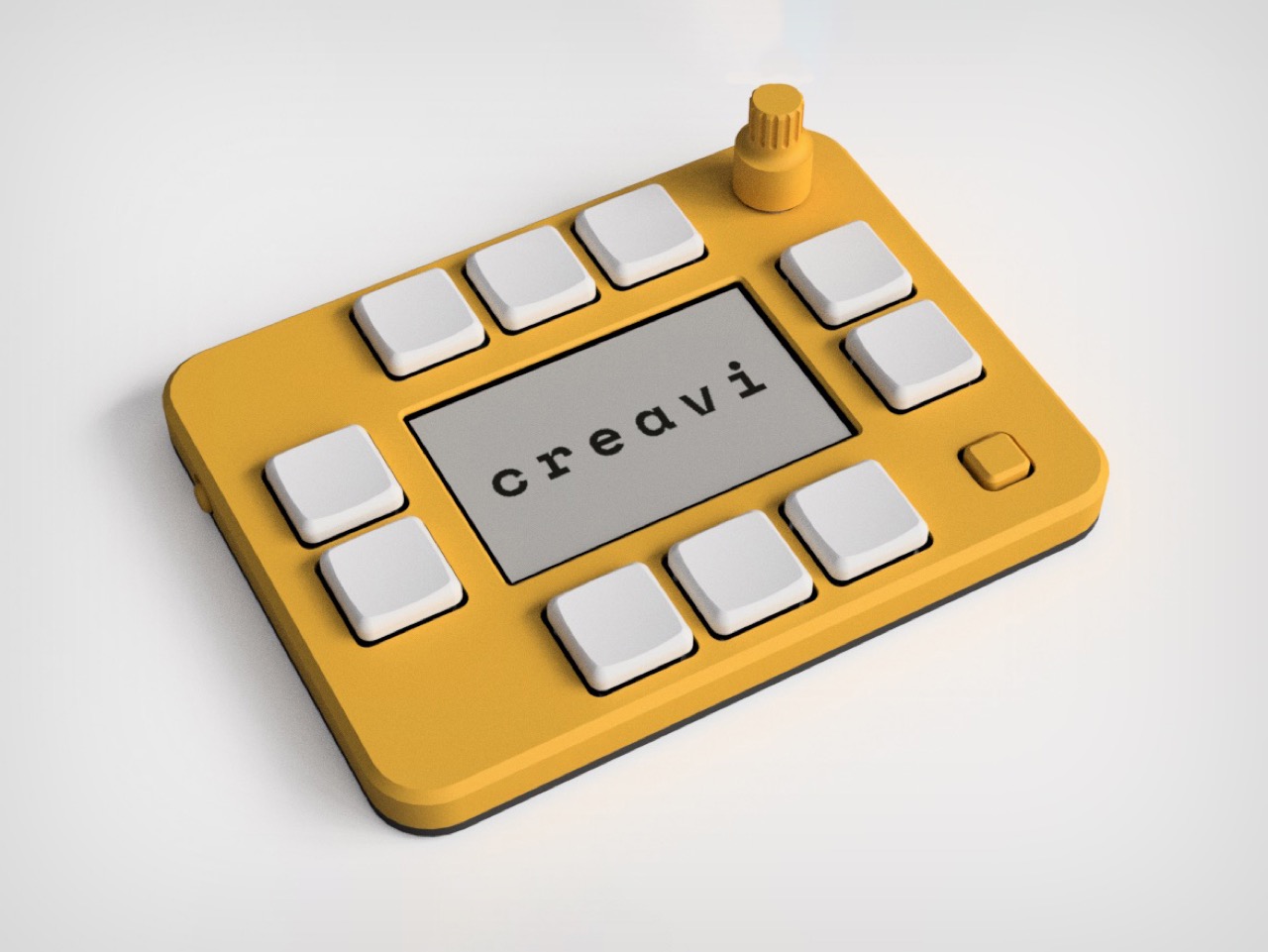
What’s interesting about Creavi’s approach is how they’ve prioritized practical concerns over flashy features. There’s no RGB lighting, no premium materials, and no attempt to compete on pure key count. Instead, they’ve focused on solving specific problems: unclear button functions, poor battery life, and complicated setup processes. The reflective display addresses the first issue directly, the low-power hardware tackles the second, and the browser-based configuration eliminates the third. Whether this focused approach resonates with users will depend largely on how well the execution matches the promises, but the thinking behind the design choices seems sound.
The post first appeared on .
Related Posts