If you think of DJI’s drones as aerial 3D capturing devices, the entire endeavor makes a LOT of sense.
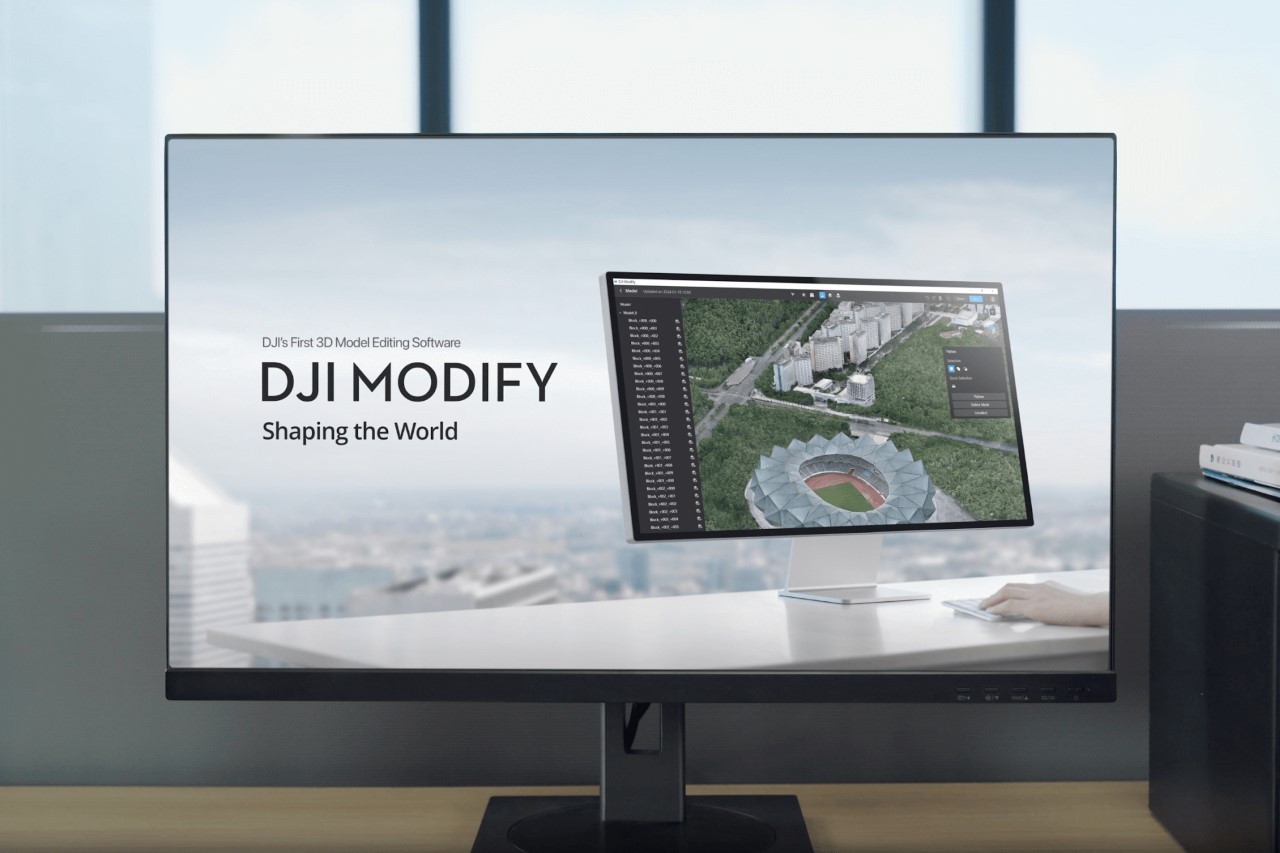
While their drones have become synonymous with stylized cinematography and even high-octane races, DJI’s drones also find themselves being used for photogrammetry, 3D mapping, surveillance, delivery, and even civic planning/surveying. In fact, DJI has a dedicated website just for enterprise use, with specialized drones, attachments, and even software. In 2019, DJI launched Terra, a 3D mapping software to turn video/image data into 3D models for efficient planning, route mapping, analysis, etc… but with their latest software Modify, the tool becomes perfect for cinematographers and creatives too. Modify helps edit, clean, and fine-tune the 3D-mapped data captured by DJI’s drones. The free-to-use tool has a variety of editing features to help repair models, remove artifacts, and even edit out objects like humans, cars, and obstacles to create seamless 3D scans that are detailed enough for even movie industries to use.
Designer: DJI
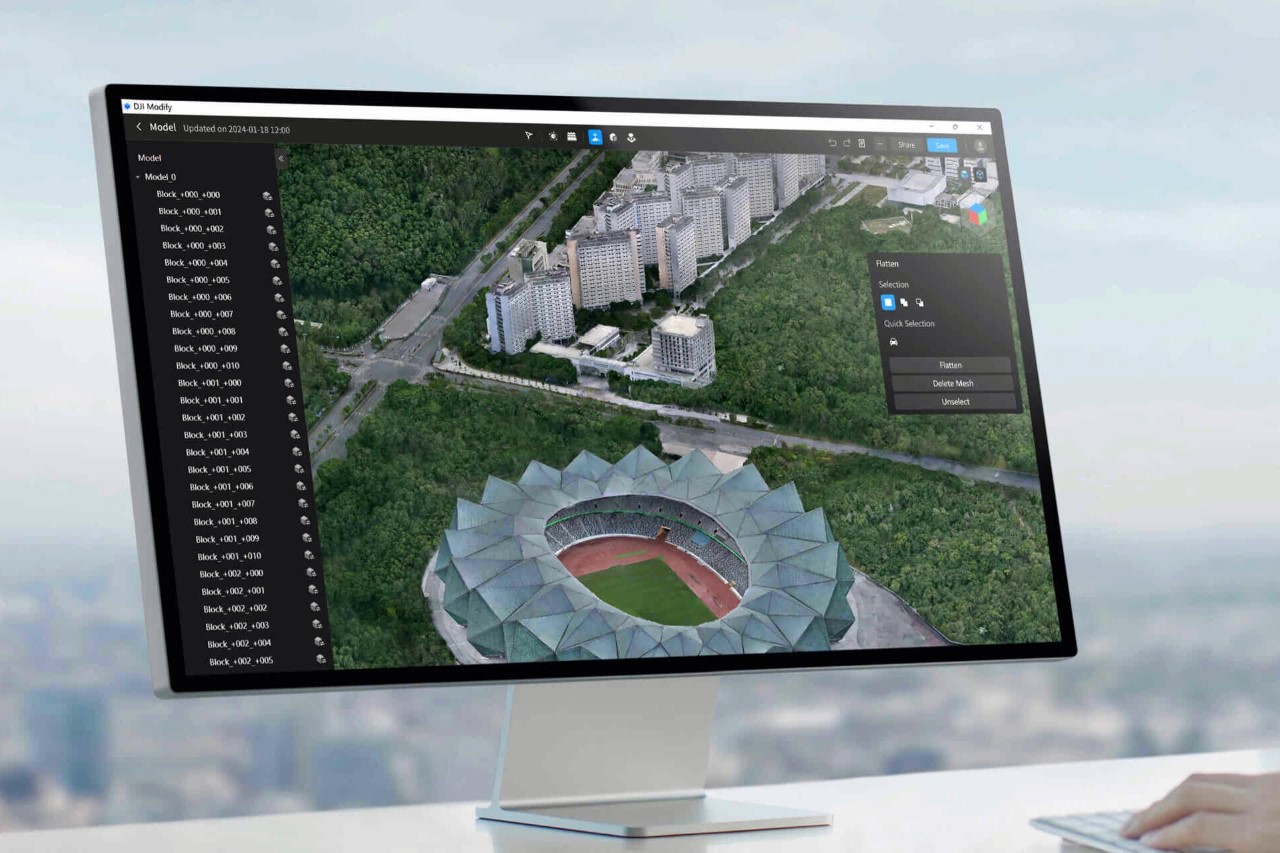
Designed to seamlessly integrate with the Terra software, Modify has some rather incredible tools up its sleeve to help rectify any problems caused during the scanning process. Whether it’s broken models caused by reflective surfaces or random floating parts in the sky that the 3D software captured by accident, Modify lets you easily identify them, select them, and remove/repair them with a few clicks, saving hours of work.
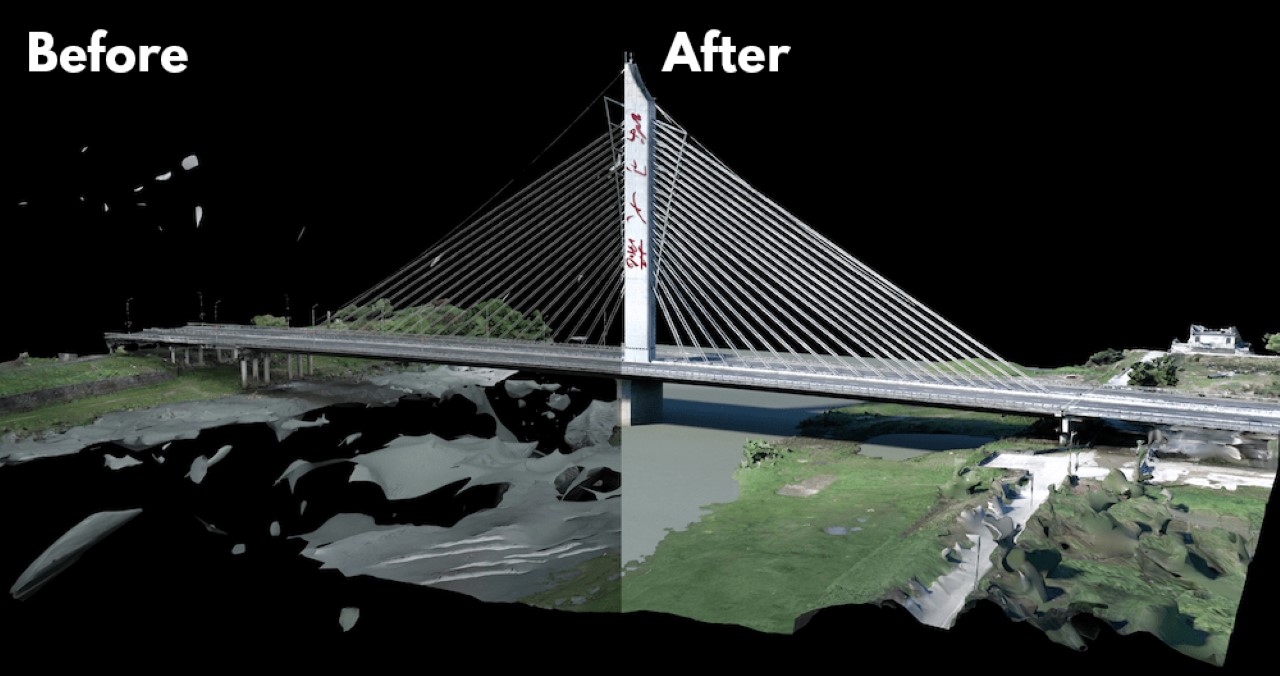
The biggest bane with photogrammetry or 3D capture is the creation of unwanted artifacts. Most people familiar with the field will tell you that sometimes the software can interpret objects that aren’t even there. Reflections, clouds, and flying creatures can sometimes result in floating planes and fragments that can often clutter 3D scans by the thousand. Manually selecting these floating parts takes hours of work, but Modify uses clever tools to help select them with a simple click. Once done, you can easily delete them. Reflective surfaces like glass, metal, and water result in broken surfaces too, which Modify lets you easily fix by adding a planar surface.

One of the standout features of DJI Modify is its intelligent host of auto-repair editing tools. These tools support operations such as flattening, editing textures, repairing water surfaces, removing floating parts, and filling holes. Modify uses AI to help regenerate signs, fix existing damaged patterns/textures, and even replace old models/textures with new ones. For instance, you can flatten roads with cars captured on them, remove the car graphics from the 2D textures, and replace the road markings to make them empty, effectively removing the cars that were originally on them. This functionality can be accessed through one-click repairs or manually by selecting custom polygons, areas, or meshes. Additionally, the software’s model display technology allows both high- and low-quality models to be viewed and edited within a single interface, with changes being synchronized and previewed across both models immediately.

The software supports various file formats like ply, obj, and b3dm, ensuring compatibility with DJI Terra and other third-party software. The software is expected to offer cloud-sharing capabilities in the future, allowing users to share processed models online for viewing and sharing via links, without the need for software installation.

DJI Modify is targeted towards professionals in sectors such as transportation, surveying & mapping, public safety, emergency response, urban modeling & management, energy & utilities, and infrastructure. Its efficient model editing capabilities cater to a wide range of drone surveying use cases, including AEC (Architecture, Engineering, and Construction), inspection, and public safety. The software is currently for free as a Public Beta, and can be downloaded on .
The post first appeared on .
Related Posts