Laptop layouts have remained remarkably unchanged for decades. You get a screen, a keyboard, maybe a trackpad, and that’s pretty much it. The basic formula worked so well that most manufacturers never bothered questioning whether there might be better ways to arrange these components for modern workflows.
Recently, though, we’re starting to see some interesting ripples in this stagnant pond. Laptop makers are experimenting with secondary touchscreens, additional displays, and creative layouts that promise better multitasking and productivity. The Lenovo ThinkBook Plus series pioneered some of these ideas, and other manufacturers have followed with their own takes on dual-screen concepts.
Designer:
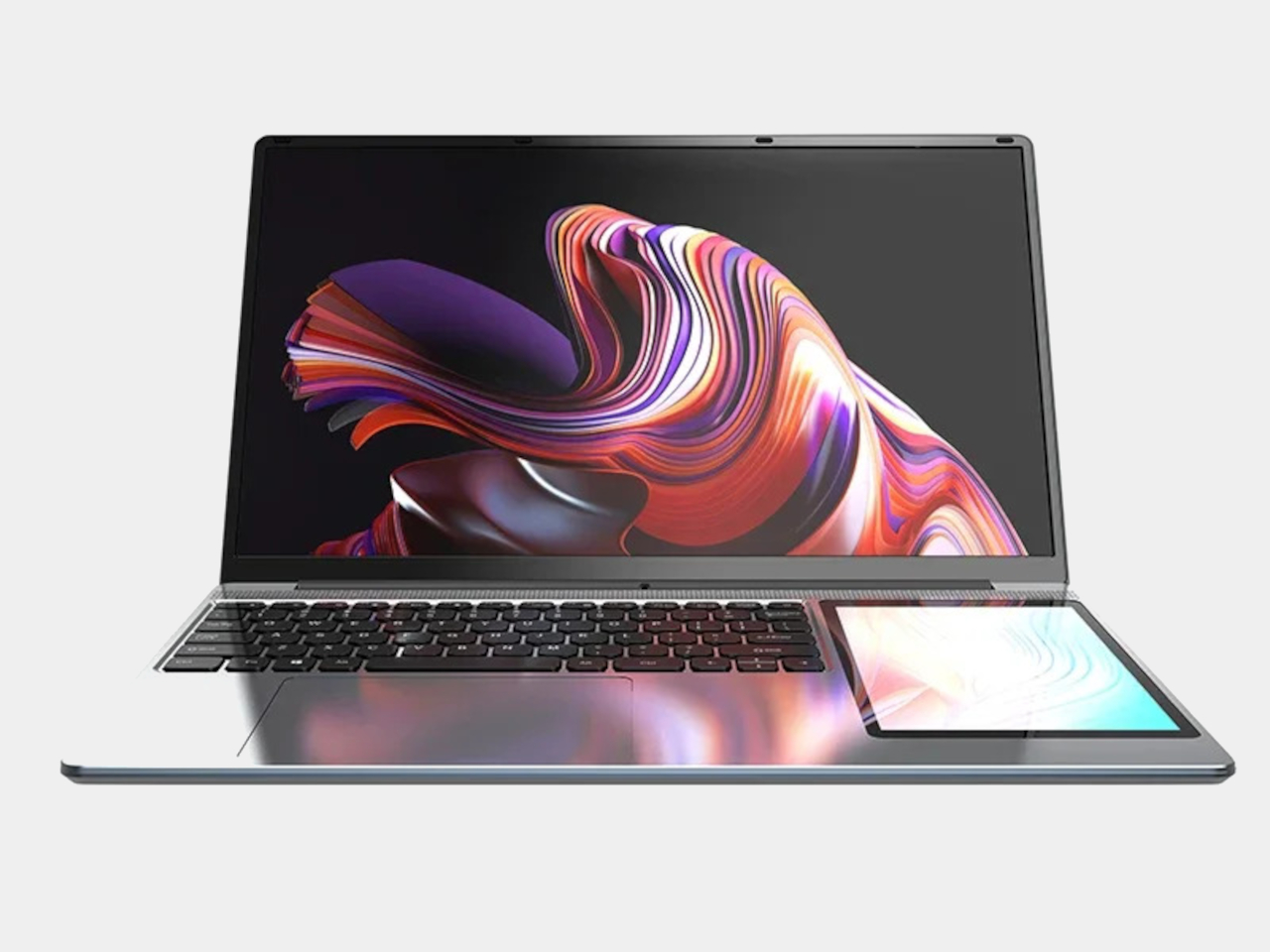
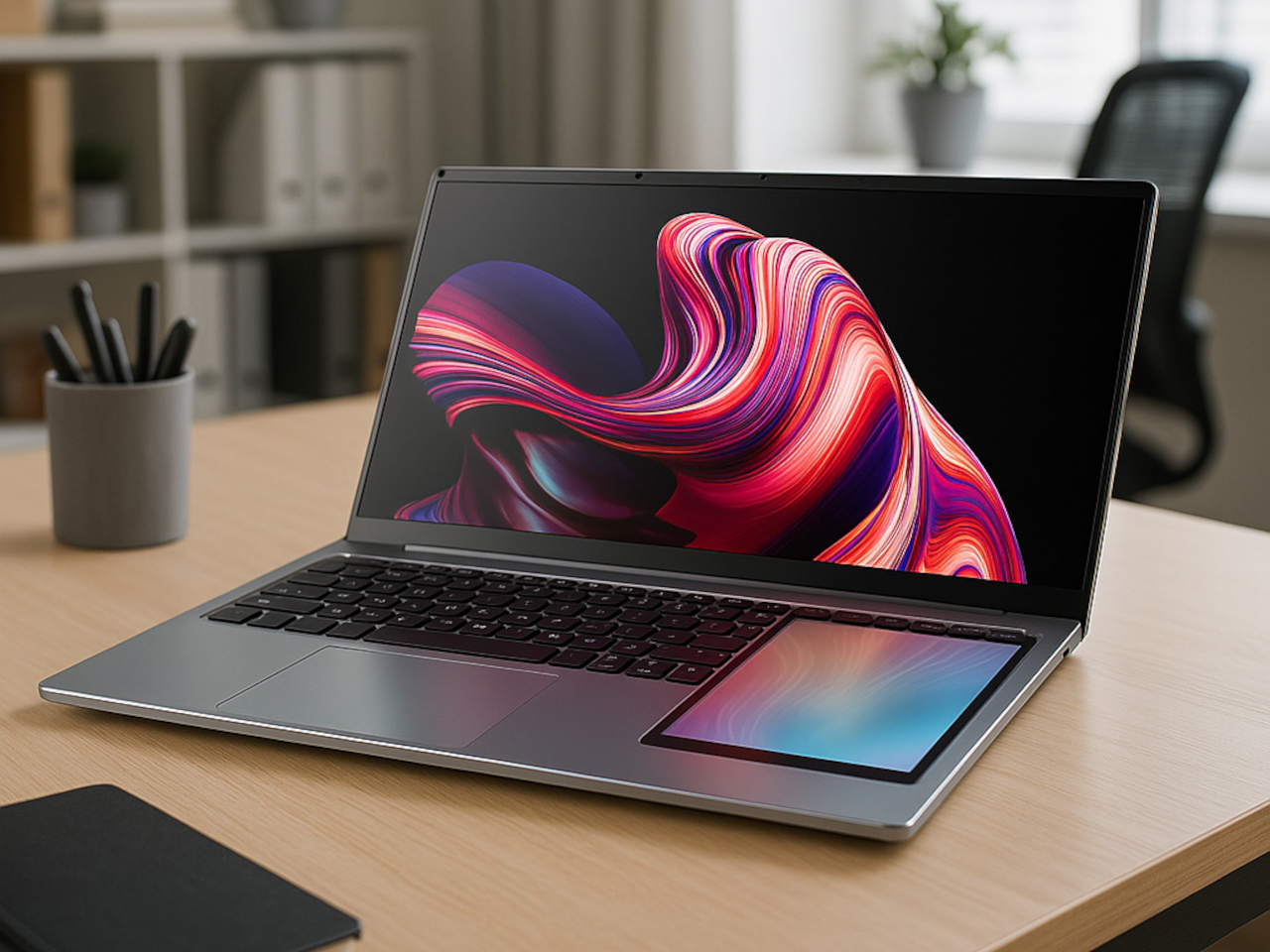
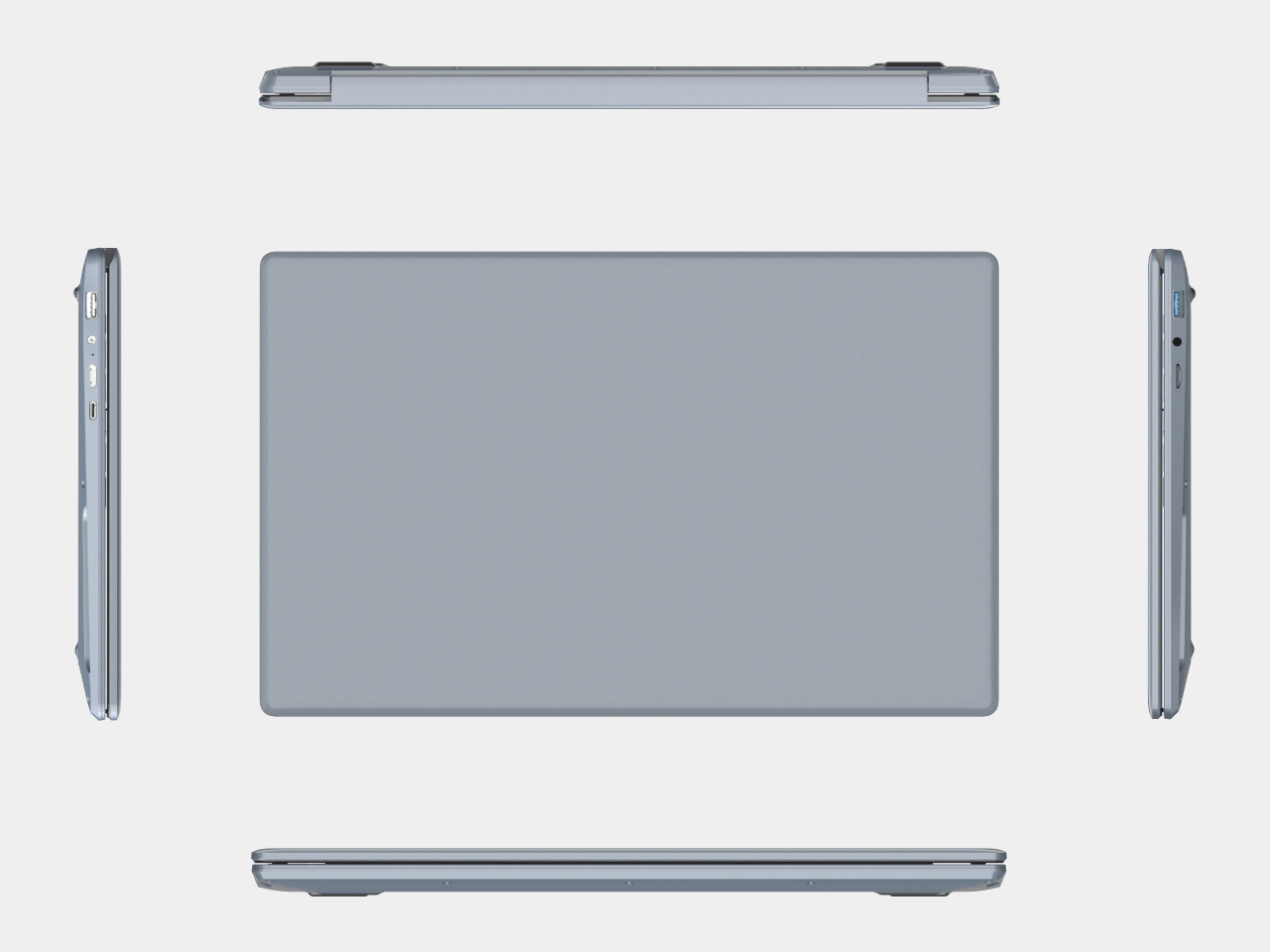
The SZBOX DS165 represents one of the more unusual approaches to this trend. This 15.6-inch Windows laptop features a 7-inch touchscreen built directly into the right of the keyboard, essentially replacing where your right hand would normally rest while typing. The result is a laptop that looks almost like someone grafted a small tablet onto the side of a traditional notebook.
The secondary display functions as an extension of your Windows desktop, not as a separate device. You can drag windows onto the 7-inch screen, use it for chat applications, keep reference materials visible, or display video while working on the main screen. The touch functionality means you can interact directly with whatever appears on the smaller display.
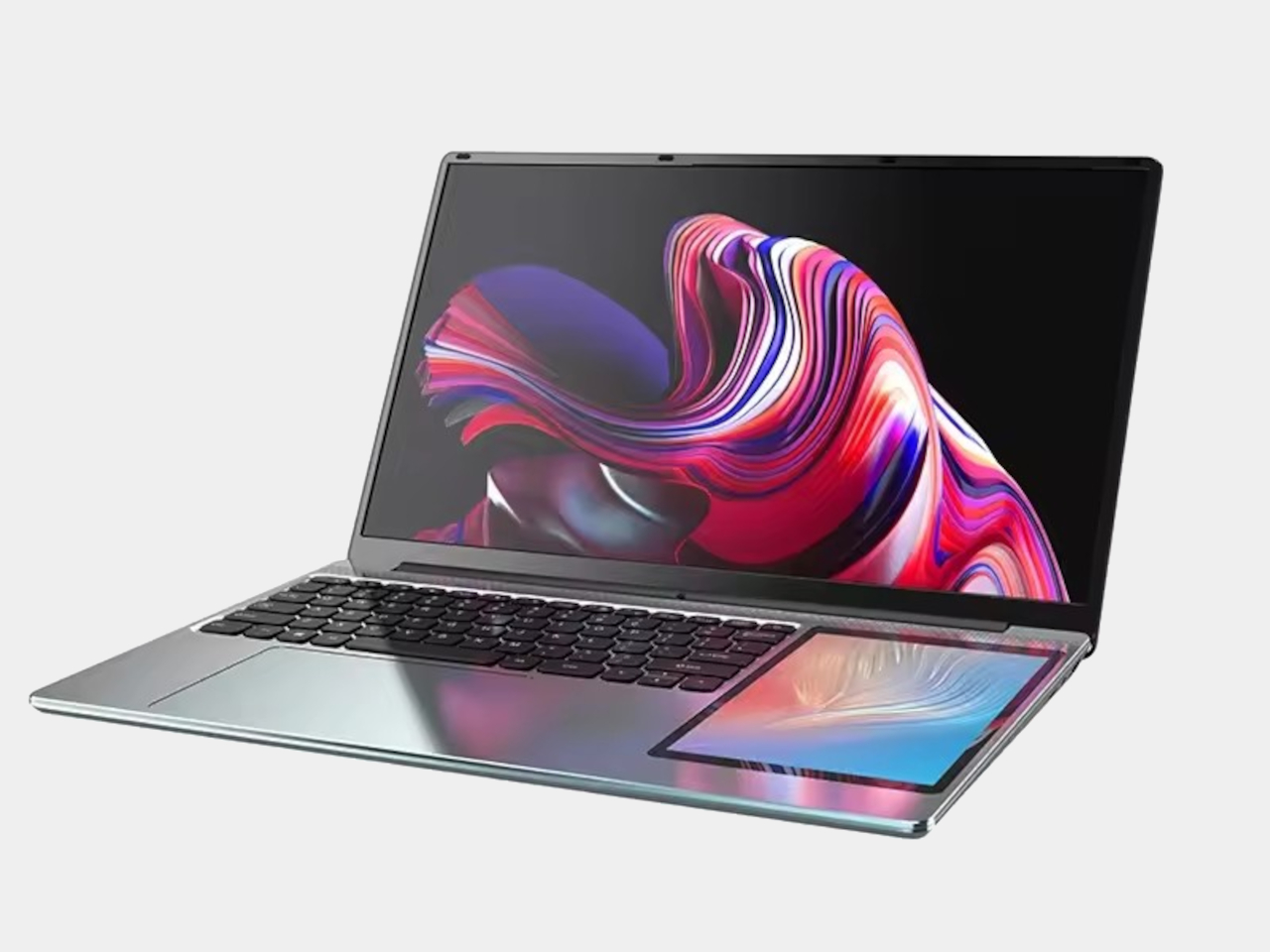
Using the DS165 requires some adjustment since the keyboard gets shifted to the left to accommodate the side screen. This offset layout might feel awkward initially, especially for touch typists accustomed to centered keyboards. However, the trade-off could be worthwhile for people who genuinely benefit from having persistent secondary information always visible and touchable.
Compared to other dual-screen laptops, the DS165 takes a more affordable approach with entry-level Intel Alder Lake-N N100, 16GB to 32GB of RAM, and a plastic build. While the and similar premium devices offer more powerful specs and refined construction, they also cost significantly more. The DS165 makes the dual-screen concept accessible to budget-conscious users.
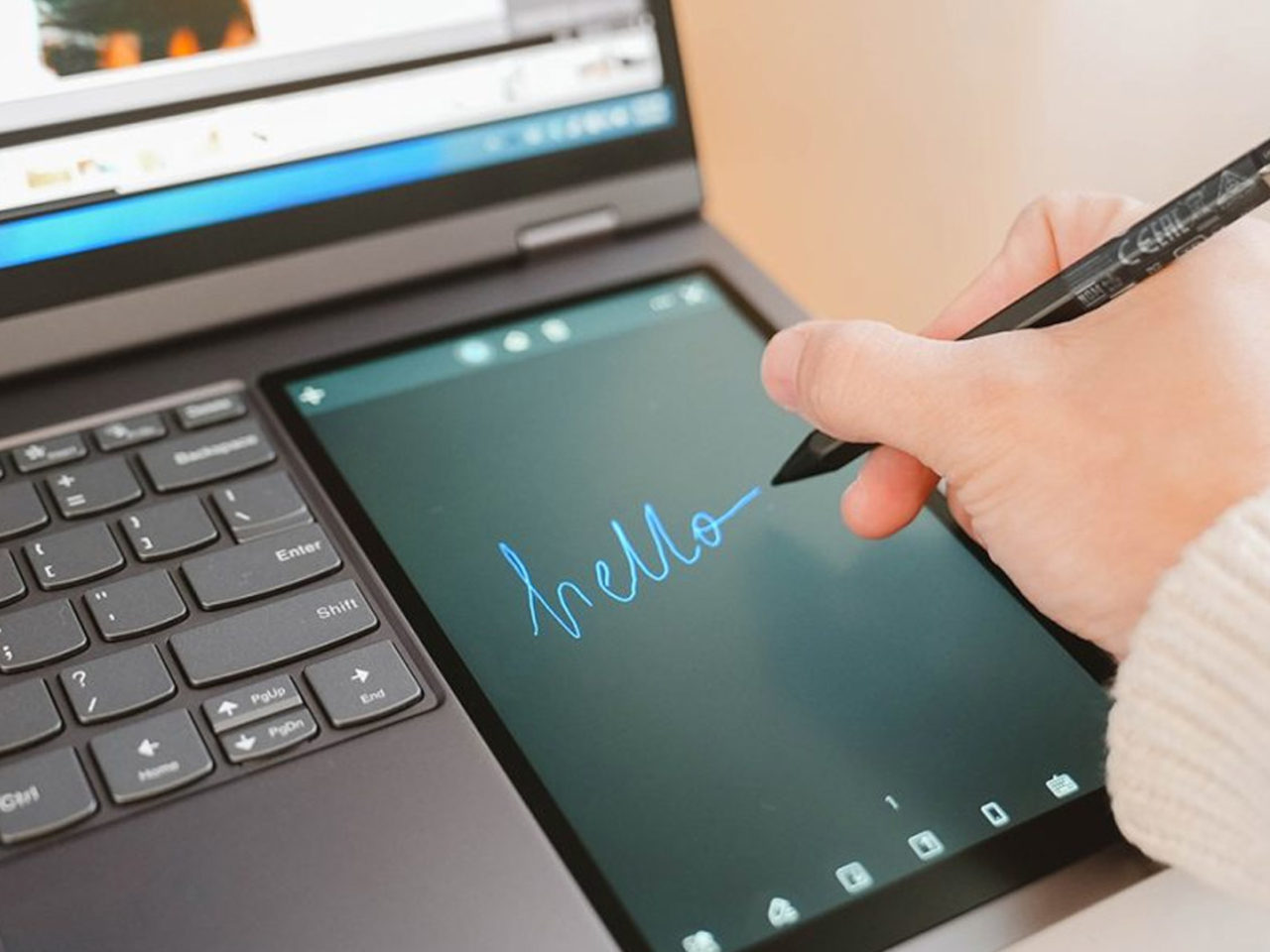
Lenovo ThinkBook Plus Gen 3
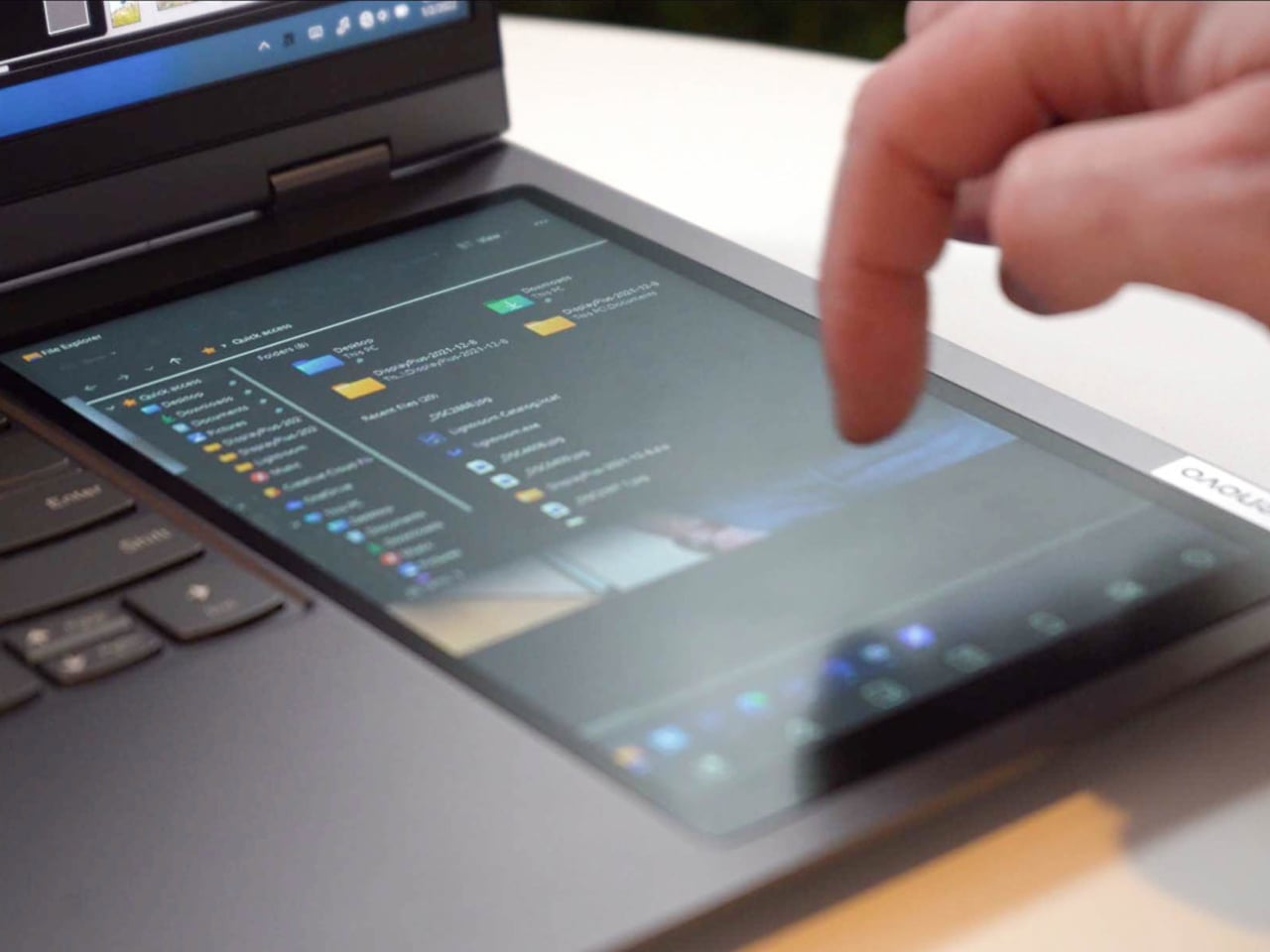
Lenovo ThinkBook Plus Gen 3
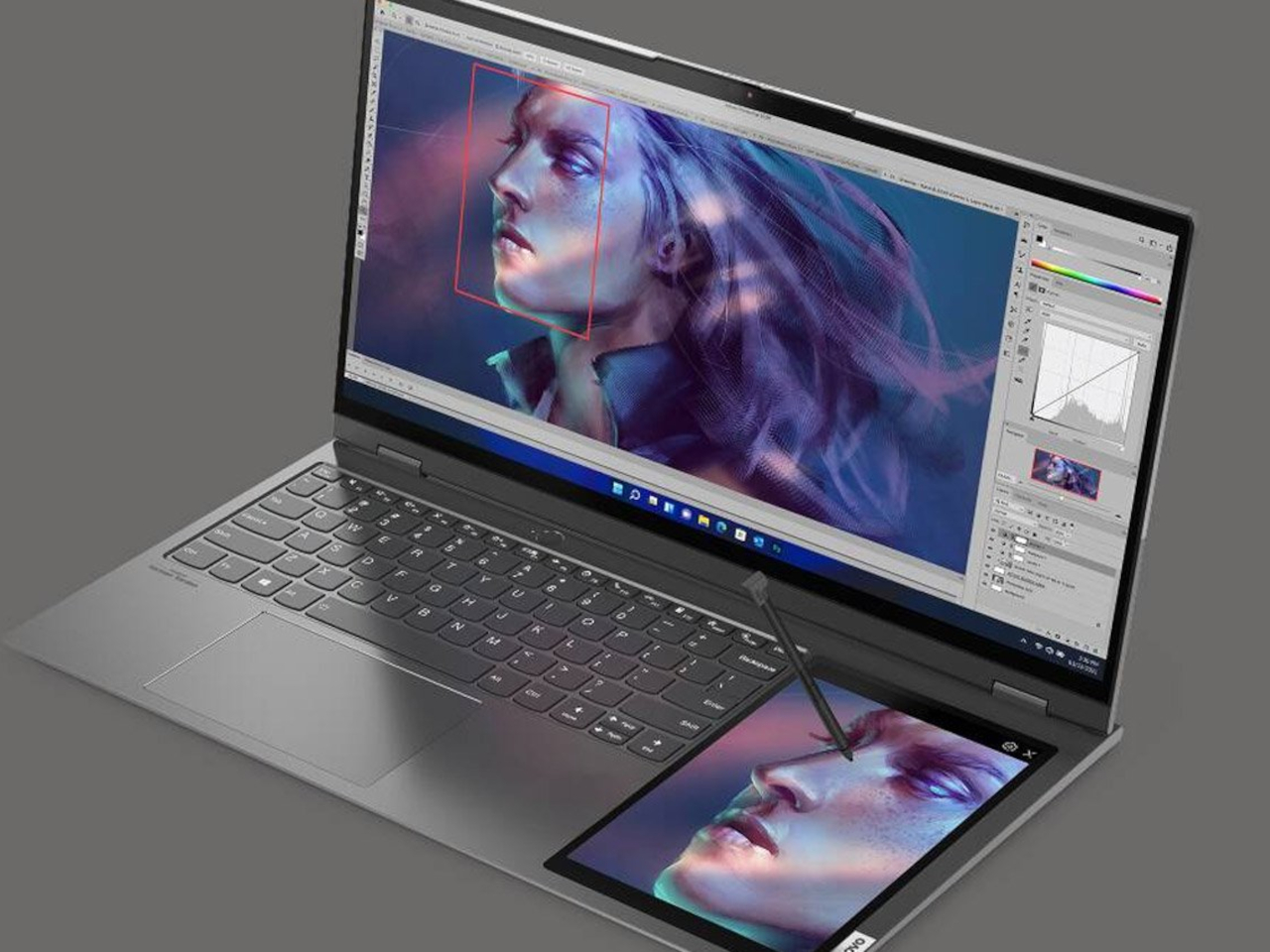
Lenovo ThinkBook Plus Gen 3
The limitations are obvious: the budget hardware means this laptop works best for light productivity tasks, web browsing, and media consumption rather than demanding creative work. The plastic construction and basic components also mean you’re not getting the premium feel of more expensive alternatives. The ergonomics might not suit everyone, particularly those who prefer traditional laptop layouts.
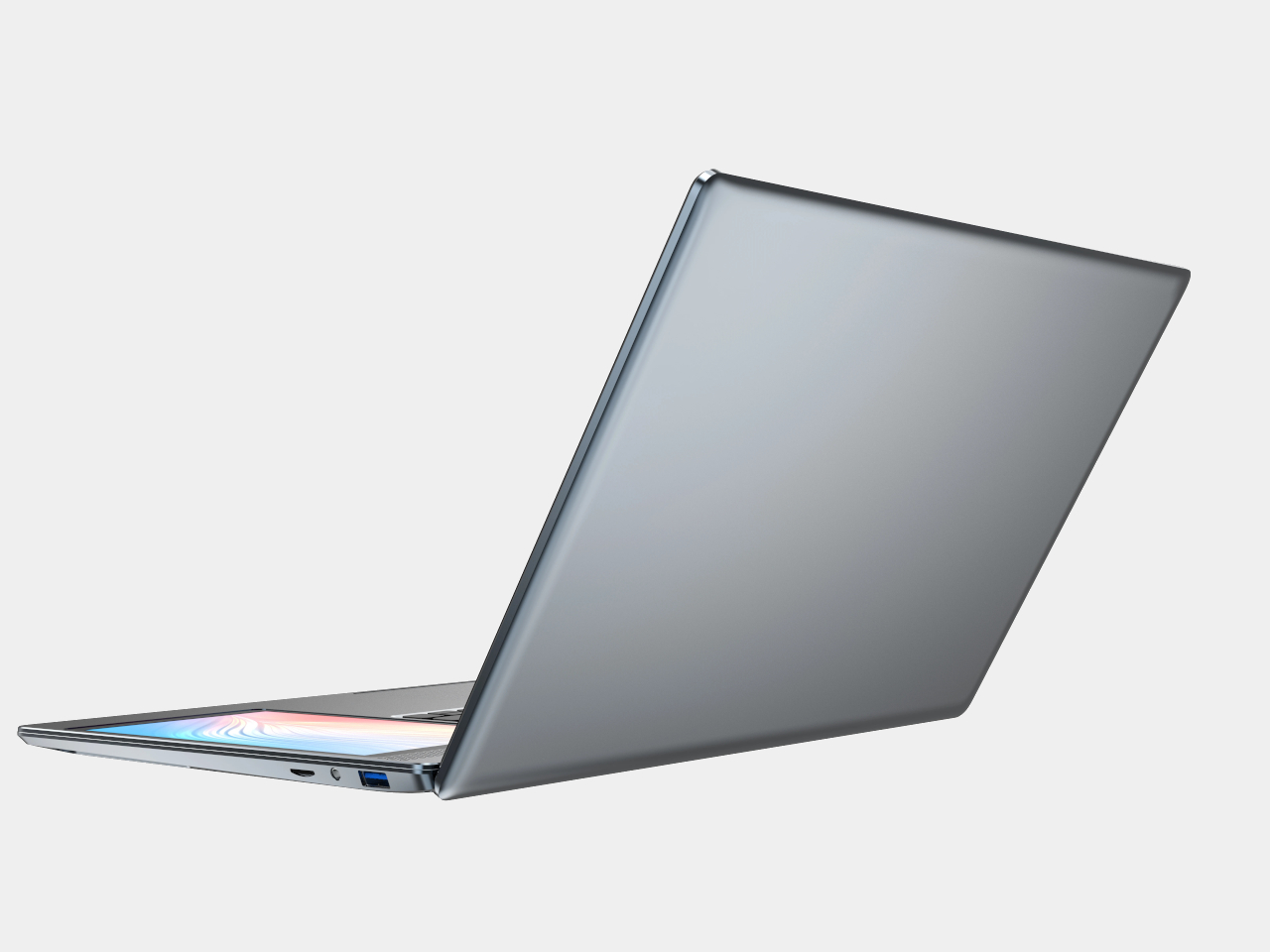
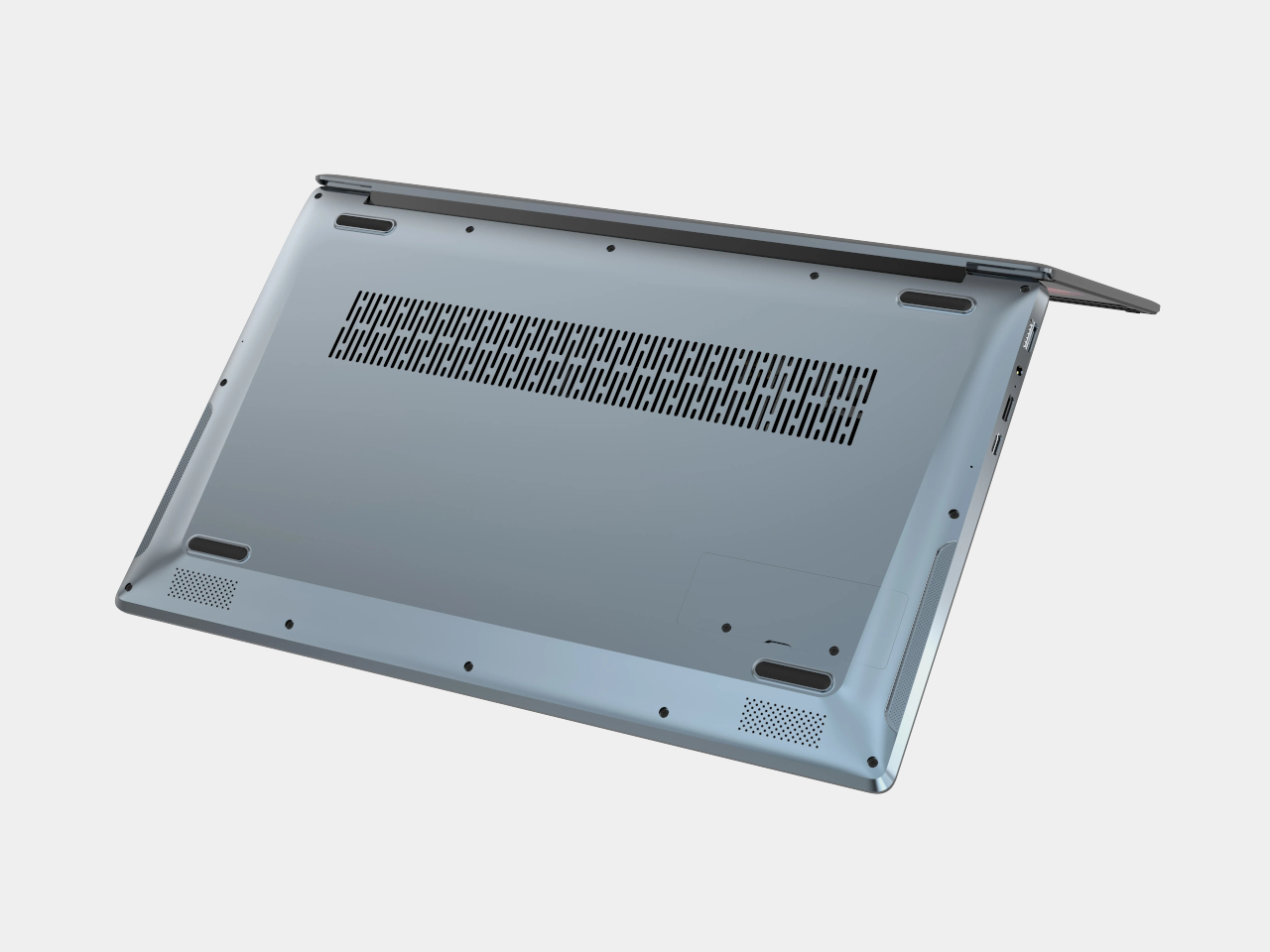
The SZBOX DS165 shows that even small changes in laptop design can open up genuinely new ways to work and create. While the execution might not be perfect and the hardware is decidedly entry-level, the core concept is sound. For users who spend time juggling multiple applications or streaming content, having that persistent second screen could prove genuinely useful.
It’s a sign that laptop innovation doesn’t always require cutting-edge technology; sometimes it just needs someone willing to rethink the basics. The DS165 might not be perfect, but it represents the kind of creative thinking that could reshape how we interact with our computers in the future.
The post first appeared on .
Related Posts