If you’ve ever tried to learn Photoshop, Illustrator, or pretty much any serious creative software on your own, you know the ritual. Open the app, watch a tutorial, pause the tutorial, switch back to the app, forget what you just watched, rewind, watch it again, lose your place in the project, repeat. It is a loop that is less about learning and more about surviving, and it is the reason so many people quietly give up on tools they actually want to use.
Designer Ming Sheng Shih clearly knows this frustration, because KeyFlowAI is built around that exact problem. The constant back-and-forth between tutorial and practice does not just slow you down; it breaks the thread of whatever you were trying to create. And once that thread snaps, getting back into it takes more energy than most beginners have left after the third rewind.
Designer: Ming Sheng Shih
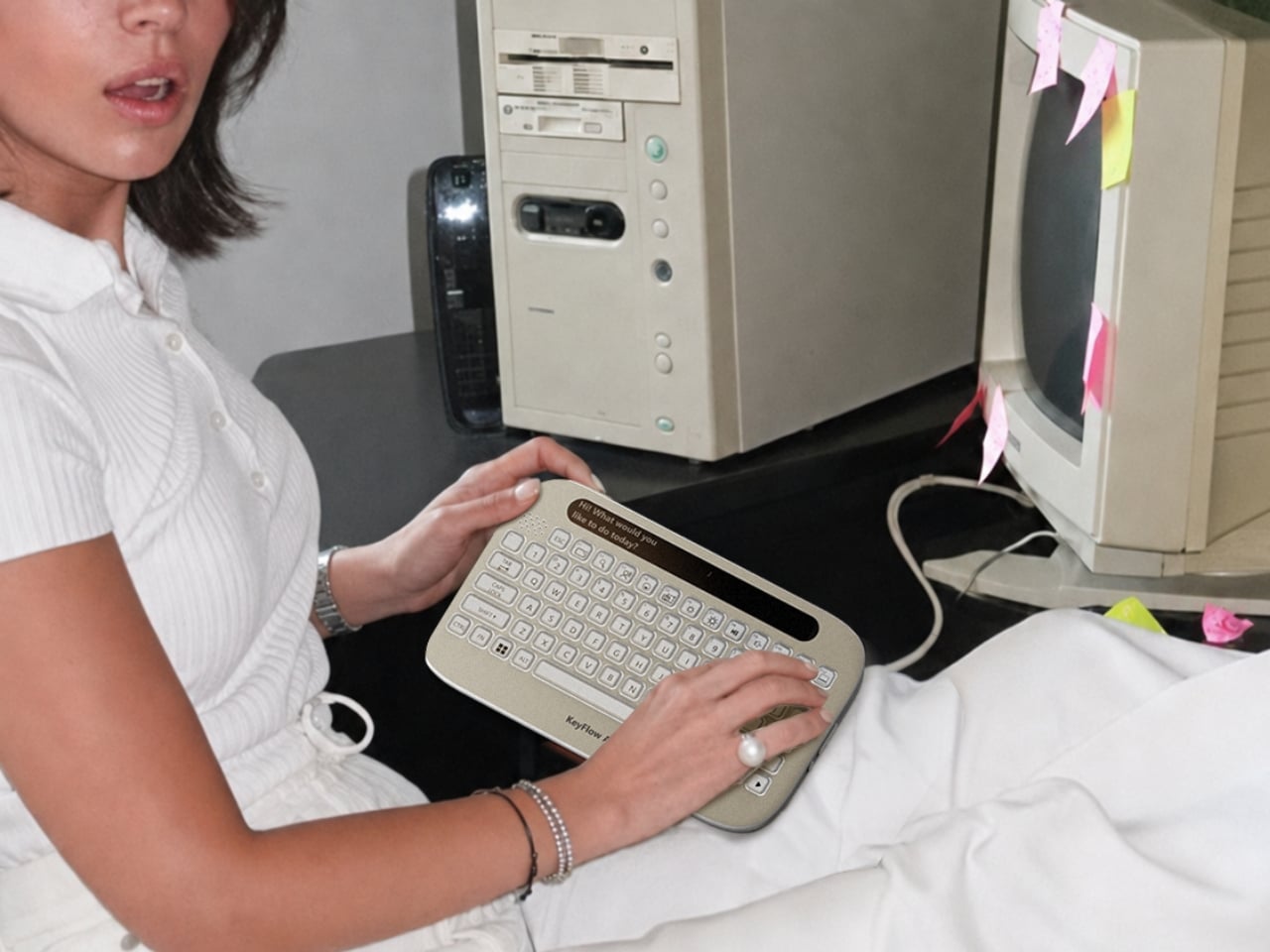
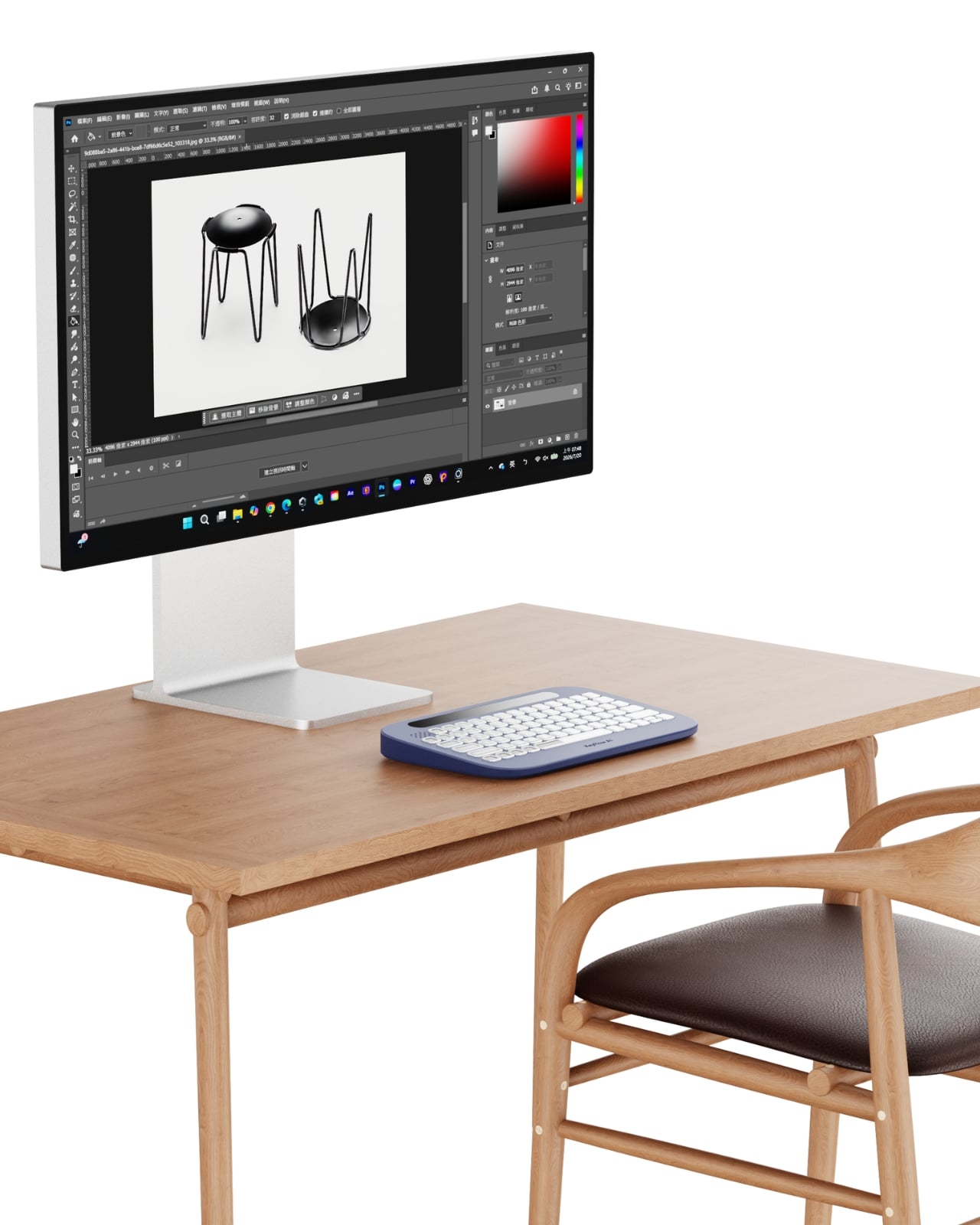
The concept is straightforward but genuinely clever. KeyFlowAI combines an AI-powered guidance system with an adaptive keyboard to bring step-by-step assistance directly into your workflow. Instead of alt-tabbing your way through browser tabs or scrubbing back through YouTube, the keyboard itself becomes the guide. The keys adapt contextually, surfacing relevant shortcuts and workflow cues for whatever task you are working on, right where your hands already are. It is a fundamentally different approach to the onboarding problem that creative software has had for decades.
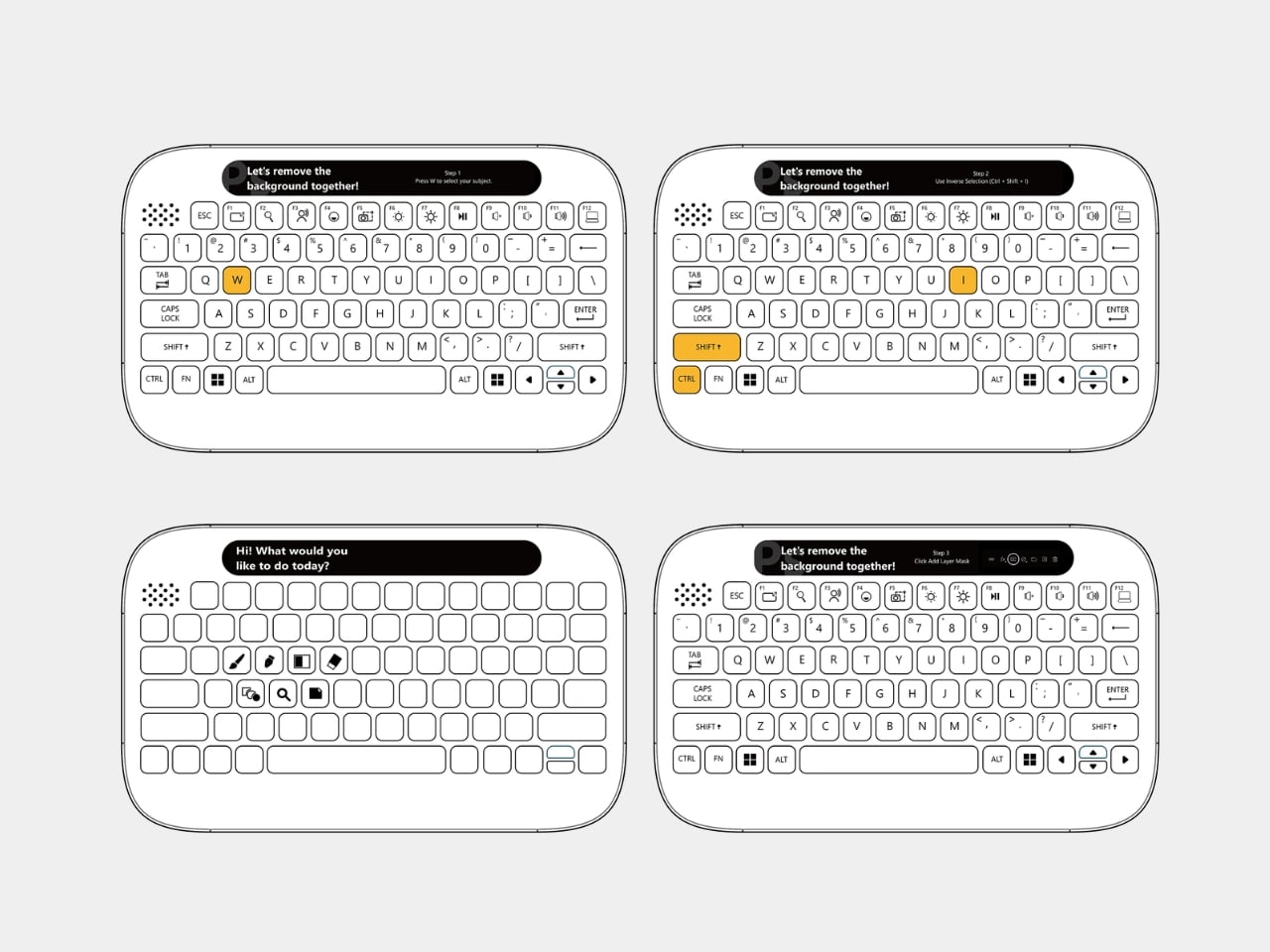
What strikes me about this design is how it reframes the learning challenge at the hardware level rather than the software level. Most ed-tech solutions pile another app on top of the chaos, another overlay, another subscription layer you have to manage alongside the thing you are actually trying to learn. KeyFlowAI goes the other direction. It meets you at the physical interface, which is where attention already lives during any hands-on creative session. The keyboard stops being just an input device and starts acting as a co-pilot.
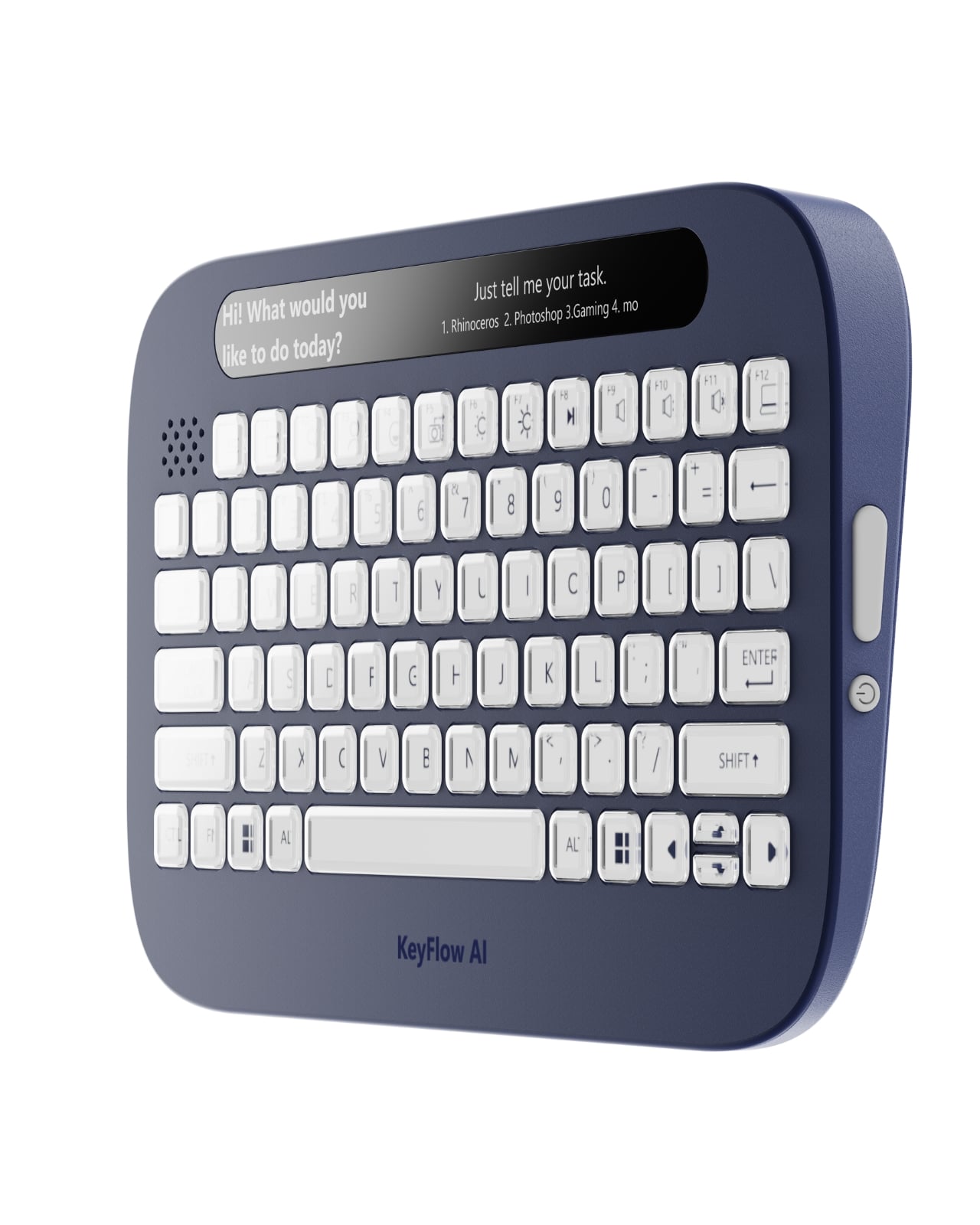
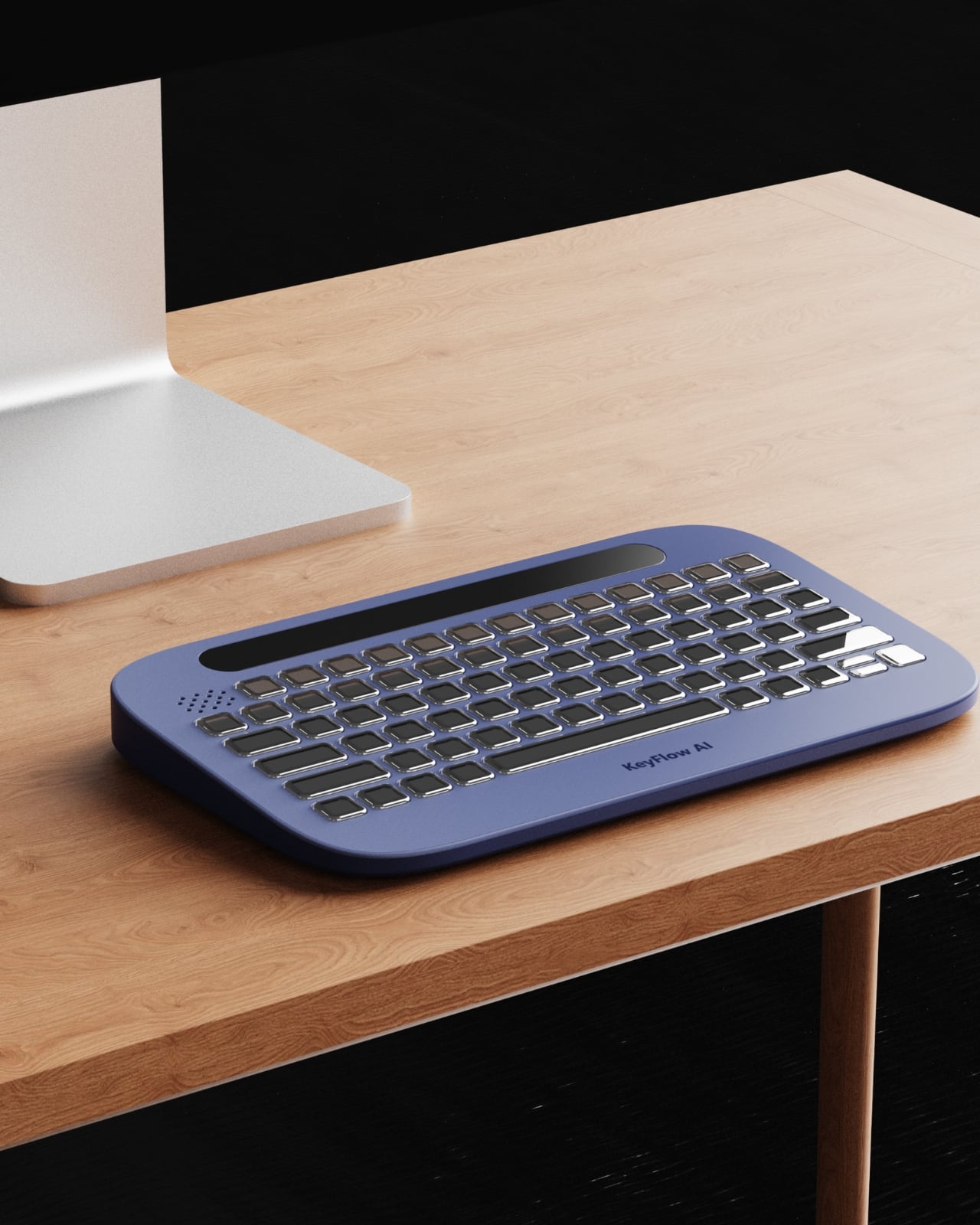
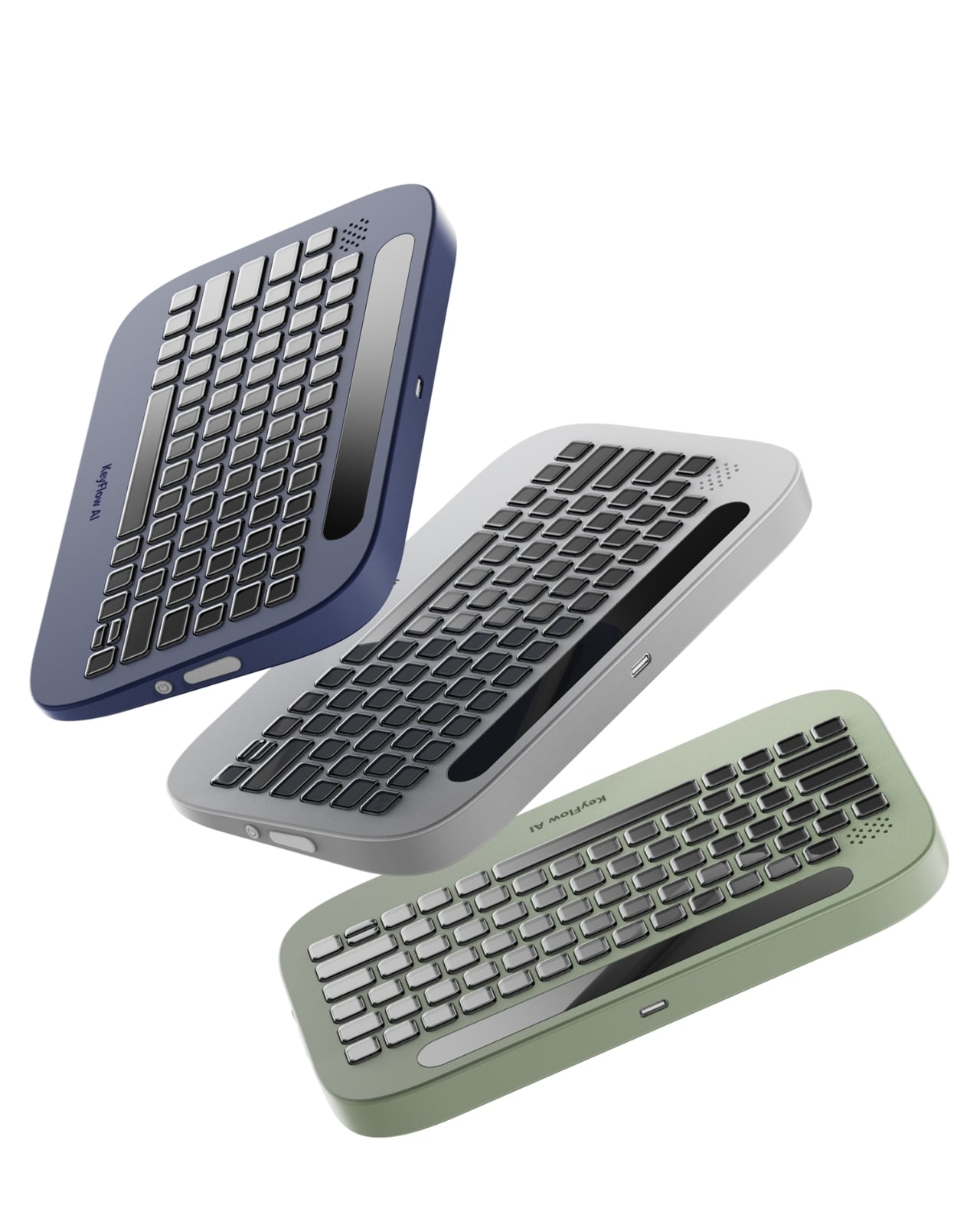
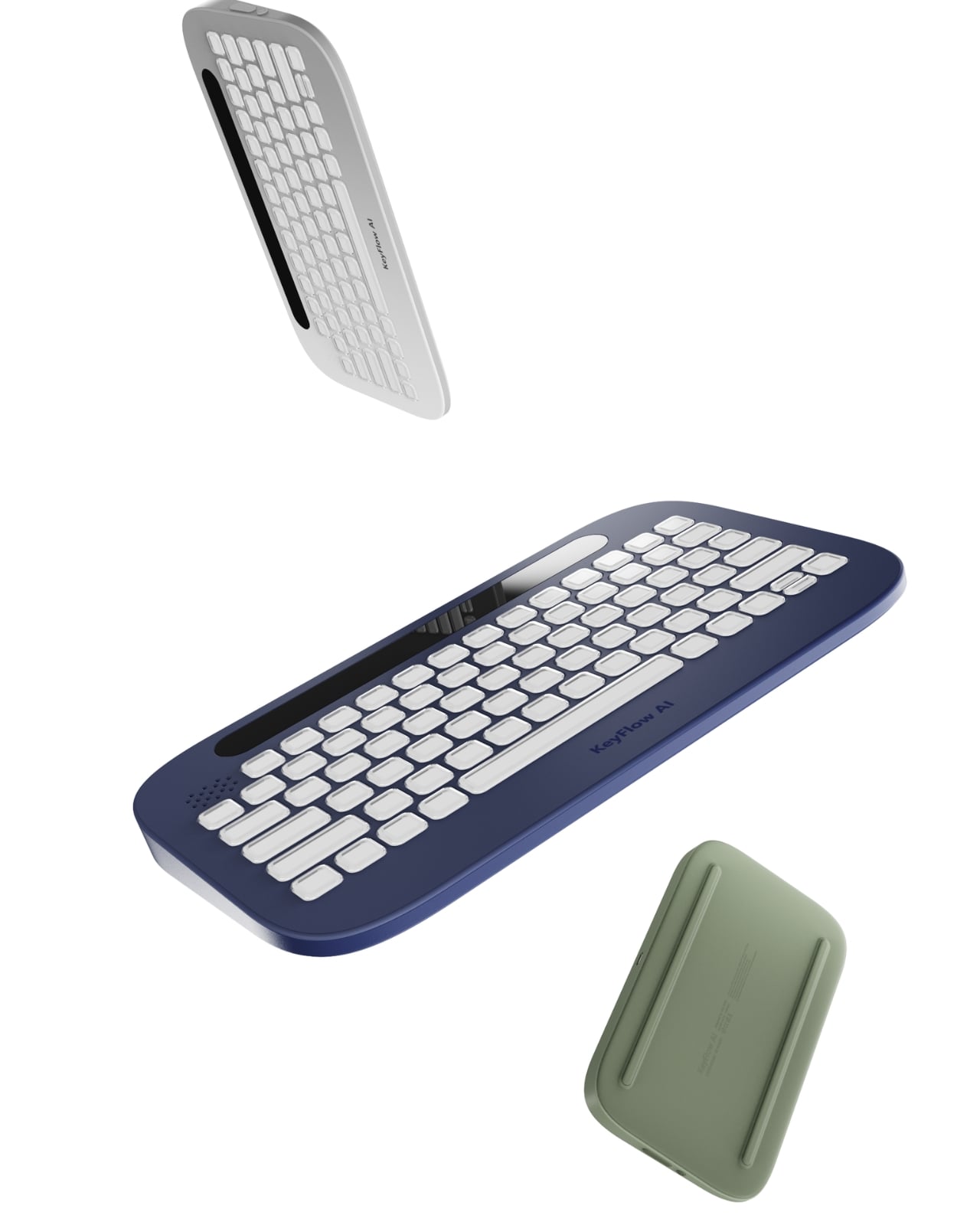
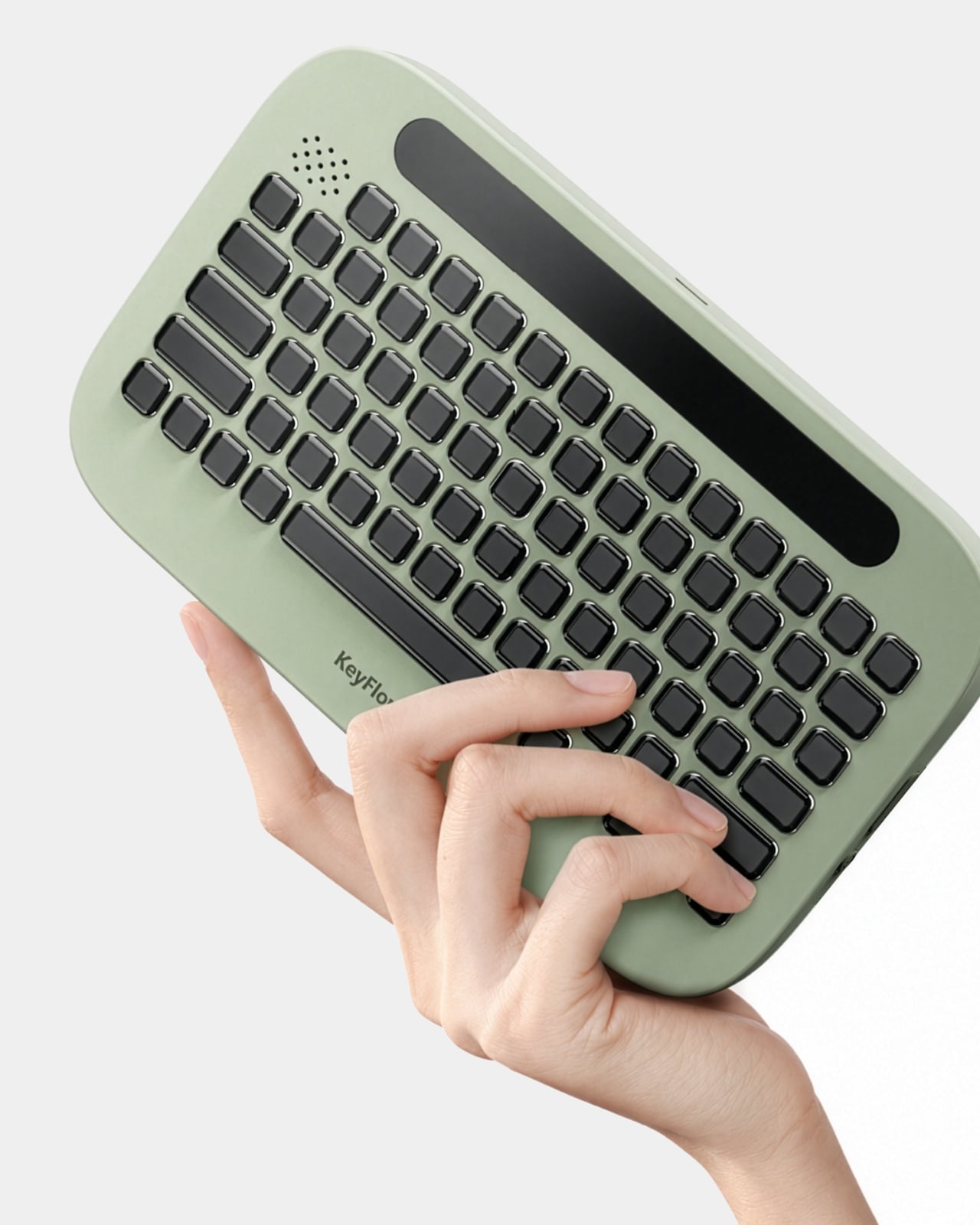
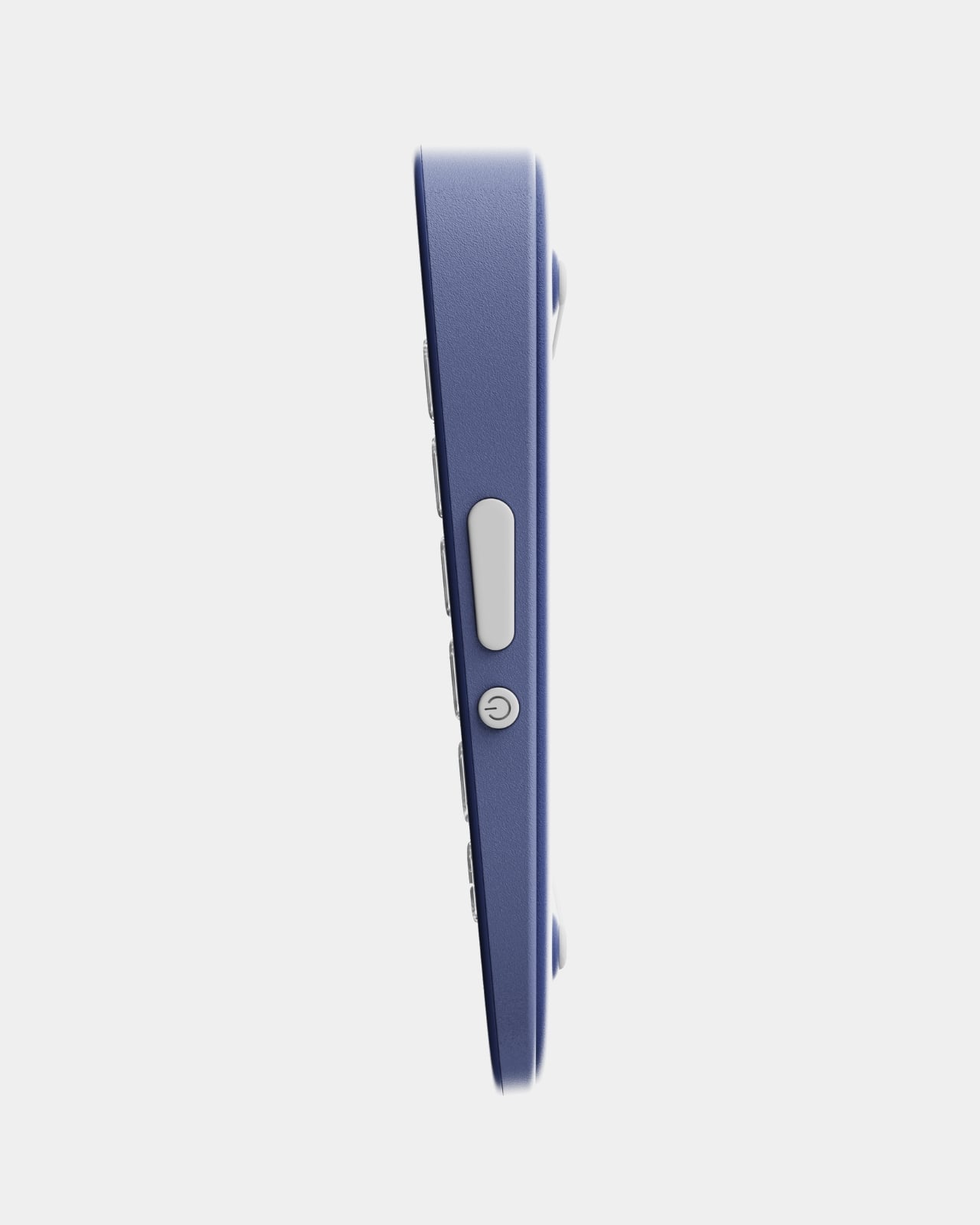
Visually, the design is clean and restrained in the best way. The rounded, slightly pill-shaped body comes in navy blue, light gray, and a soft sage green. None of the colors are aggressive or trendy in an obvious way. The keys have that satisfying, slightly domed profile that looks genuinely tactile even in product renders. Running along the top edge is a narrow display strip that presumably serves as the main guidance interface, showing instructions or prompts without pulling your eyes fully away from the screen. It is a small detail that shows real consideration for how people actually look at their desks when they are working.
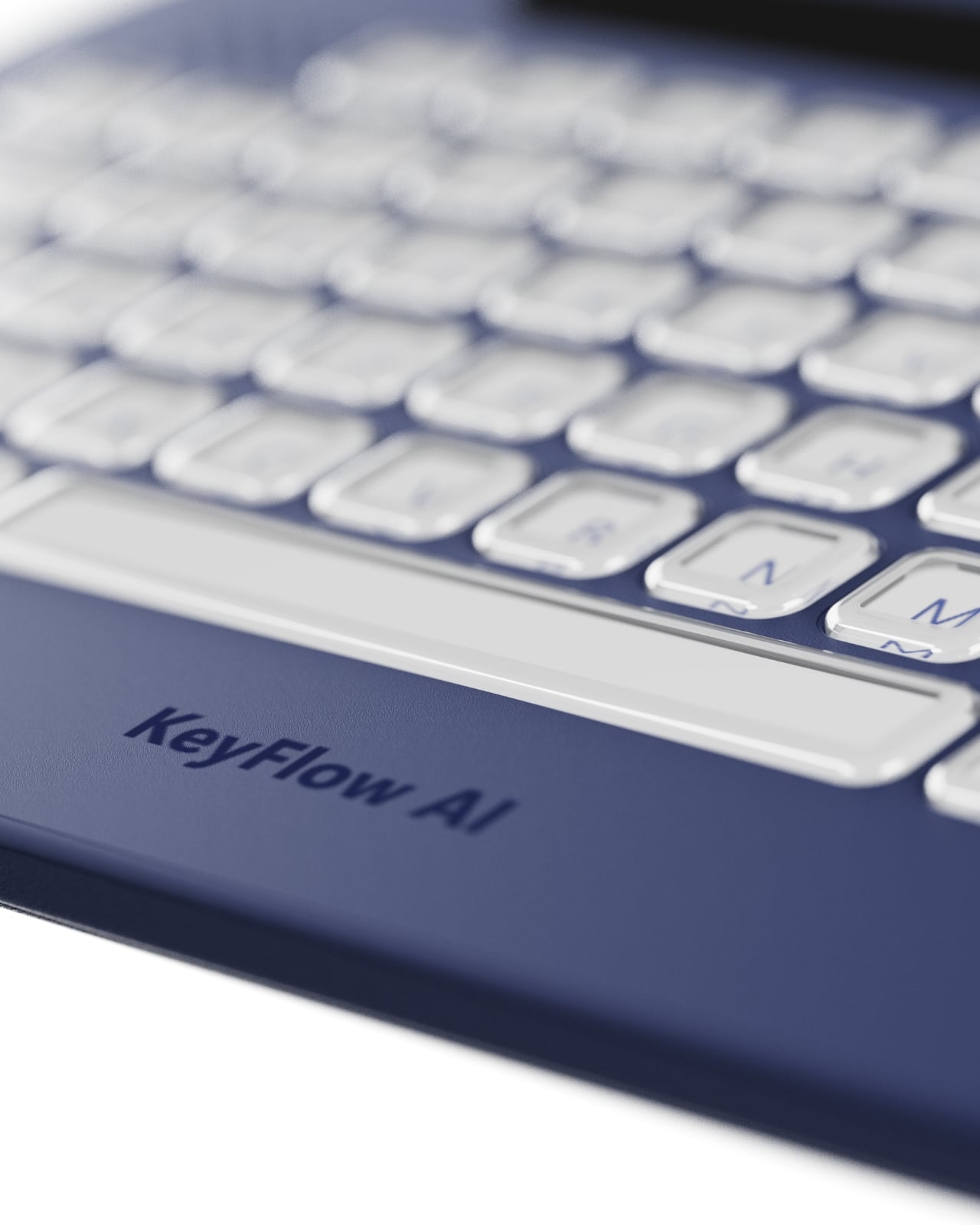
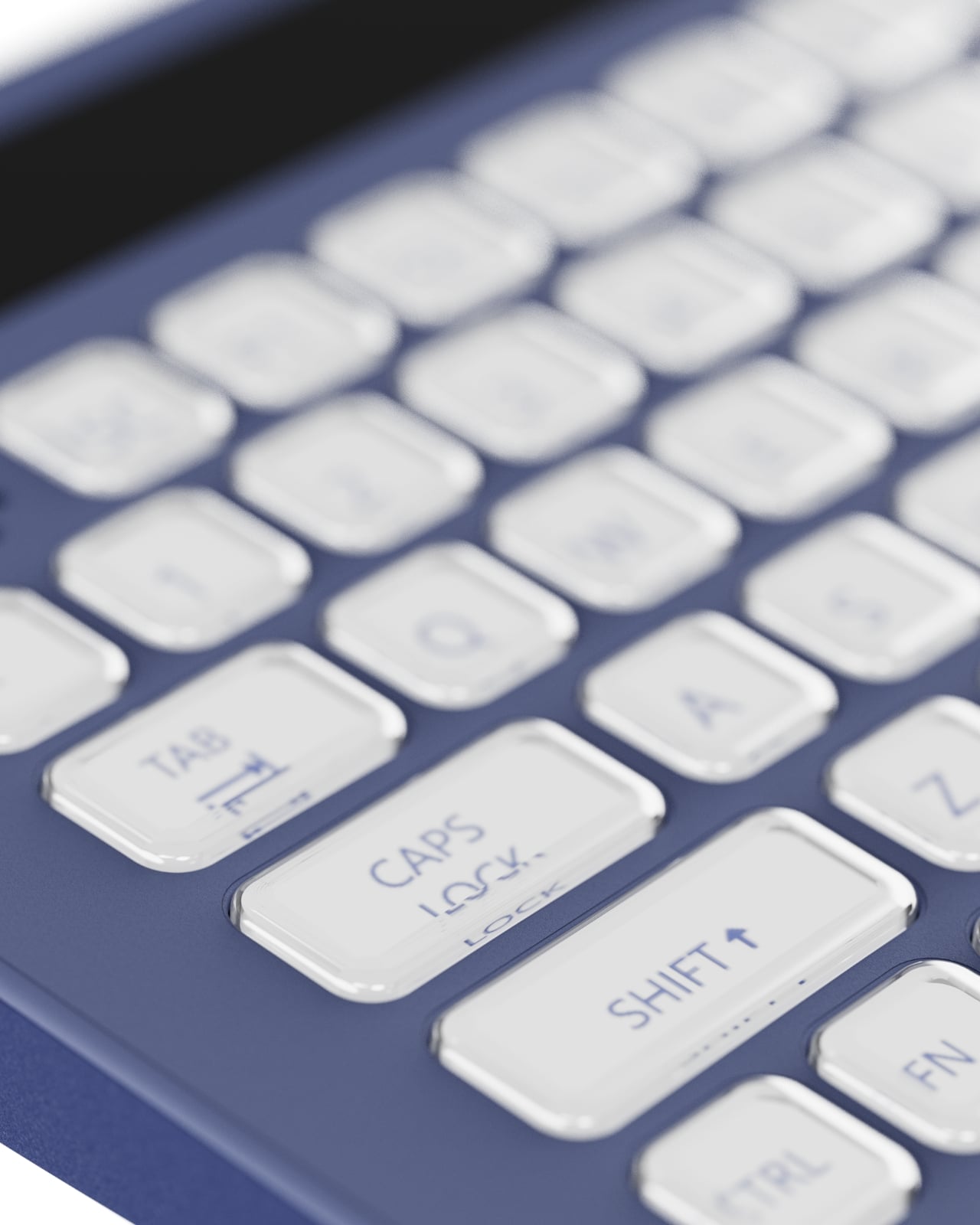
The back of the device features two raised rails that function as a stand, letting you tilt the keyboard to a more comfortable working angle. A coiled cable option is also part of the design language, and while coiled cables are very much having a moment in the mechanical keyboard world right now, it does not feel forced here. It fits the overall aesthetic without trying too hard.
To be fair, KeyFlowAI is still a concept from Shih, which means there are open questions that a working prototype would need to answer. How accurately does the AI read your current task within the software? How quickly do the adaptive key labels update? Does the system scale to more advanced workflows, or is its sweet spot firmly in the beginner range? These are the kinds of details that make or break a tool like this, and they cannot be answered on paper.
But the underlying premise is sound, and more than that, it is overdue. The gap between watching a tutorial and actually building something has always been wider than the creative software industry acknowledges. Beginners do not need more content; they need less friction in the moment of doing. KeyFlowAI is betting that the solution lives right there on the desk, sitting under your hands. Whether or not it makes it to production, it is making the right argument.
The post first appeared on .
Related Posts