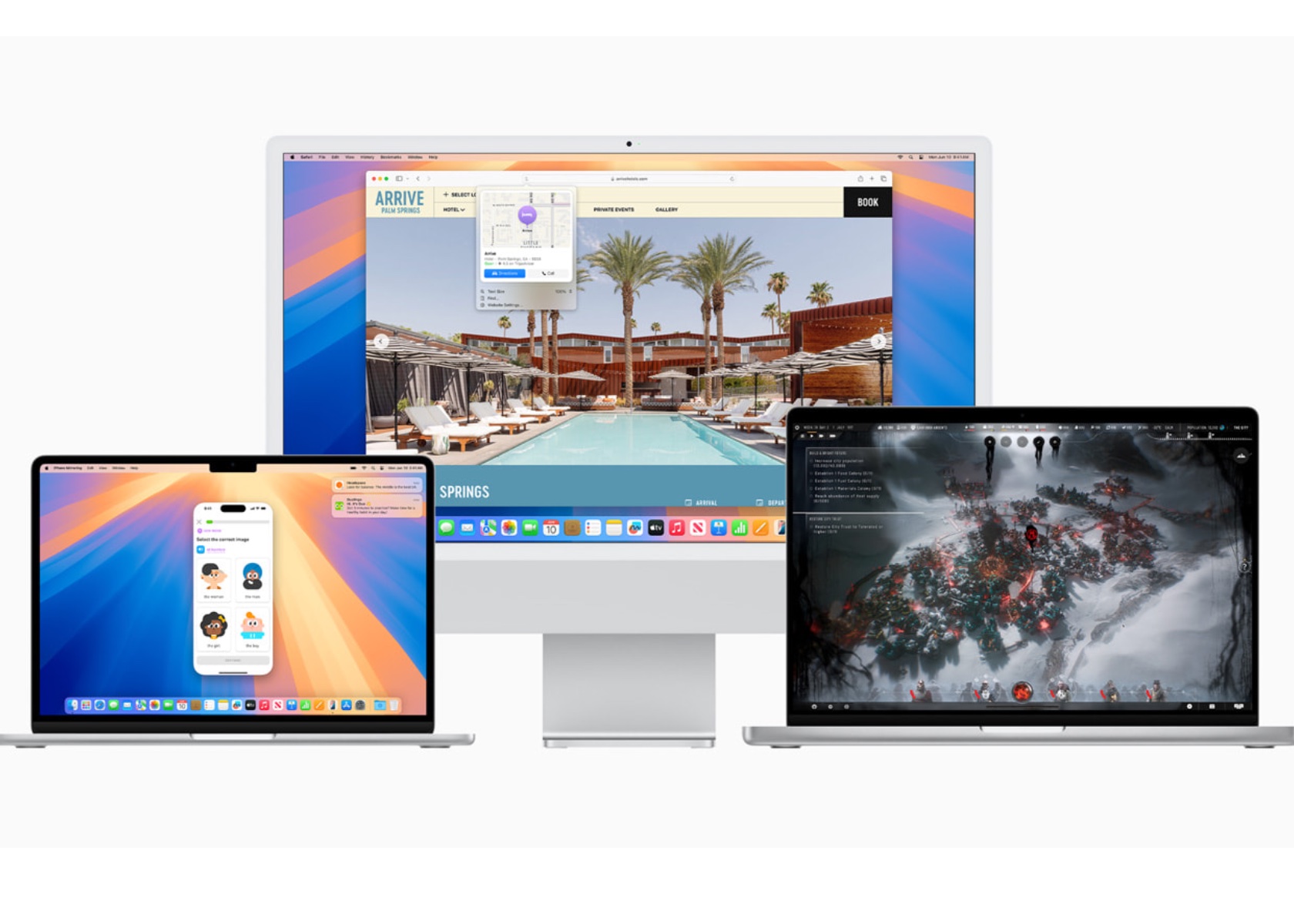
Apple has introduced macOS Sequoia, featuring new updates that enhance the Mac experience. From improved integration between iPhone and Mac to new gaming features, there’s much to explore. Here are 13 new features in macOS Sequoia that aim to make your daily Mac use smoother and more enjoyable.
Designer: Apple
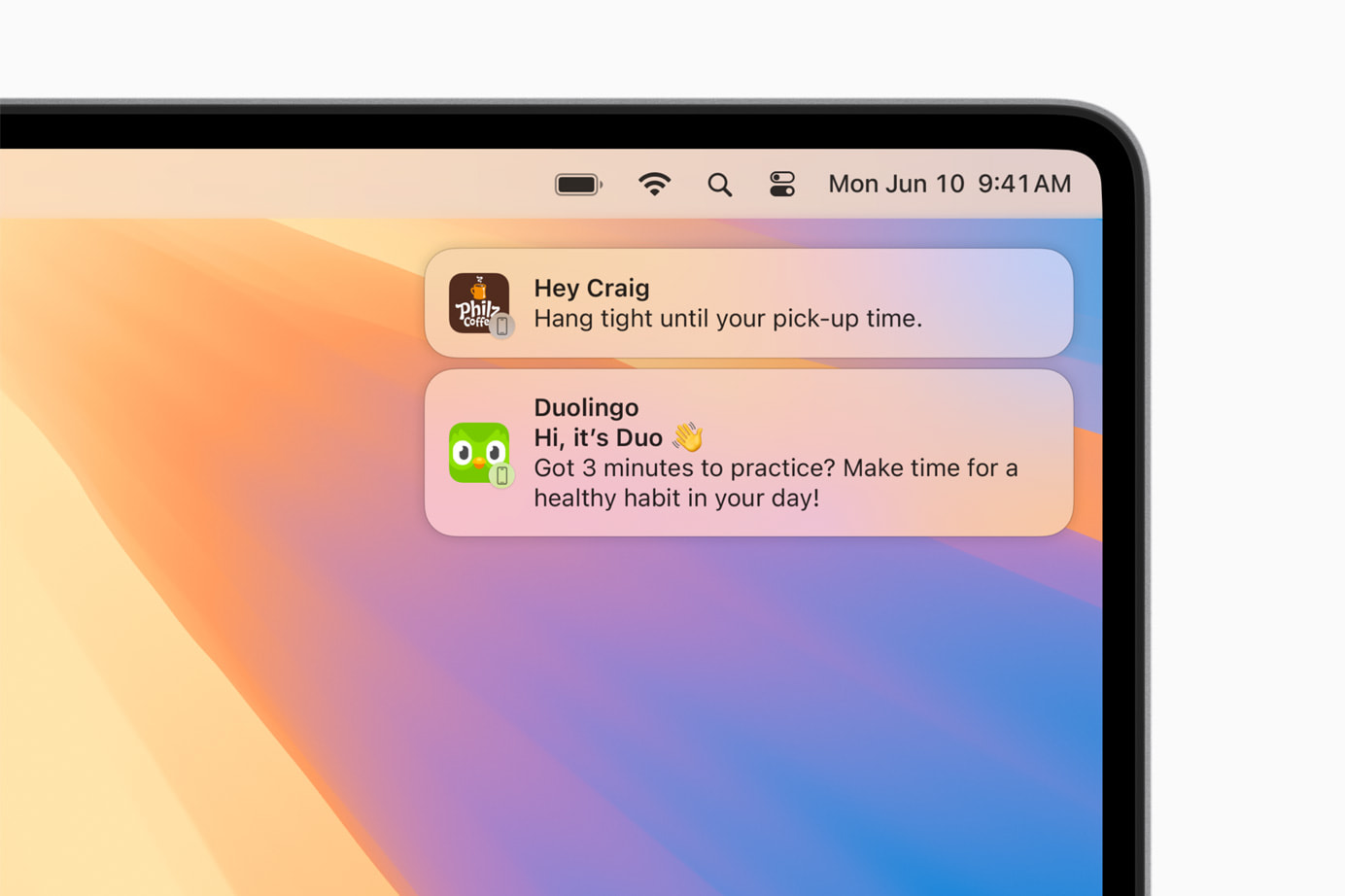
iPhone Mirroring: Seamlessly Connect Your Devices
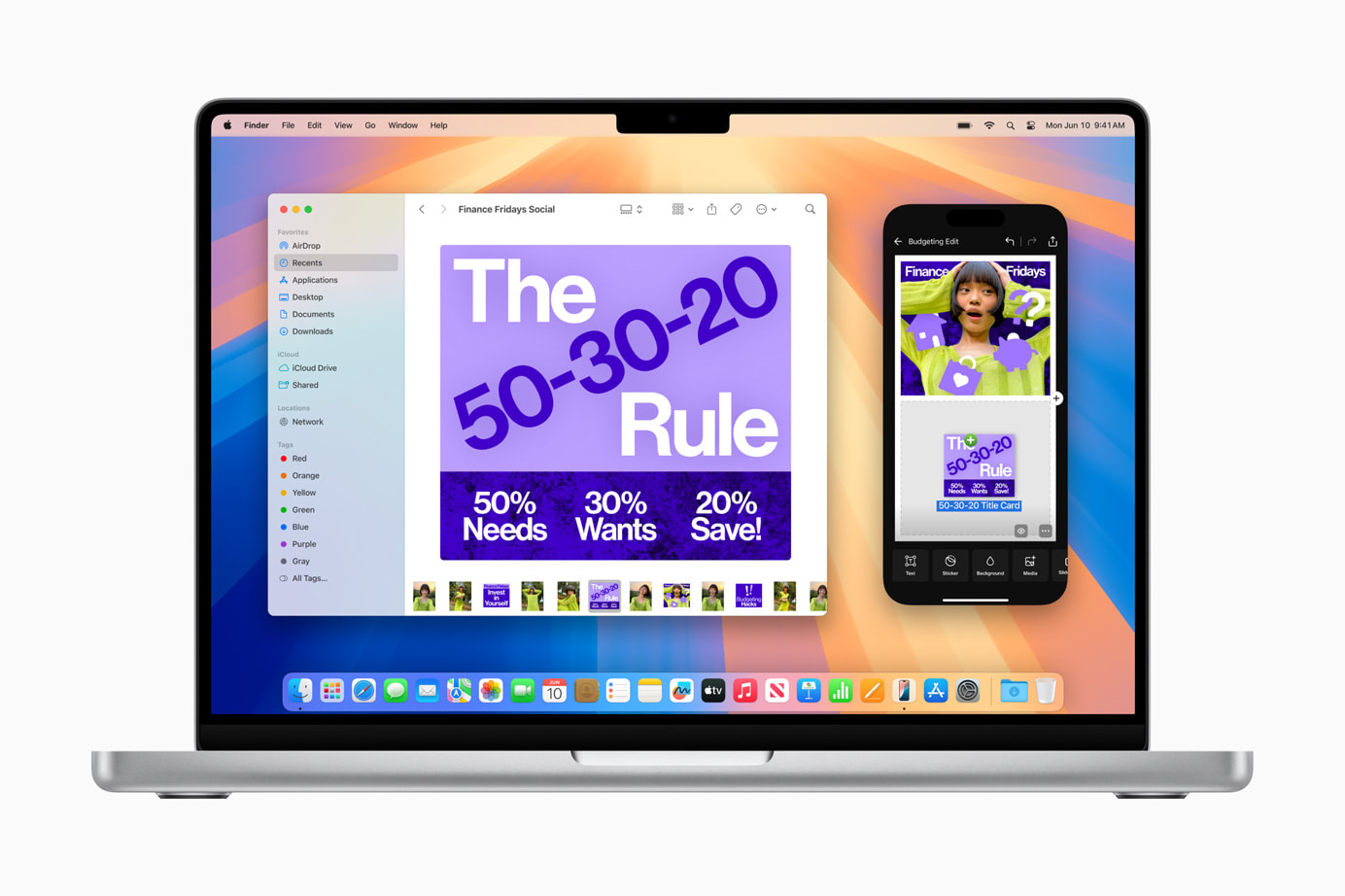
iPhone Mirroring is an exciting addition to Continuity, allowing you to use your iPhone directly from your Mac. This feature provides full access to your iPhone’s home screen, apps, and notifications while using your Mac. You can easily drag and drop files, photos, and videos between your iPhone and Mac, enhancing productivity and saving time.
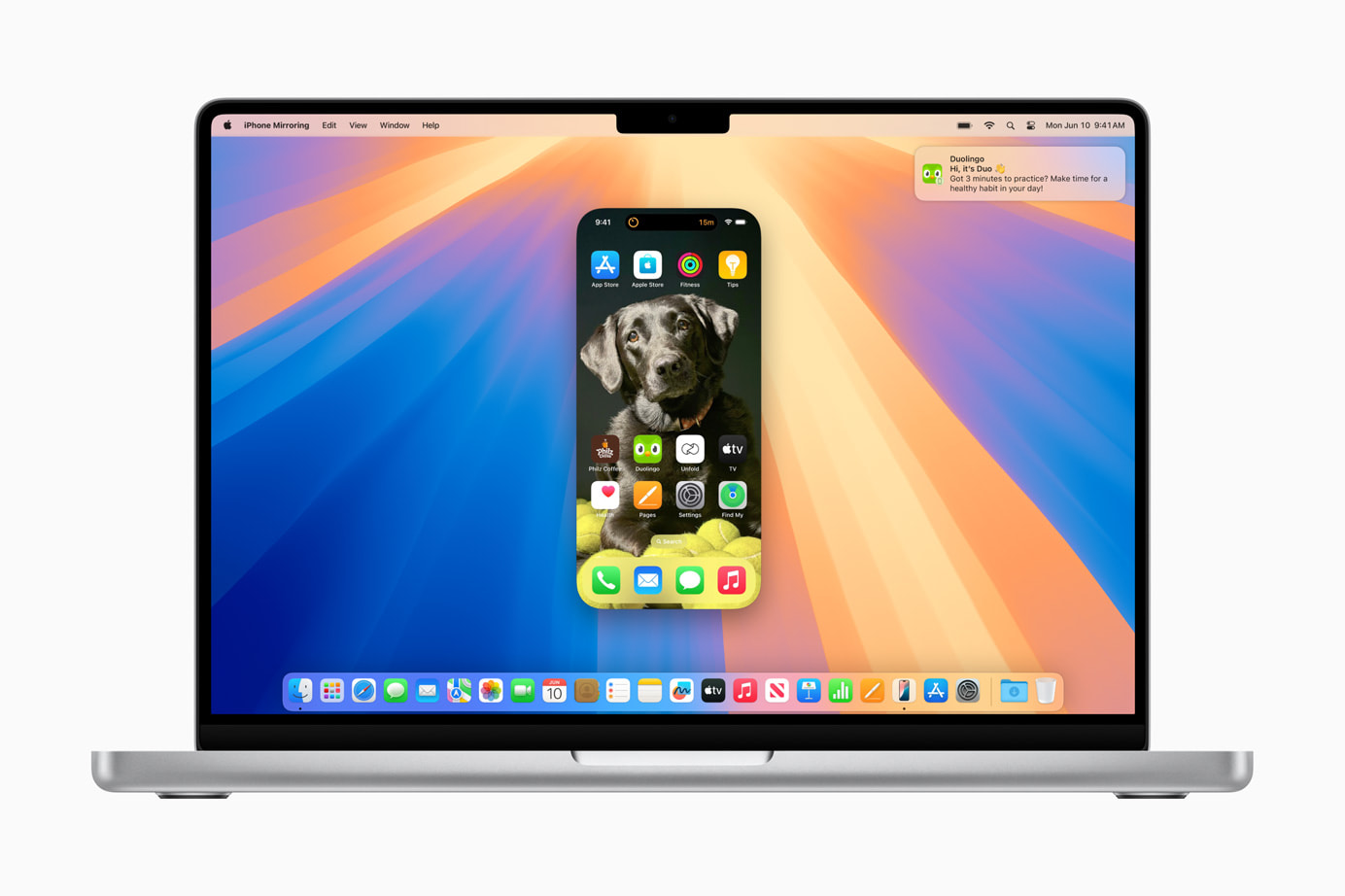
Using the Journal app on your Mac through iPhone Mirroring provides consistency in journaling and note-taking across devices. This feature is especially useful for those who prefer working on a larger screen without losing mobile access convenience. It integrates your devices into one cohesive unit, simplifying your workflow and making your digital experience more seamless.
Safari Updates: Discovering Information Has Never Been Easier
Safari’s new features in macOS Sequoia improve browsing efficiency. The Highlights tool quickly finds information on a webpage, such as directions, summaries, or quick links. The redesigned Reader provides a clean, streamlined view of articles, complete with summaries and tables of contents. The Viewer feature places detected videos front and center with easy playback control.
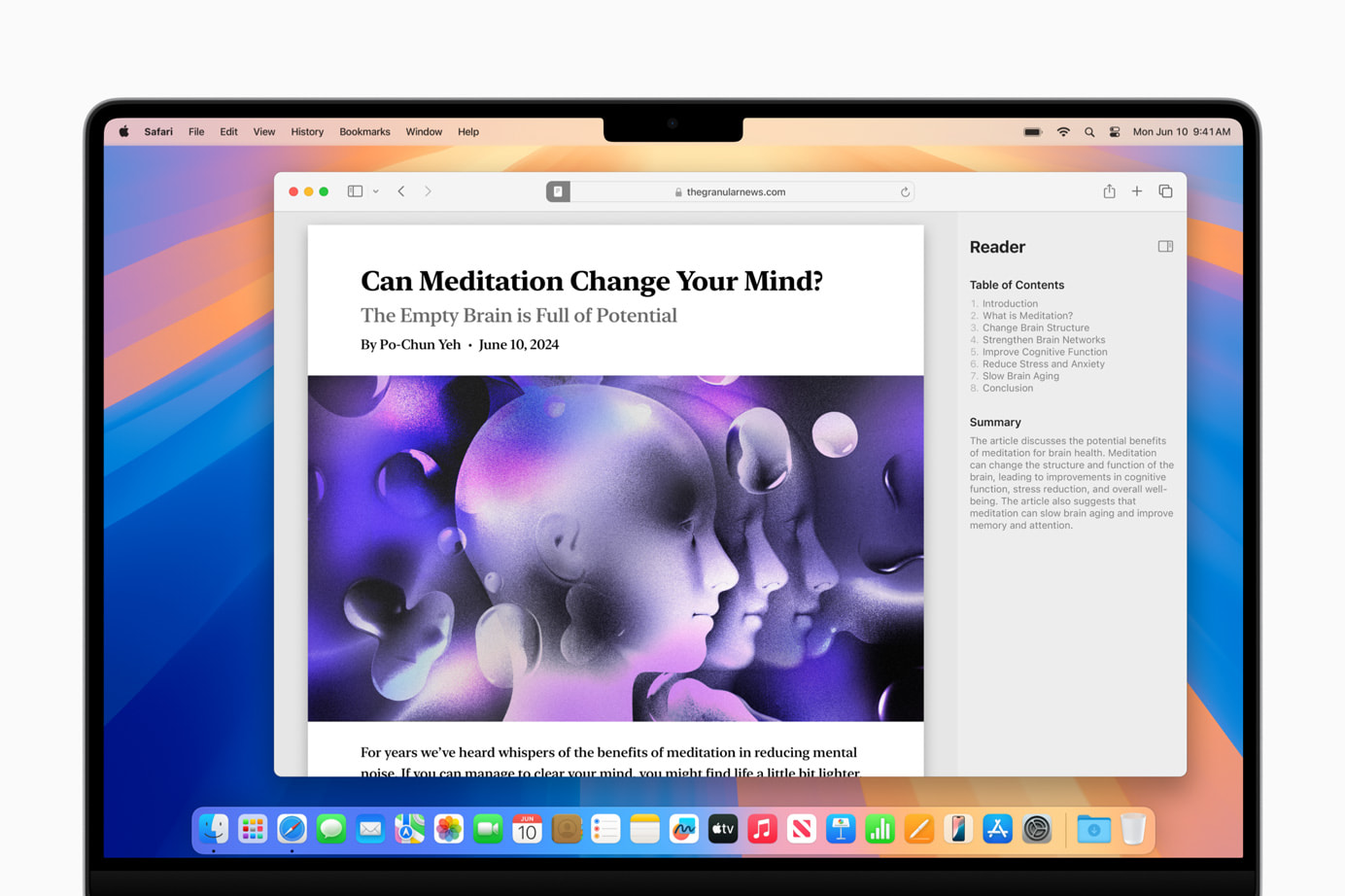
These updates make Safari more powerful for everyday browsing, simplifying and enhancing your experience. Whether you’re researching a project, catching up on news, or just surfing the web, Safari’s new tools help you spend less time searching and more time engaging with content.
Gaming Enhancements: A New Level of Immersion
macOS Sequoia introduces major updates to gaming on Mac, including new titles like “Assassin’s Creed Shadows” and “Prince of Persia: The Lost Crown,” along with additions from the “Resident Evil” series. These games utilize MetalFX Upscaling for enhanced visuals and performance. Personalized Spatial Audio provides a more immersive gaming experience.
Apple’s commitment to improving gaming on Mac is evident with these updates, focusing on high-quality visuals and immersive audio. These enhancements make the Mac a more attractive option for gamers, addressing performance, visual quality, and audio immersion.
Window Tiling: Stay Organized with Ease
macOS Sequoia’s window tiling feature helps you organize multiple applications. Drag a window to the screen edge, and macOS suggests a tiled position, allowing you to arrange windows side by side or in corners. This feature is perfect for maintaining an organized and efficient workspace, reducing screen clutter and enhancing multitasking.

Window tiling streamlines workflows and minimizes desktop clutter, making it beneficial for those working with numerous applications and documents. It simplifies task management, making multitasking smoother and more efficient.
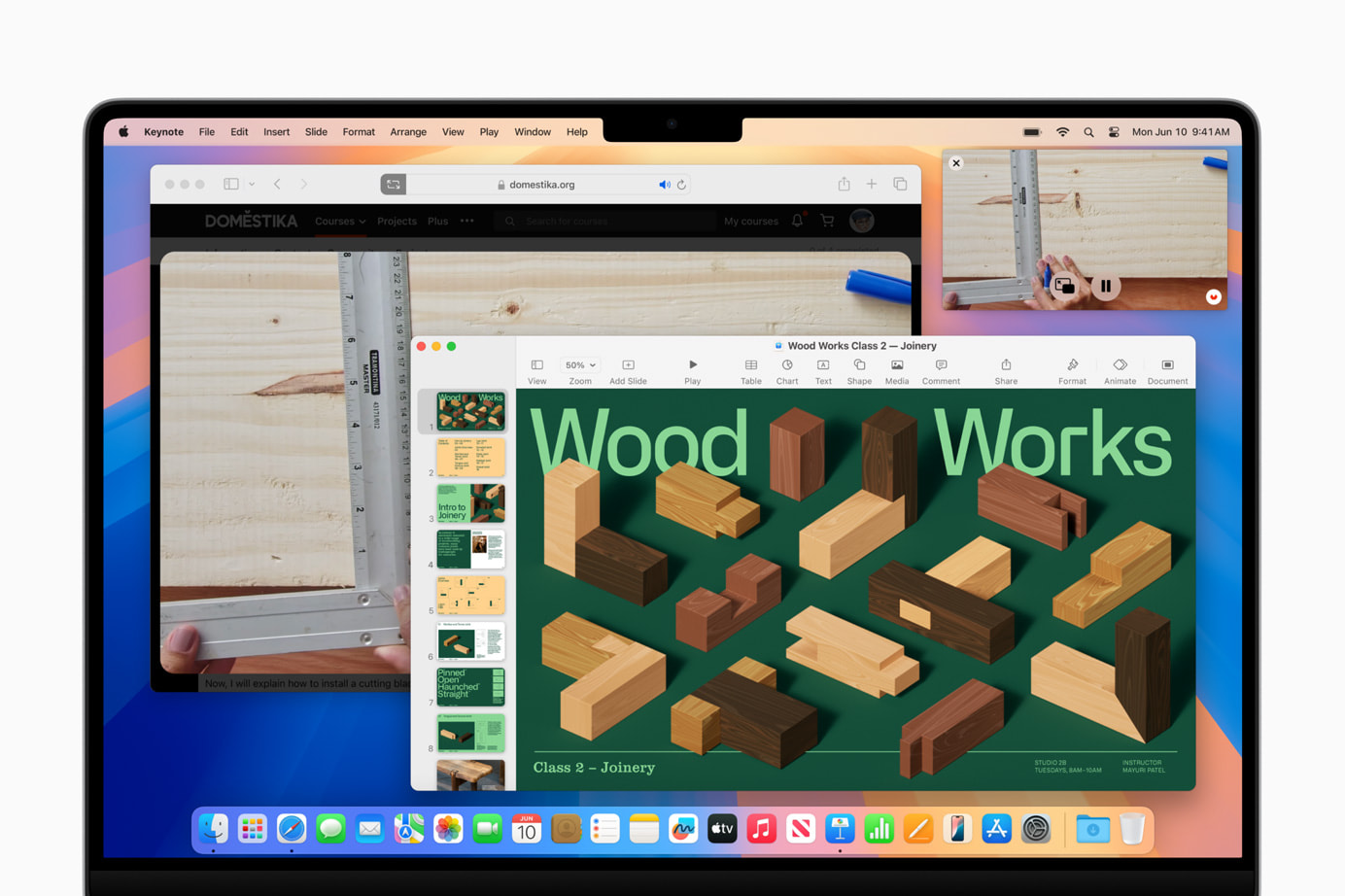
Video Conferencing Updates: Present with Confidence
Video conferencing gets a boost with macOS Sequoia’s new updates. The presenter preview feature lets you see what you’re about to share, ensuring everything looks perfect. Built-in backgrounds and Apple’s segmentation technology add professionalism to your virtual interactions.

These enhancements make remote work and virtual meetings more productive and engaging. The ability to preview and customize your presentation ensures you always look your best, enhancing your confidence during virtual interactions.
New Passwords App: Keep Your Credentials Secure
The new Passwords app in macOS Sequoia centralizes your passwords, passkeys, Wi-Fi passwords, and other credentials in one secure location. With iCloud syncing and secure end-to-end encryption, your information is always protected. The app integrates seamlessly with Safari and other Apple devices, making accessing your credentials easy and secure.
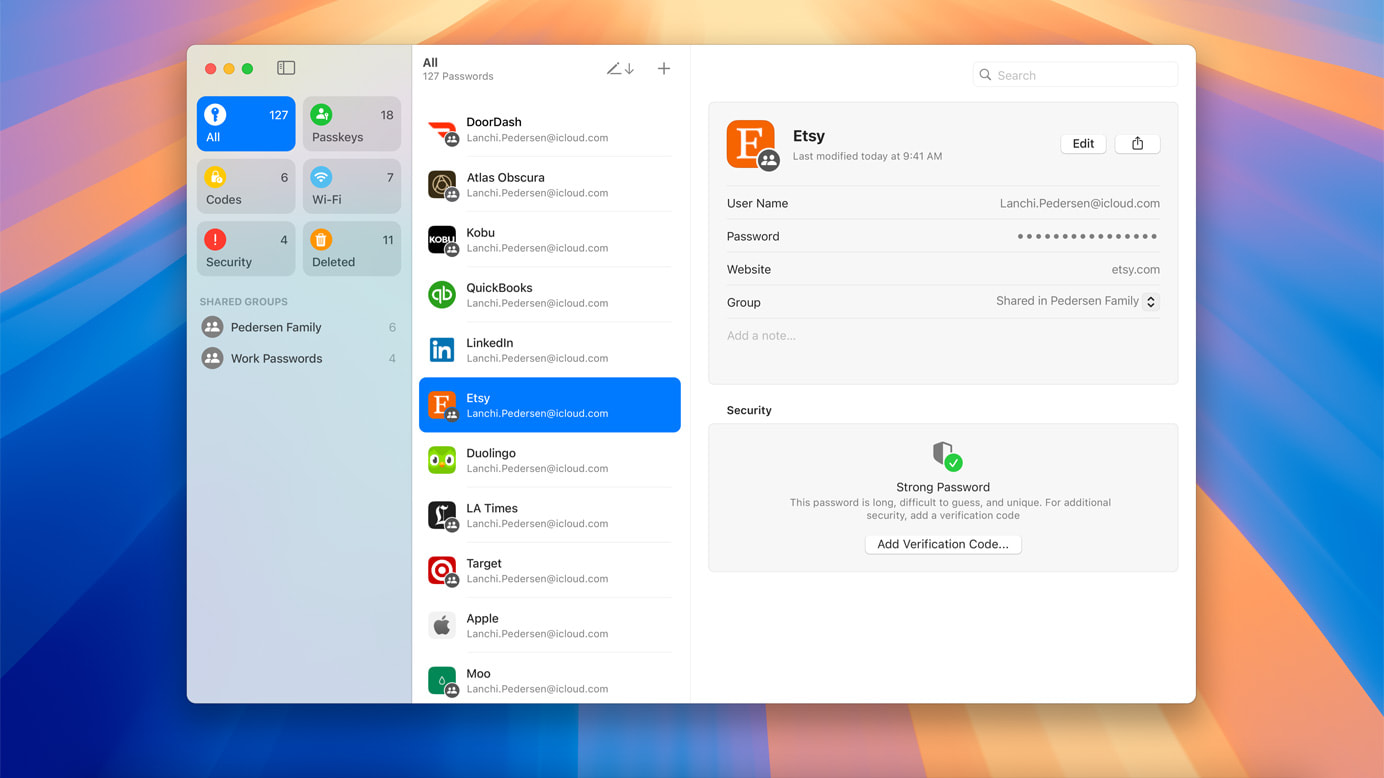
This app simplifies digital security by providing easy access and strong encryption, making managing online security hassle-free. It’s a practical solution for anyone who values security and convenience.
Apple Intelligence: The Next Chapter of AI on Mac
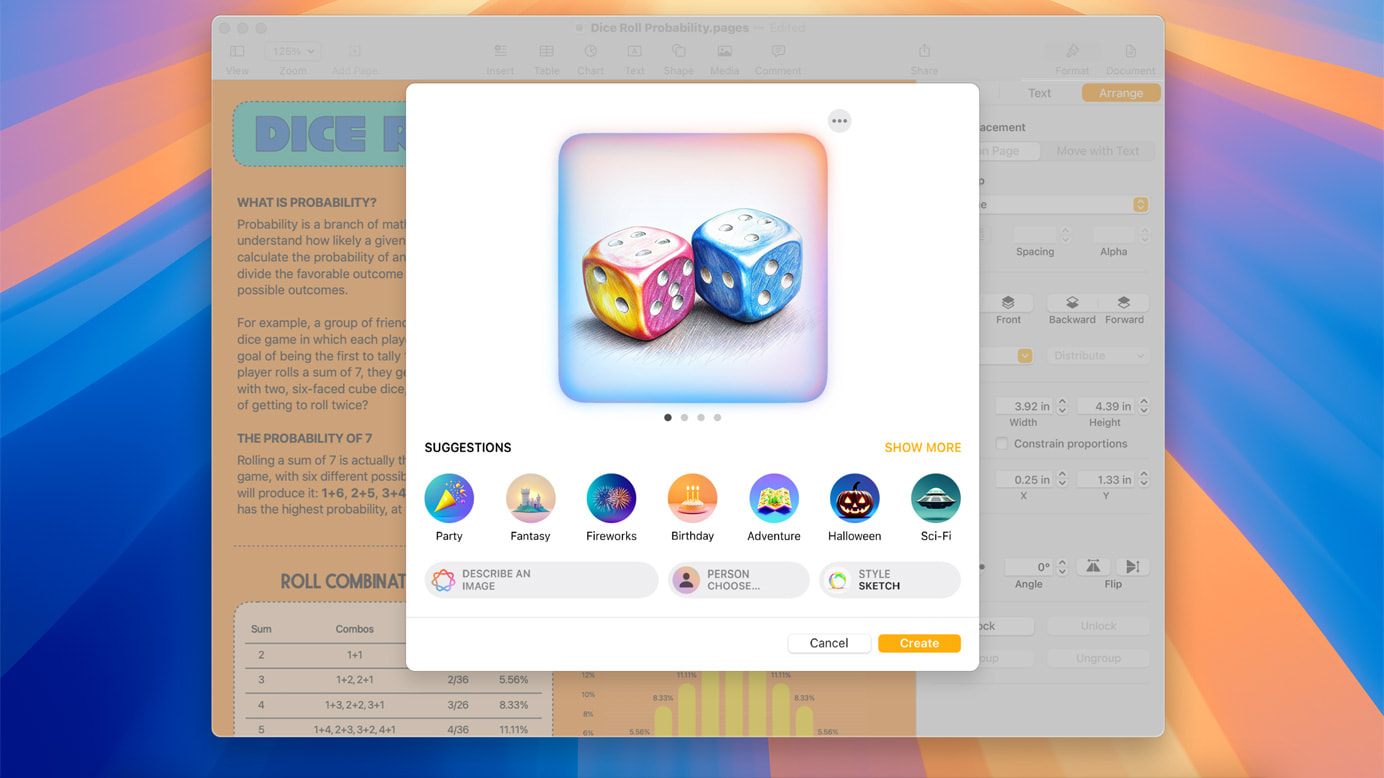
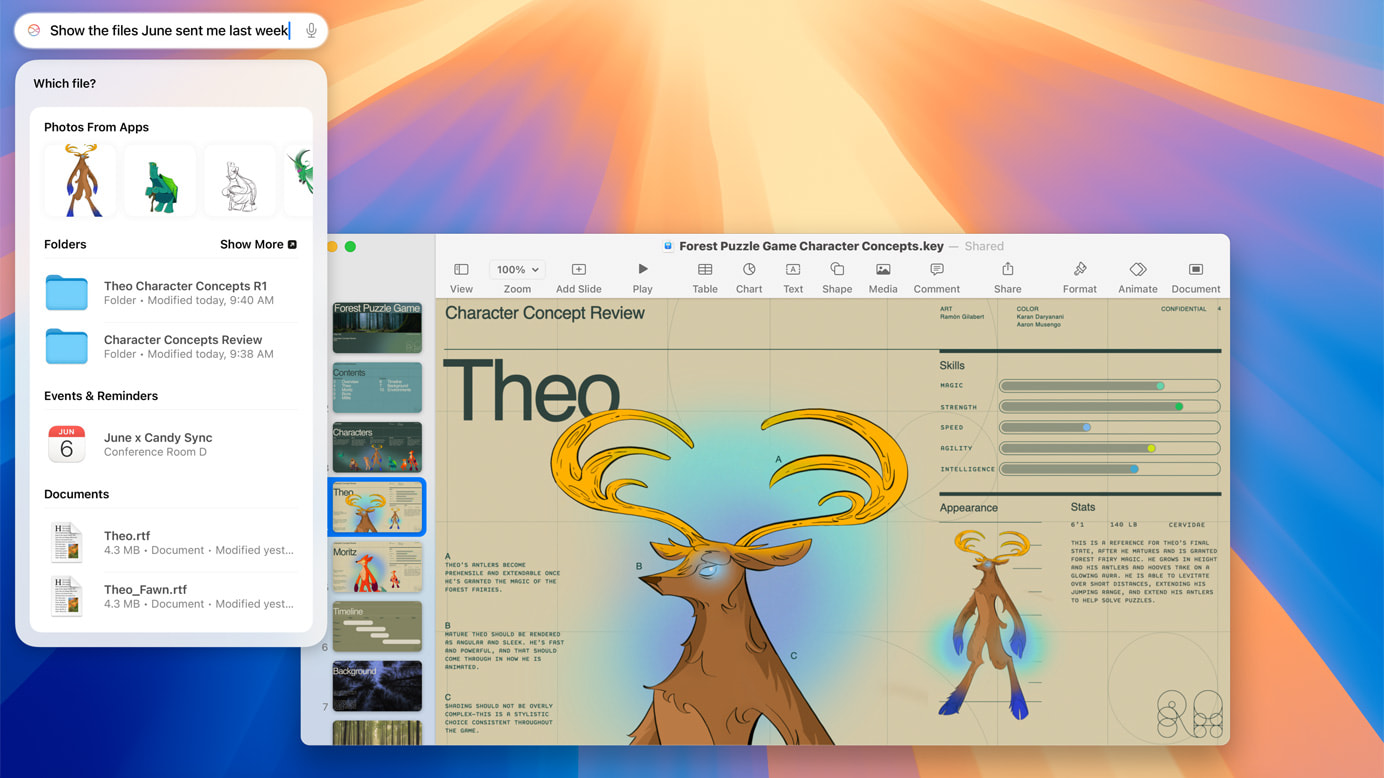
macOS Sequoia introduces Apple Intelligence, a personal AI system that enhances writing and communication. Integrated into macOS, iOS, and iPadOS, it offers features like rewriting, proofreading, and summarizing text. Apple Intelligence also includes Image Playground for creating playful images and Memories in Photos for crafting stories from your photo library.
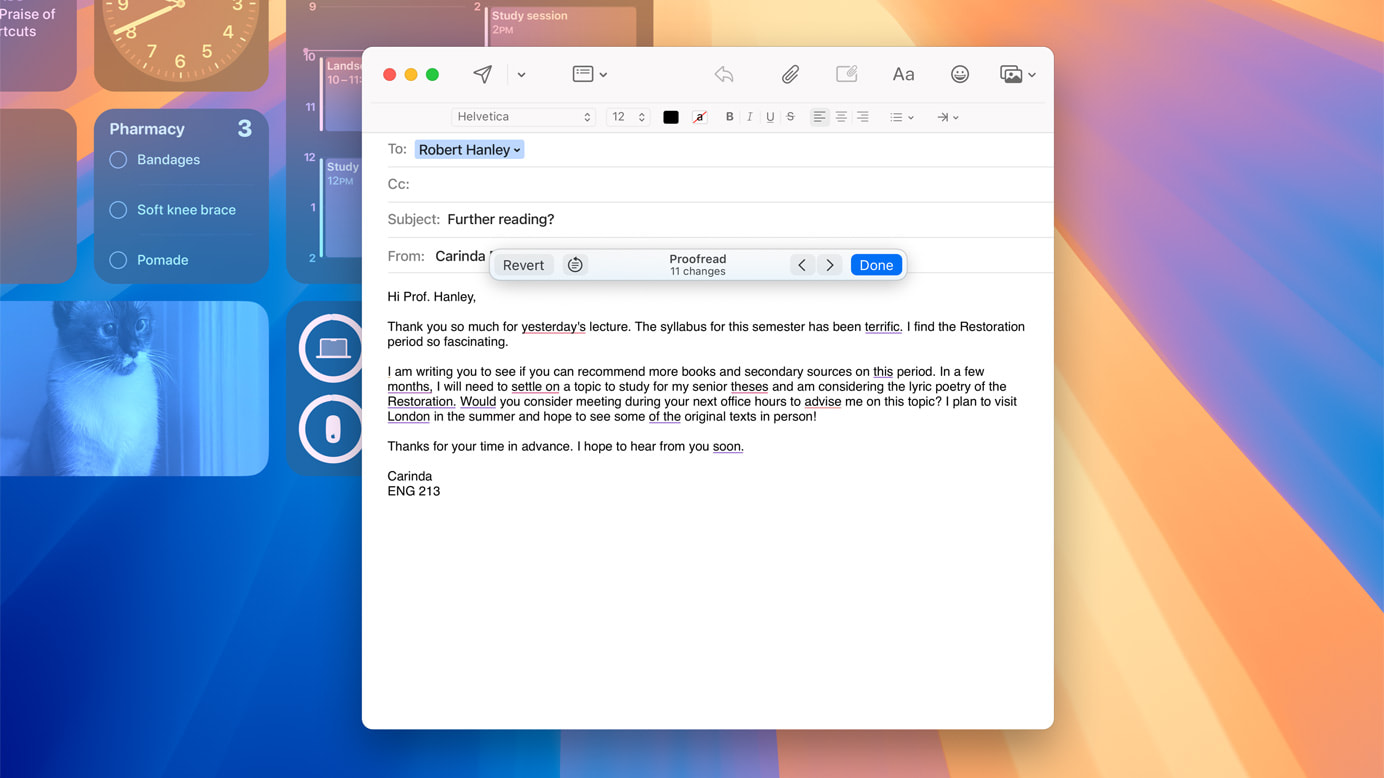
These AI advancements simplify tasks like writing, editing, and creating visual content, making daily tasks more efficient and enjoyable. Apple Intelligence ensures you can achieve more with less effort, enhancing productivity and creativity.
Messages Updates: Express Yourself Like Never Before
macOS Sequoia enhances the Messages app with new text effects, emoji, and sticker Tapbacks, making your messages more fun and engaging. The ability to schedule messages to send later ensures they’re sent at the right time, adding convenience to your communication.

These updates make digital conversations more lively and expressive, helping you convey your thoughts and feelings more clearly. Whether you’re sending a quick update or having a long chat, the new tools in Messages enrich how you connect with others.
Apple Maps Enhancements: Explore the World in New Ways
Apple Maps in macOS Sequoia introduces curated hikes and custom walking routes, making exploring the outdoors easier. Discover thousands of trails across U.S. national parks, filtered by length, elevation, and route type, and save them for offline use. These enhancements cater to both seasoned explorers and casual hikers.

These updates make Apple Maps a powerful tool for outdoor enthusiasts, providing detailed and customizable routes. Whether you’re planning a hike or exploring a new city, the new features make your adventures more accessible and enjoyable.
Photos Updates: Organize and Enjoy Your Memories
macOS Sequoia’s Photos app updates make it easier to organize and enjoy your photo library. Collections automatically organize your photos and videos by themes, and improved search capabilities help you quickly find what you’re looking for. These updates make managing your photo library more intuitive and efficient.
The Photos app enhancements simplify organizing, finding, and sharing your photos, preserving your memories in a meaningful way. Whether you’re a casual photographer or love capturing every moment, the improved Photos app ensures your images are always organized and ready to be enjoyed.
Notes Improvements: Smarter Note Taking
The Notes app in macOS Sequoia now includes audio transcription and summarization features powered by Apple Intelligence. Math Notes allows you to type in equations and have them solved automatically. These updates make note-taking smarter and more efficient.
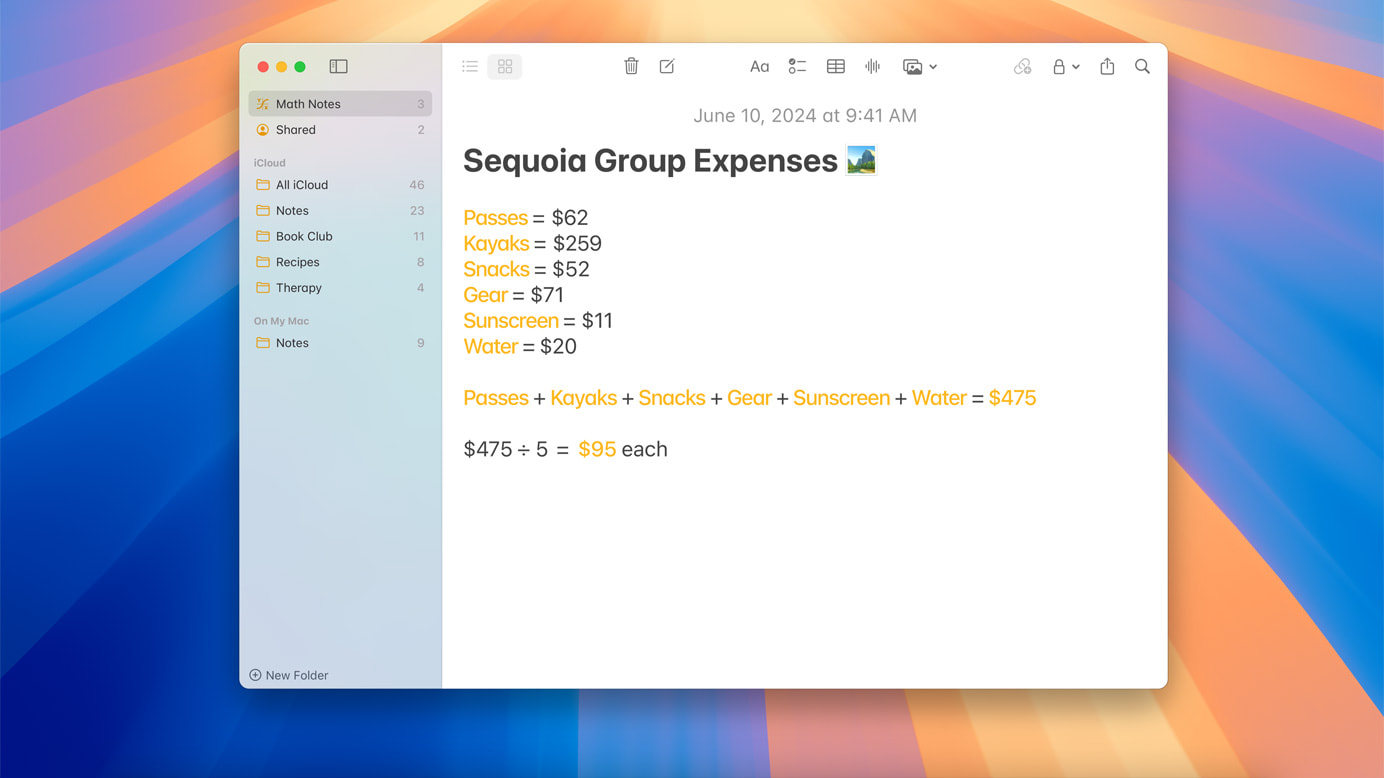
These enhancements make the Notes app a powerful tool for productivity, helping you stay organized and efficient. Whether you’re in a meeting, a classroom, or working on a personal project, the smarter Notes app ensures you can capture and manage information effortlessly.
Updated Calculator App: More Than Just Math
macOS Sequoia’s Calculator app now shows previous calculations with history and displays expressions as you type, making it easier to keep track of your calculations and ensure accuracy. These updates make the Calculator app more versatile and user-friendly.
These enhancements make the Calculator app a reliable tool for simple arithmetic and complex calculations. By adding features like history and expression display, the app becomes a more useful and efficient tool for daily math needs.
Calendar Enhancements: Stay on Top of Your Schedule
The Calendar app in macOS Sequoia shows events and tasks from Reminders, providing a comprehensive view of your schedule. An updated Month View offers a clear overview of events and reminders, making managing your time easier and more efficient.
These updates help you stay organized and productive, ensuring you don’t miss important deadlines or appointments. By integrating reminders and offering a clear monthly view, the Calendar app simplifies planning and organizing your time.
Take Your Mac Experience to the Next Level
macOS Sequoia is packed with features designed to make your Mac more powerful, user-friendly, and enjoyable. From seamless iPhone integration to smarter note-taking and enhanced gaming, these updates offer something for everyone. Explore these new features and see how they can improve your daily Mac experience.
The post first appeared on .
Related Posts