For anyone who juggles creative projects, streaming, or multitasking throughout the day, a regular keyboard just doesn’t cut it anymore for complex workflows. Shortcuts, macros, and visual feedback can make or break your workflow, but most macro pads feel either too basic for serious work or too locked down to customize the way you actually need them to function properly for your specific use case.
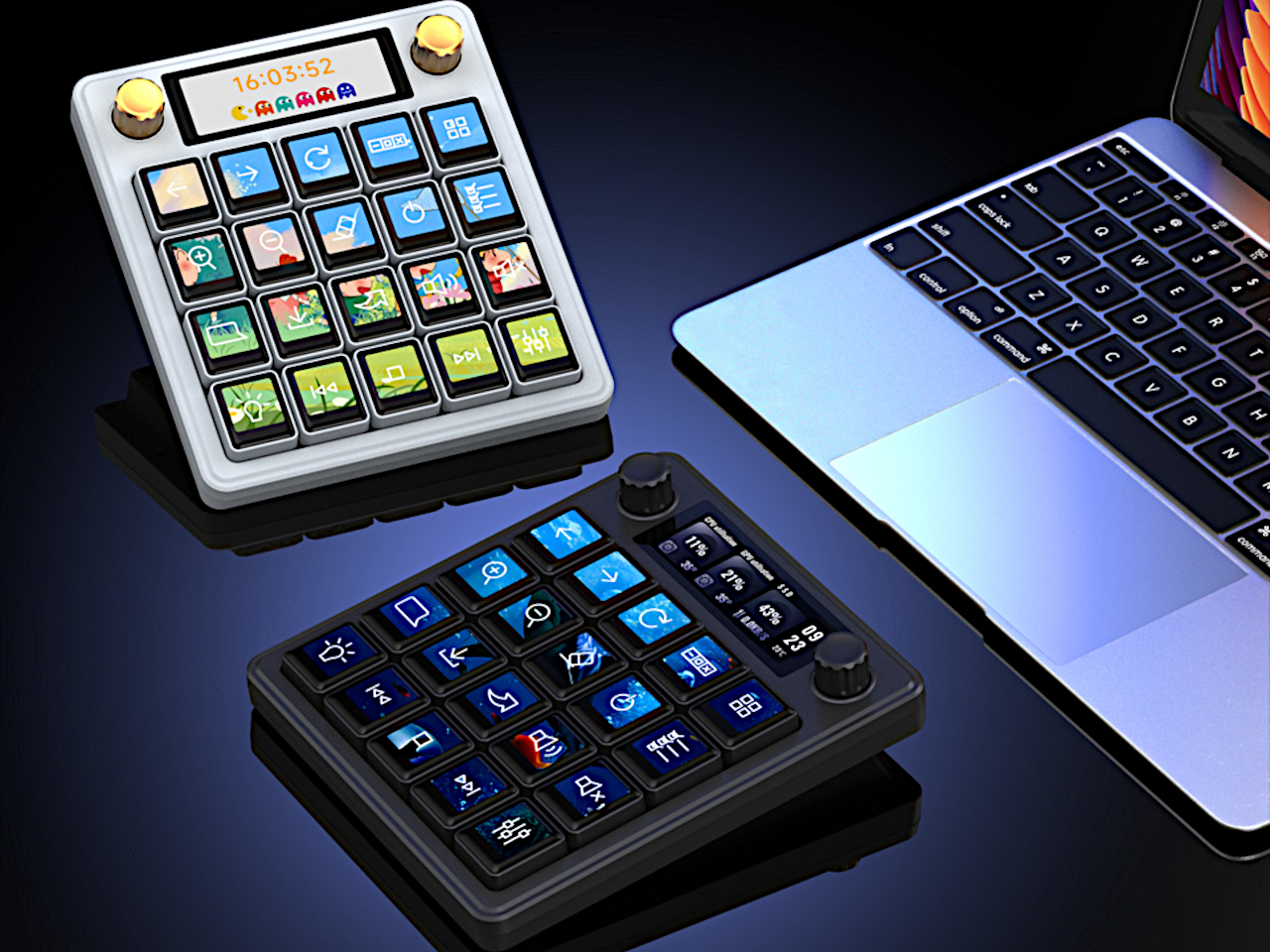
The Waveshare MK20 macro keyboard changes the game with 20 mechanical keys, each topped with a full-color LCD display, a 2.8-inch secondary screen, and dual programmable knobs for precise control. It’s a control deck that’s as expressive as it is powerful, designed for users who want complete creative freedom over their workspace and workflow without compromising on build quality or functionality.
Designer:
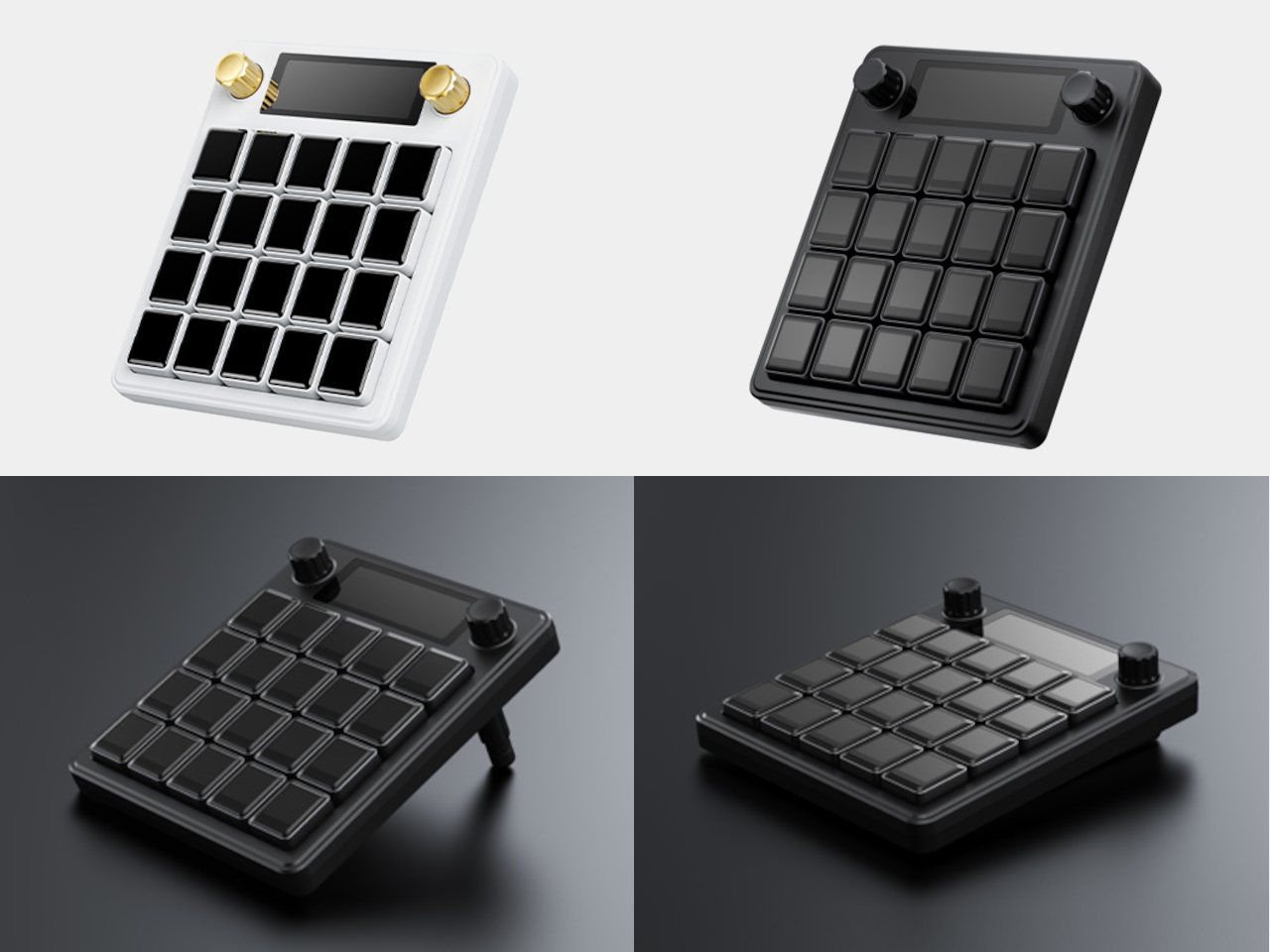
The MK20’s compact, square form is crafted from aluminum alloy with a 2.5D high-transparency acrylic lens, giving it a premium, sturdy feel that matches high-end keyboards and professional gear. Available in black or white finishes, it looks right at home next to professional monitors and mechanical keyboards on any creative desk. The build quality is immediately apparent, with satisfying tactile feedback and durable materials throughout.
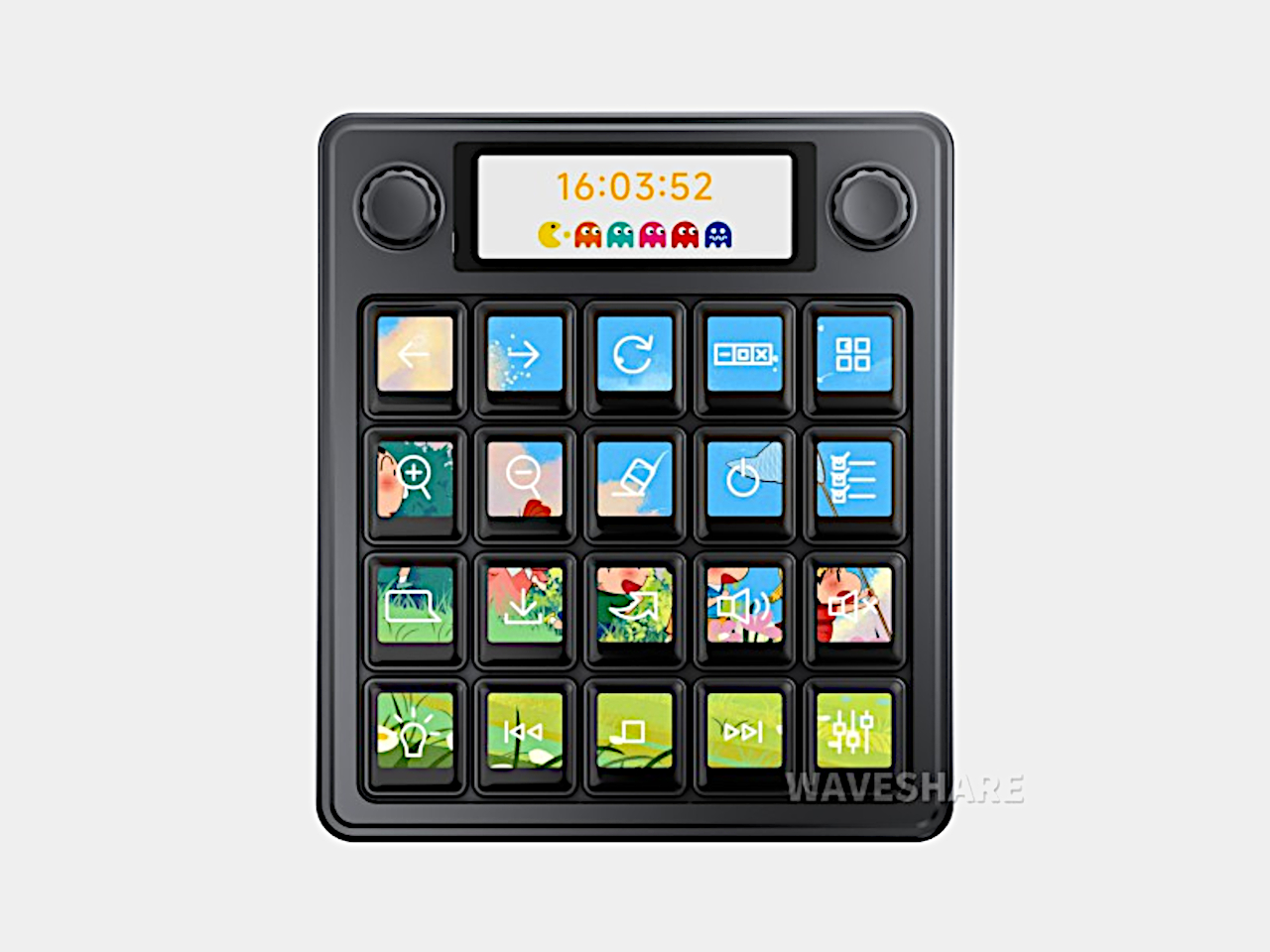
Each 0.85-inch LCD keycap can display static images, animated GIFs, or even video snippets, letting you theme your deck for different apps, games, or moods throughout your day and workflow changes. The secondary 2.8-inch display up top shows system stats, weather widgets, or custom information at a glance. The 20-screen splicing feature lets you create panoramic backgrounds across all keys for stunning visual effects.
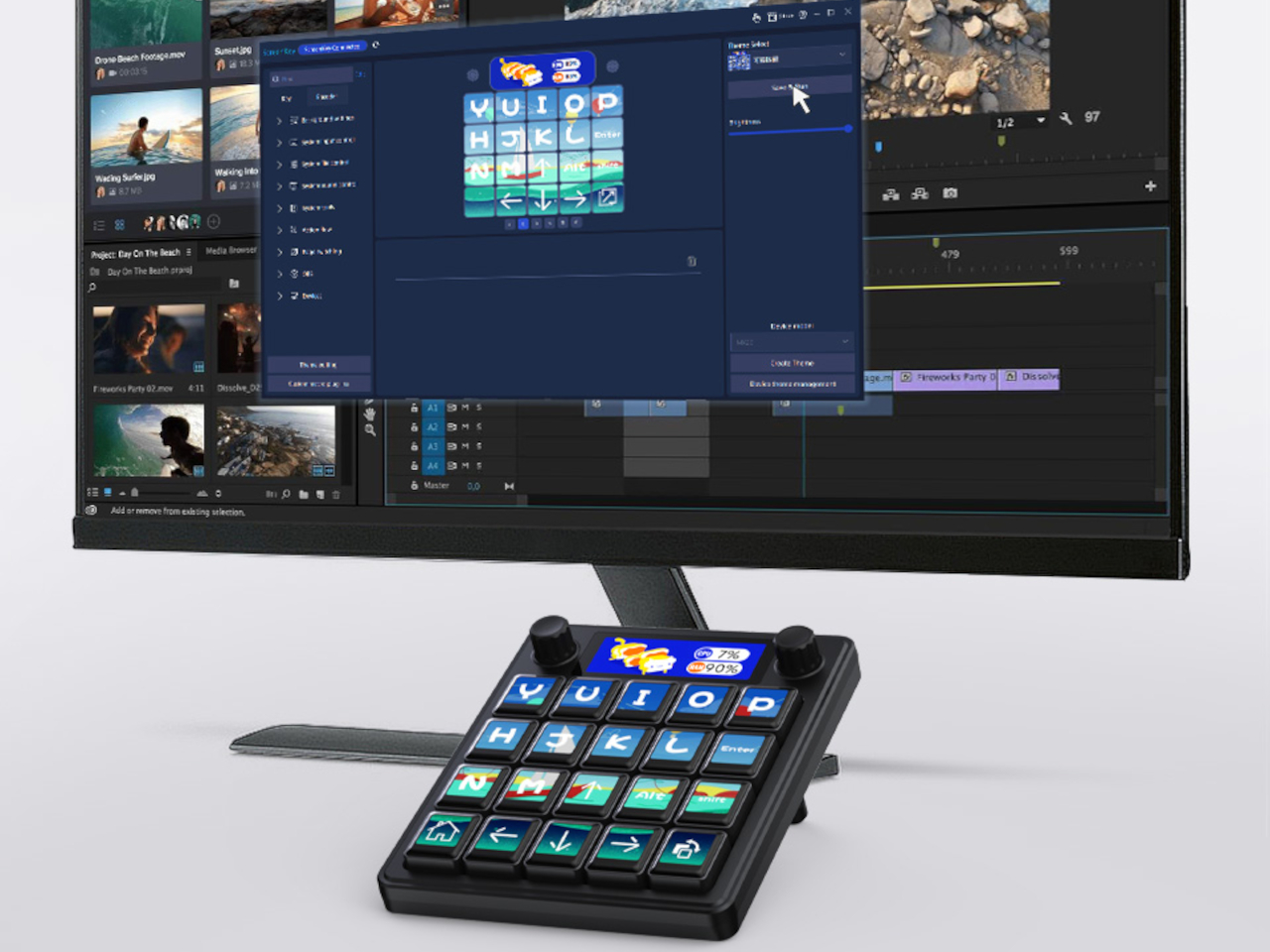
Two high-precision, anti-slip aluminum knobs can be programmed for volume, timeline scrubbing, zoom, or any function you need during work or play sessions. Both rotation and press actions are supported, making them perfect for creative software like Premiere Pro or Photoshop, where precision control matters most. The tactile feel and smooth operation make adjustments satisfying and accurate every time you use them.
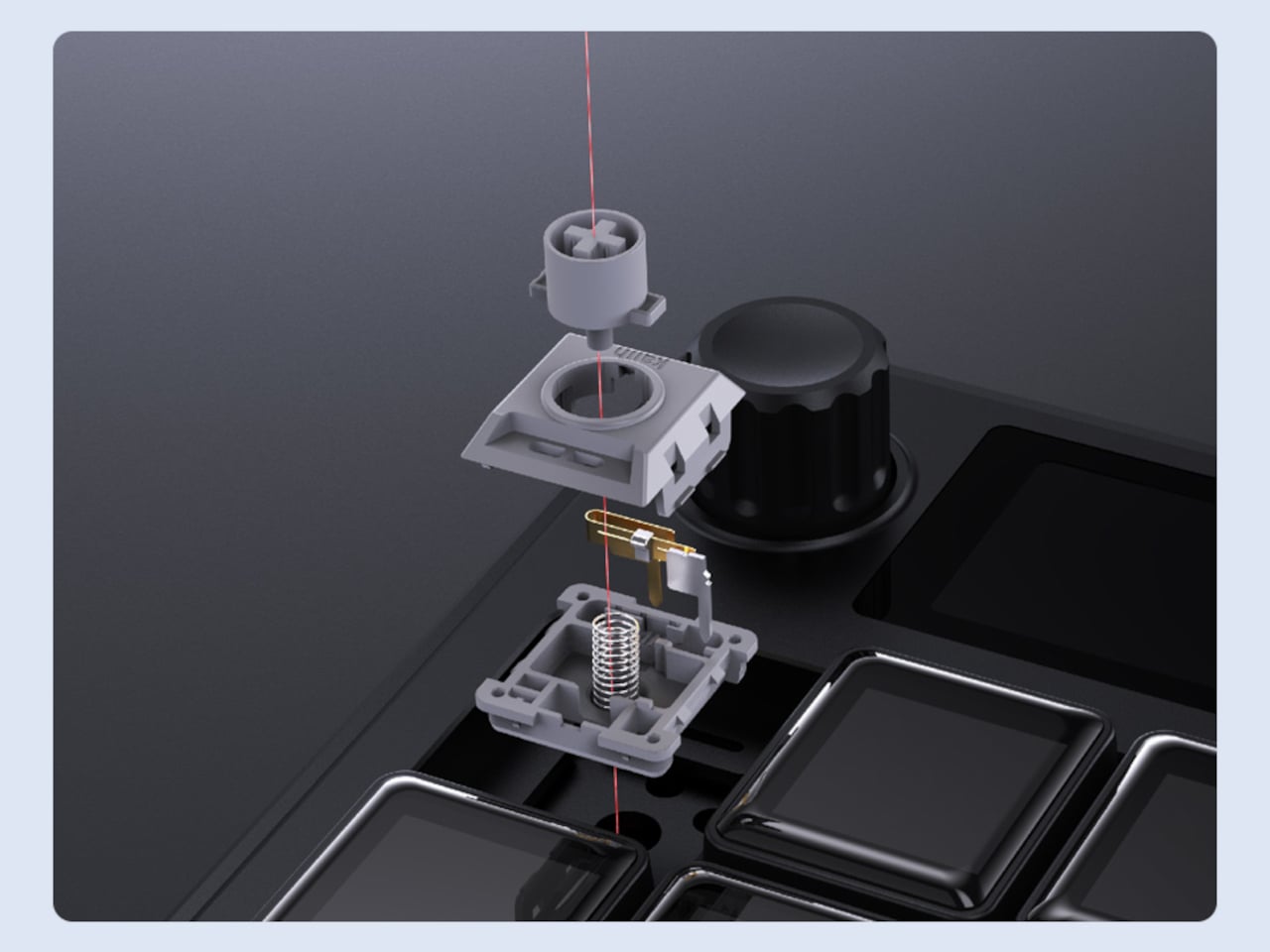
The MK20 runs a dual-system architecture with a T113-S3 processor running Linux for complex display logic and a GD32 MCU running QMK firmware for zero-latency mechanical input. Macros, key combinations, and mouse control are natively supported in QMK, and the drag-and-drop theme editor means you don’t need coding skills to make it your own or share configurations with the community.
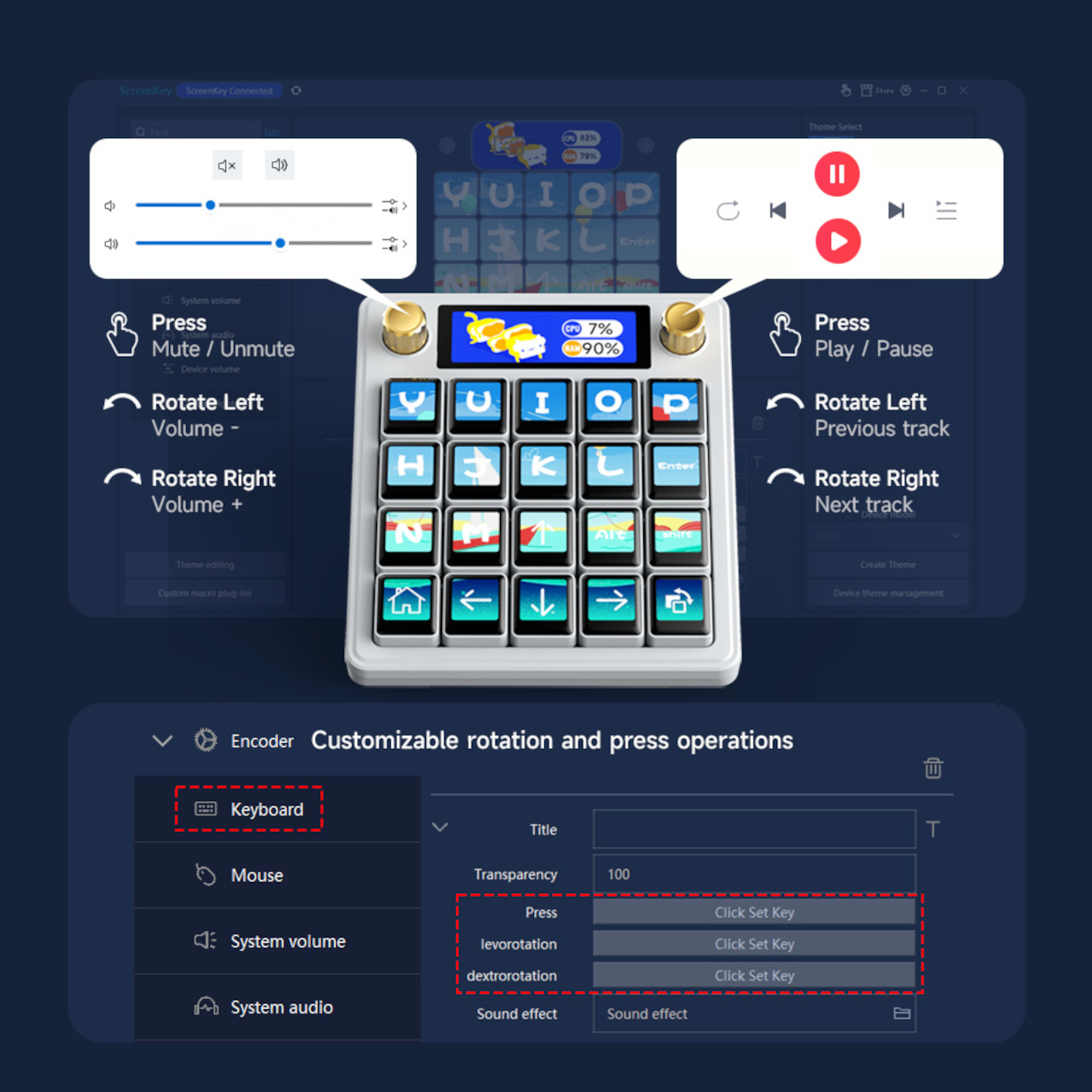
The keyboard supports dynamic theme editing, real-time data widgets like CPU temperature and network stats through LibreHardwareMonitor integration, and even AI voice interaction for hands-free control during busy sessions. Home Assistant integration lets you control smart lights, devices, or automation with a single tap. The feature set goes far beyond basic macro functionality into true workspace automation territory.
With a detachable 24-degree stand, USB-C connectivity, Kailh Box Silent switches for quiet operation, and hot-swappable keys, the MK20 adapts to any workspace setup seamlessly. Whether you’re editing video timelines, streaming gameplay, or automating repetitive office tasks, it brings both power and personality to your desktop without taking up excessive space or requiring complicated software installation procedures.
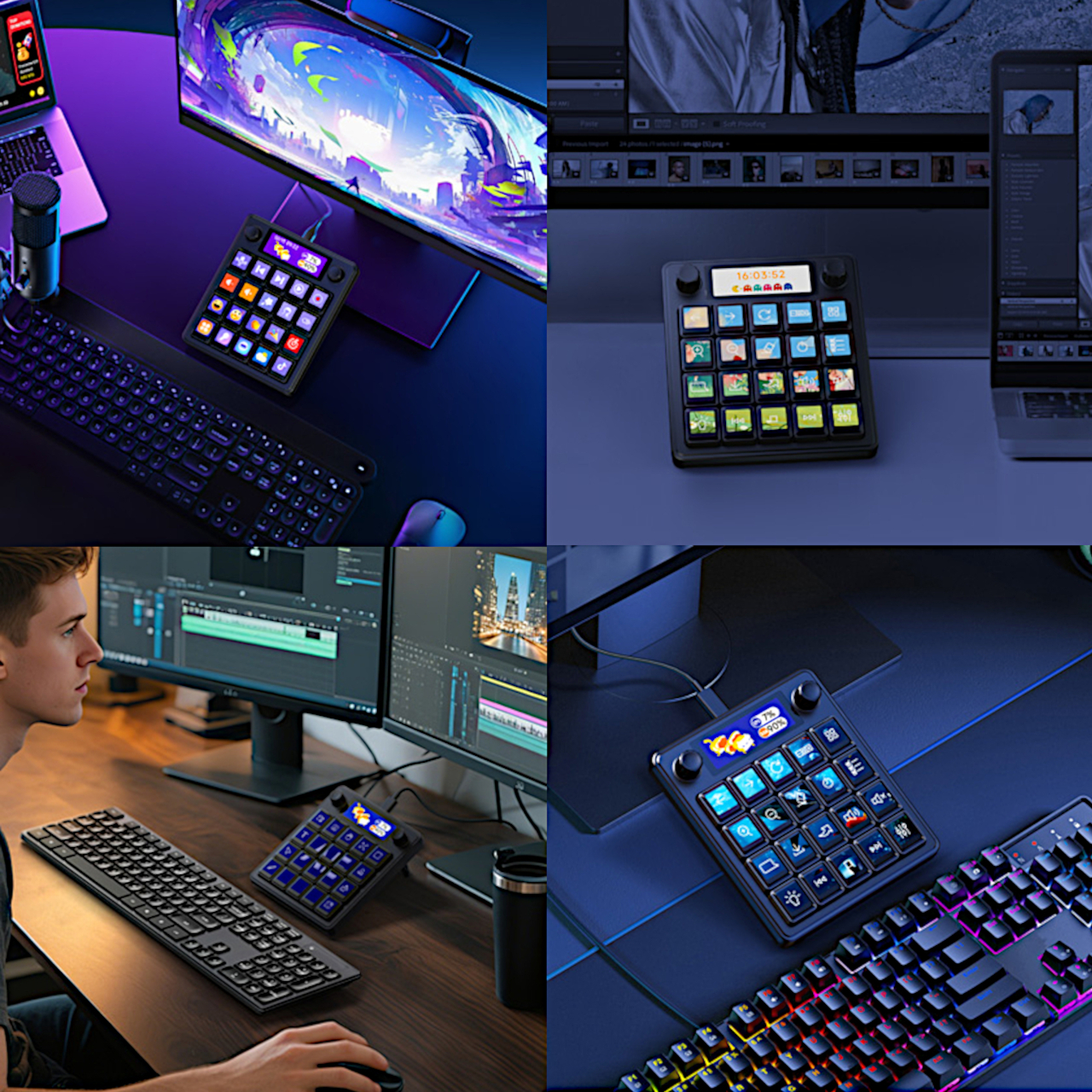
The Waveshare MK20 is a macro keyboard built for users who want complete creative control over their workflow and visual environment. With its LCD keys, dual knobs, and open-source foundation, it offers the kind of flexibility and personality that typical macro pads simply cannot match, making it a compelling upgrade for anyone serious about their desktop productivity and creative expression.
The post first appeared on .
Related Posts