The ‘Sword’ Linear Macro Pad Gives You An Entire Row Of Shortcuts Right Above Your Keyboard

It’s almost as if your keyboard was wearing high heels…

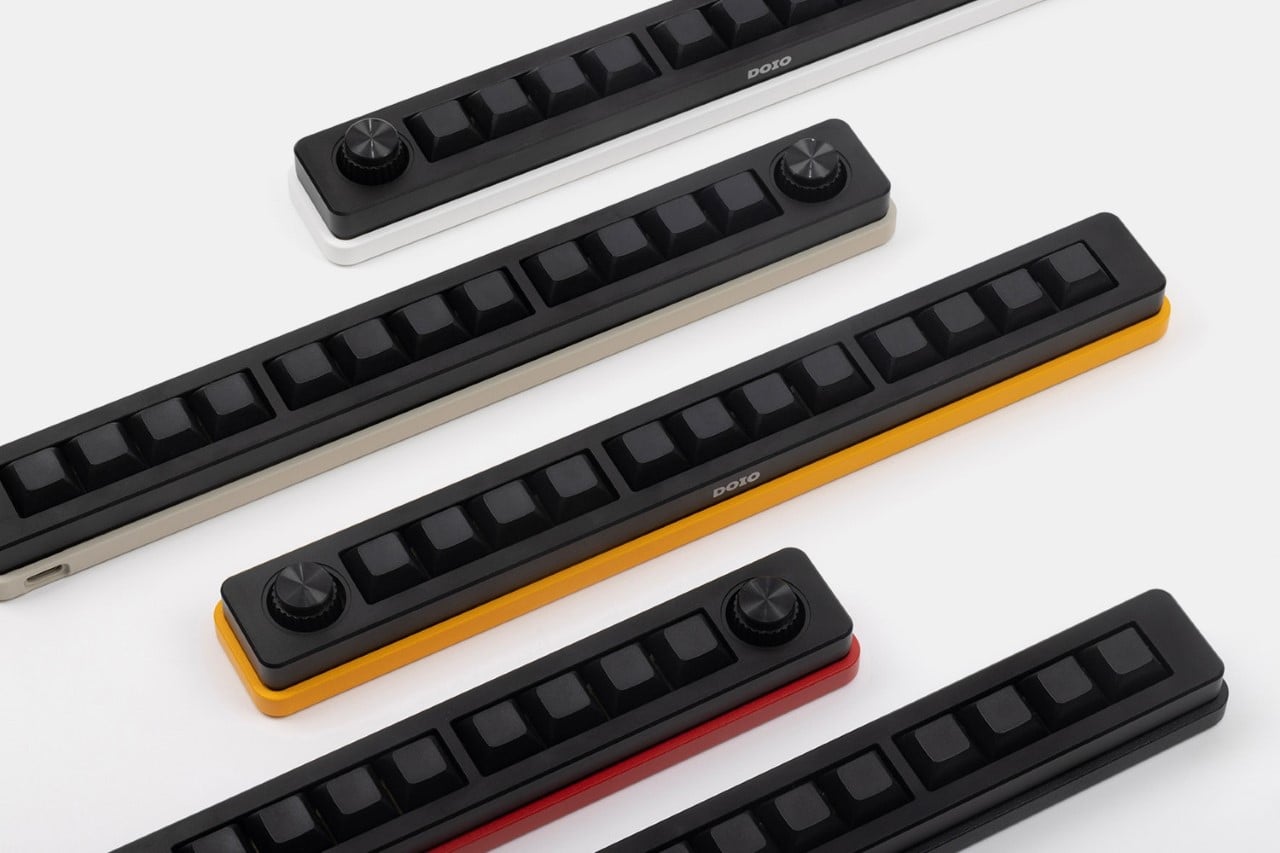
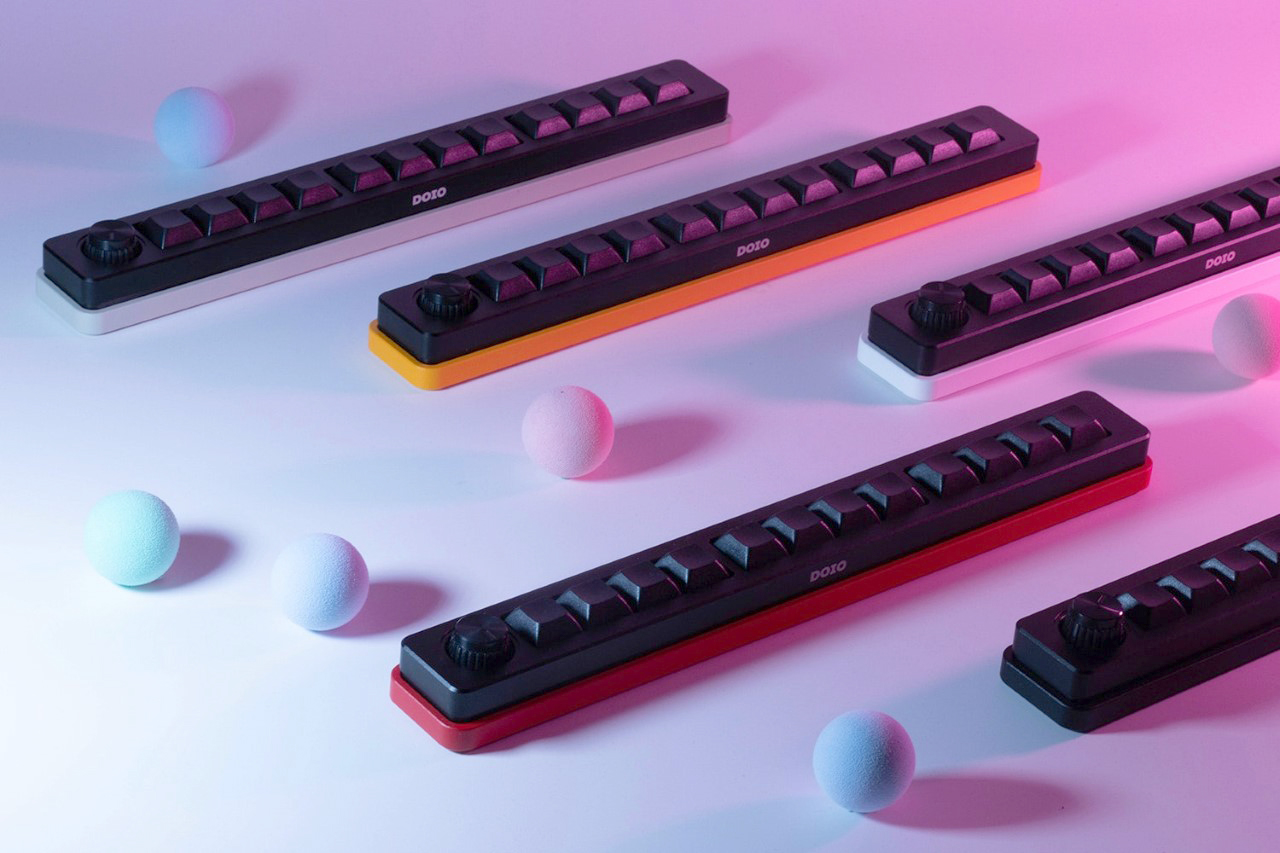
Meet the Sword, a pretty aptly named macro pad that gives you 12 extra keys in a slim form factor that you can place right above your keyboard for that extra boost of functionality. Armed with a customizable design (and a rotary knob too), the Megalodon Sword Macro Pad takes your advanced work setup and makes it a touch more productive by giving you access to multiple shortcuts with just the push of a button.

Designer: Megalodon
The ‘Sword’ Linear Macro Pad Gives You An Entire Row Of Shortcuts Right Above Your Keyboard

The ‘Sword’ Linear Macro Pad Gives You An Entire Row Of Shortcuts Right Above Your Keyboard

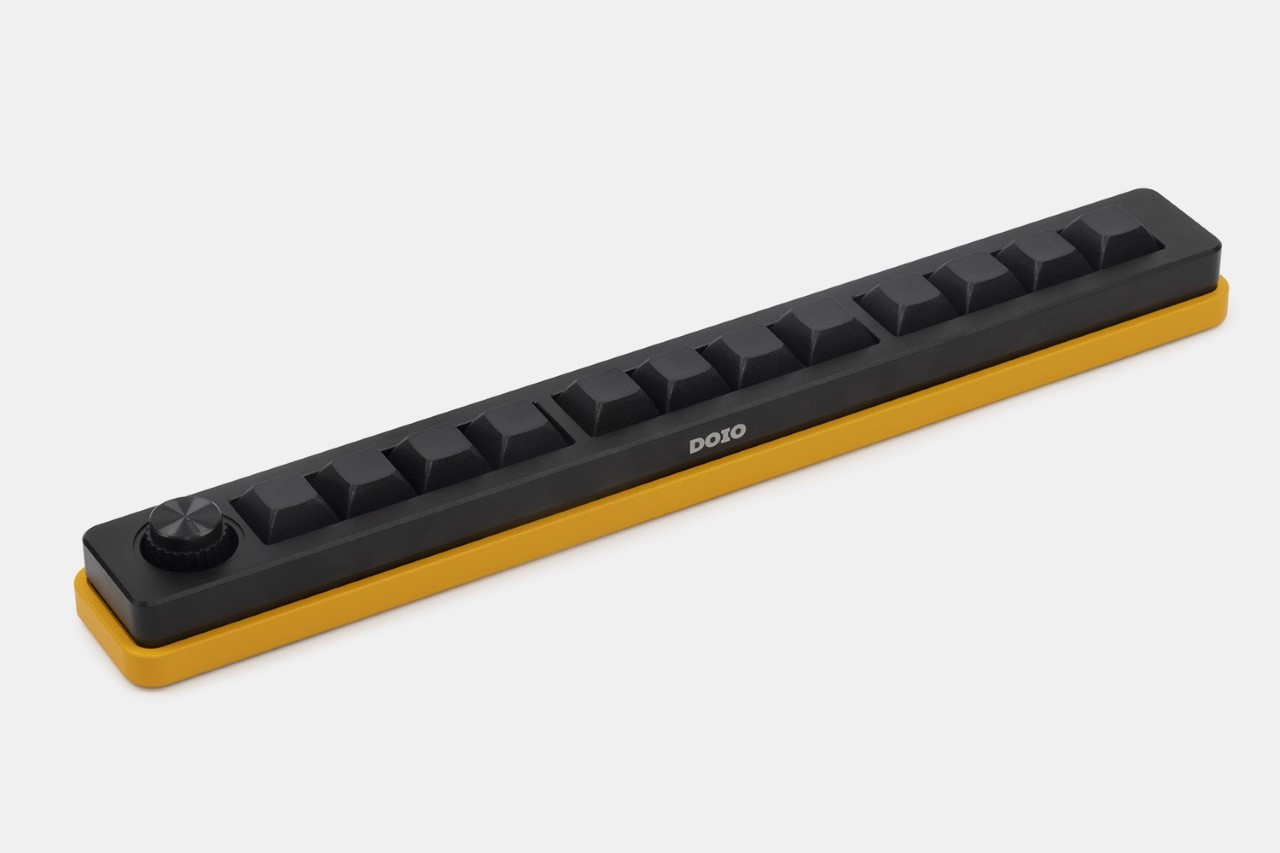
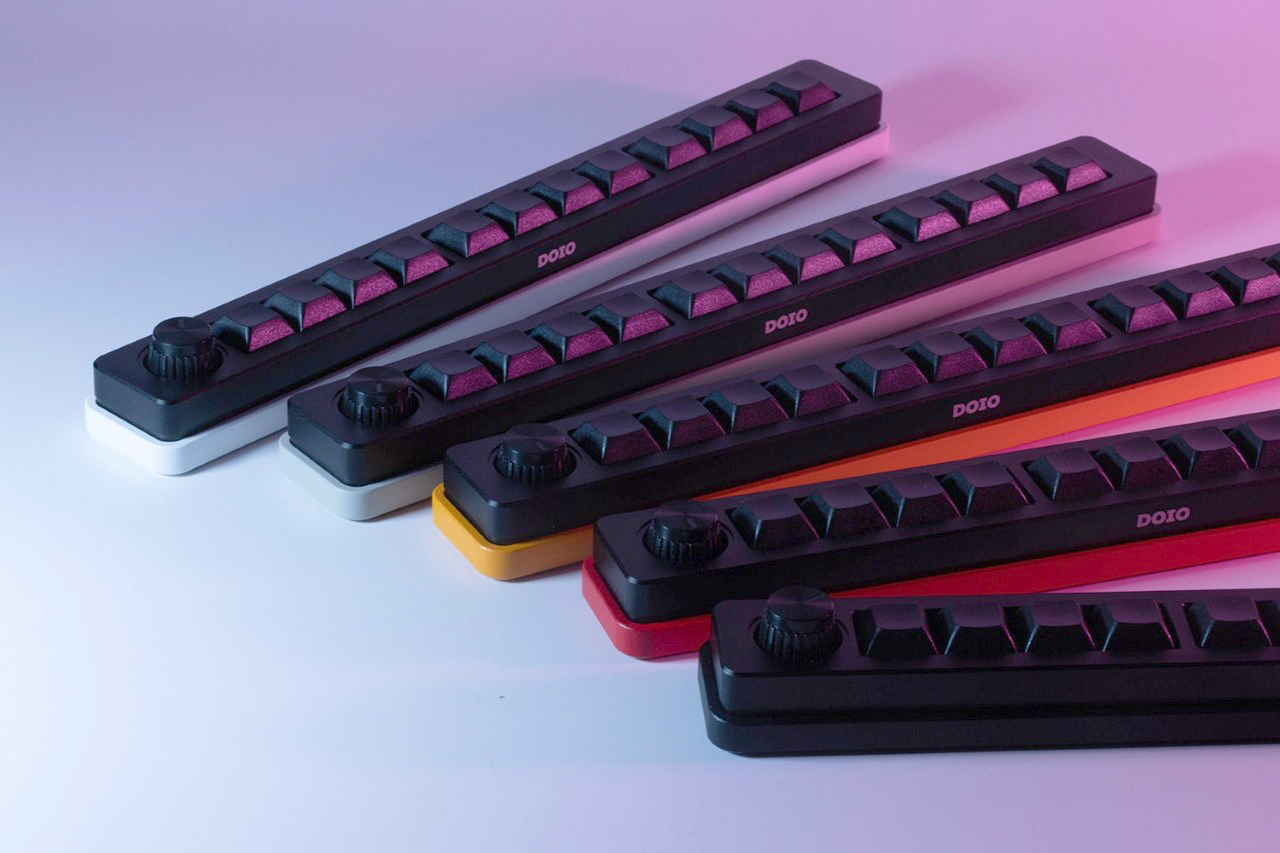
Available in Yellow, Red, White, Black, and Soy (or off-white), the Sword is like EDC for your keyboard. Measuring 11.5 inches in width and just 1.5 inches in depth, the sword-shaped pad’s unique linear design complements most keyboards rather well by providing an extra row of keys without eating too much into the workstation’s real estate. The keyboard comes outfitted with mechanical keys that provide an incredible tactile experience, and rubber-bottomed feet so your keyboard doesn’t shift while you smash away at your shortcut keys through the work day.

The ‘Sword’ Linear Macro Pad Gives You An Entire Row Of Shortcuts Right Above Your Keyboard

The ‘Sword’ Linear Macro Pad Gives You An Entire Row Of Shortcuts Right Above Your Keyboard

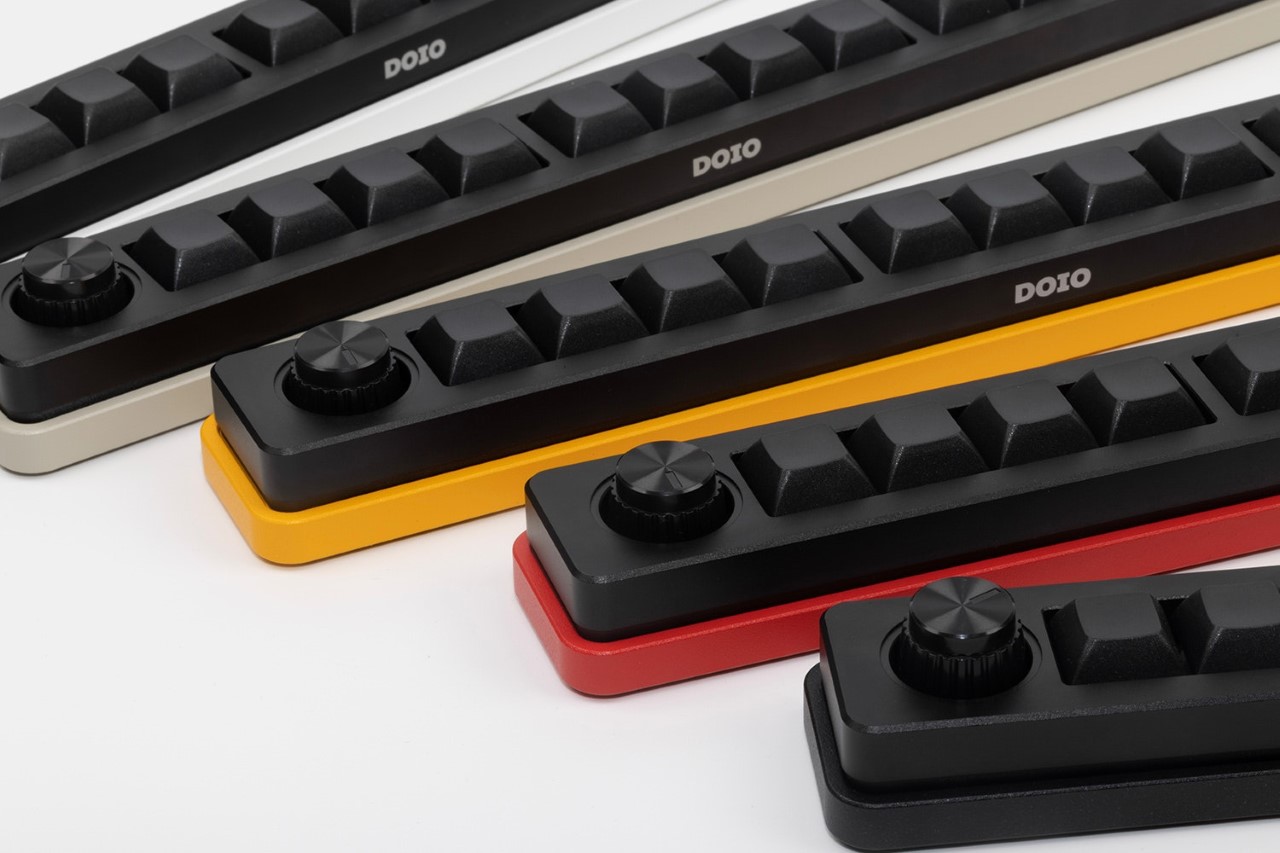
Each Sword comes machined out of 6061 Aluminum, with 12 blank, customizable XDA keycaps sitting right above Gateron yellow switches for that ultimate tactile appeal. A USB-C port lets you hook the Sword to your current rig, and that clickable knob on the top gives you the ability to fine-tune controls or cycle through options within any software. The keys themselves have 6 layers of functionality too, allowing for a whole lot of customized that changes from program to program.
The ‘Sword’ Linear Macro Pad Gives You An Entire Row Of Shortcuts Right Above Your Keyboard

The ‘Sword’ Linear Macro Pad Gives You An Entire Row Of Shortcuts Right Above Your Keyboard

The post The ‘Sword’ Linear Macro Pad Gives You An Entire Row Of Shortcuts Right Above Your Keyboard first appeared on Yanko Design.

©

Related Posts

Hannah-Thornhill.jpegHannah-Thornhill.jpeg
Hannah Thornhill Photography
...
Read more
The ‘Sword’ Linear Macro Pad Gives You An Entire Row Of Shortcuts Right Above Your KeyboardThe ‘Sword’ Linear Macro Pad Gives You An Entire Row Of Shortcuts Right Above Your Keyboard
What If We Grew Our Buildings Instead...
What would it look like for a building material to...
Read more
The ‘Sword’ Linear Macro Pad Gives You An Entire Row Of Shortcuts Right Above Your KeyboardThe ‘Sword’ Linear Macro Pad Gives You An Entire Row Of Shortcuts Right Above Your Keyboard
World’s first ‘wearable PC keyboard’ comes with...
The Grab Shell’s completely bonkers design was made as a...
Read more
The ‘Sword’ Linear Macro Pad Gives You An Entire Row Of Shortcuts Right Above Your KeyboardThe ‘Sword’ Linear Macro Pad Gives You An Entire Row Of Shortcuts Right Above Your Keyboard
This autonomous robot scouts unfriendly terrain for...
Wars bring with them massive destruction on the battlefield but...
Read more
Plural Villa Borik In Zilina Slovakia Photo Maxime Delvaux Yellowtrace 03Plural Villa Borik In Zilina Slovakia Photo Maxime Delvaux Yellowtrace 03
Modern Vernacular: Villa Bôrik in Žilina, Slovakia...
  Situated in a landscape saturated in shades of green and...
Read more
The ‘Sword’ Linear Macro Pad Gives You An Entire Row Of Shortcuts Right Above Your KeyboardThe ‘Sword’ Linear Macro Pad Gives You An Entire Row Of Shortcuts Right Above Your Keyboard
Top 10 Caravan Design Concepts for Enriching...
Caravans, also termed travel trailers or RVs, are increasingly popular...
Read more