By putting the most common tools and functions right under your fingertips, the PenPad hopes to make using the iPad’s most famous sketching/painting app much easier by eliminating the hassle of navigating the Procreate interface. Instead, almost like the way a Numpad makes accessing numbers easy, the PenPad gives you access to 22 different functions that you’re most likely to use while sketching on Procreate, from increasing and decreasing brush size, accessing the color wheel, switching between brush and eraser, or just bringing up the color wheel or eyedropper tool. The fact that it’s a compact hardware accessory means you can paint with one hand while intuitively pressing buttons with the other to make your workflow tonnes faster.
Designer:
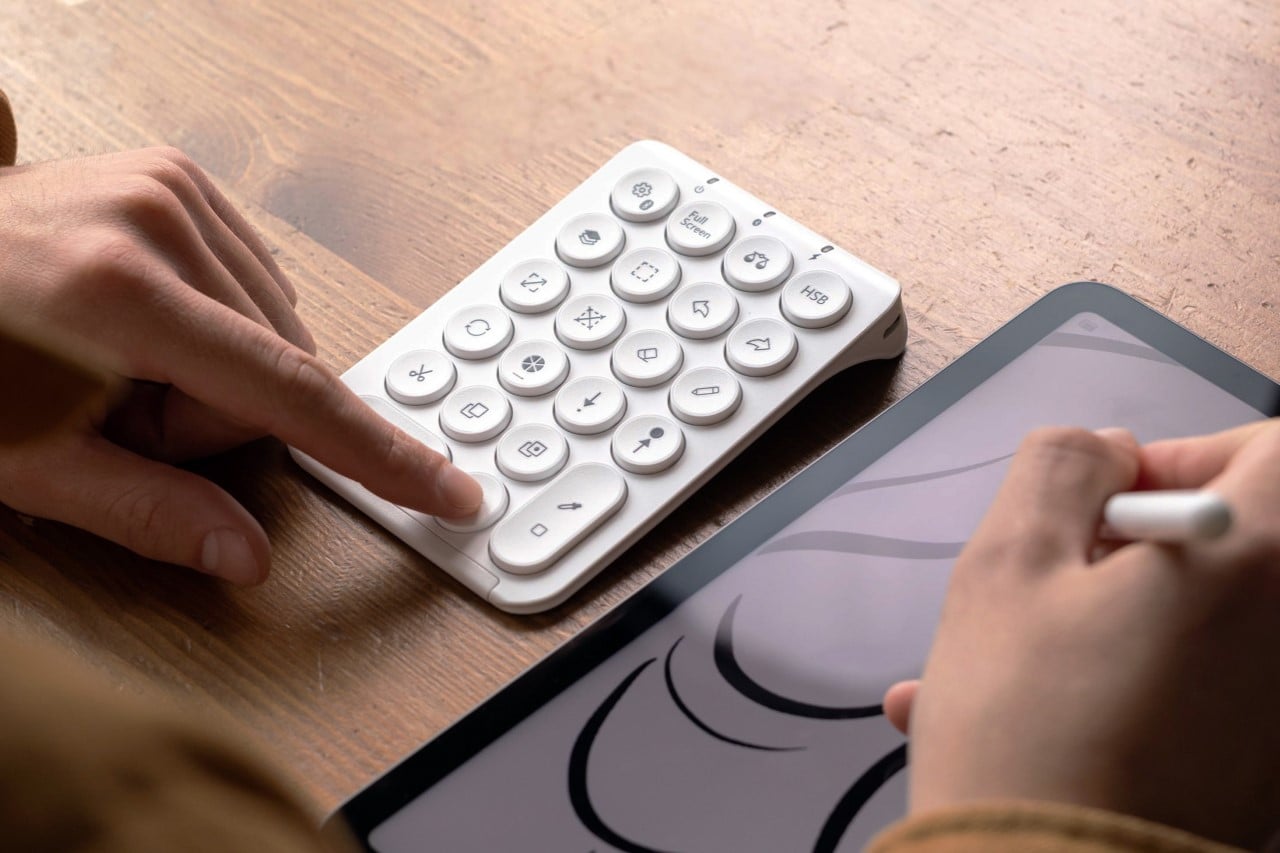
Available in Black and White variants, the PenPad connects via Bluetooth to your iPad and automatically begins working with the Procreate app right out of the box. The 22 concave buttons on the PenPad are laid out in a way that makes them easy to use, and pressing buttons allows you to actively perform tasks like see your layers, toggle the selection tool, cut, copy, paste tools, etc. The buttons work rather seamlessly, almost like a wireless keyboard would, resulting in faster workflows because your mind is focused on creating rather than navigating the UI anymore.
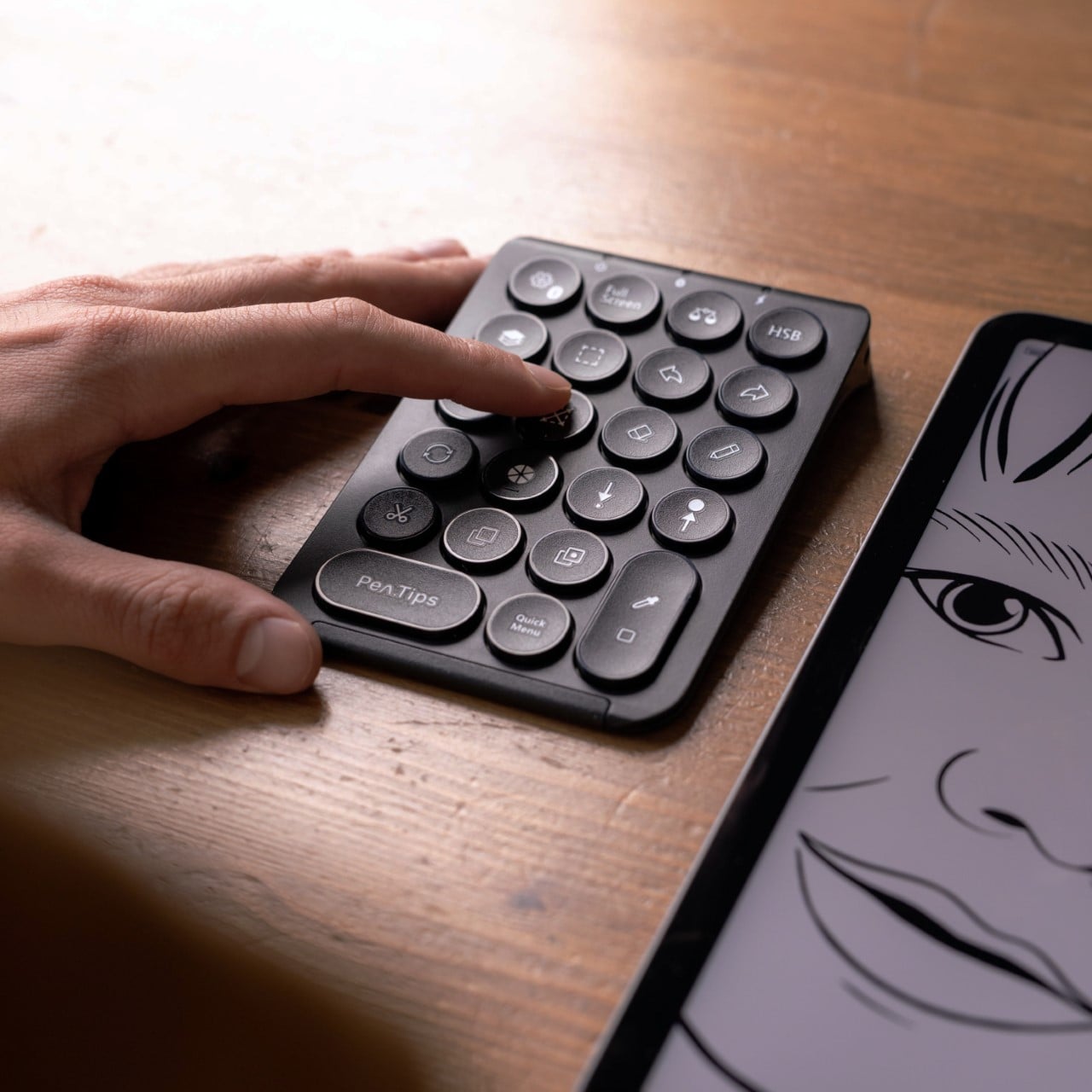
What PenPad really does is reduce the time it takes for your eyes to wander and your hand to follow it around Procreate’s UI. More than 90% of the Procreate screen is the drawing canvas, which means the other elements (the buttons, menus, etc.) are laid out in a way that gives the canvas the main importance. Drawing on the canvas is easy, but using other features involves shifting your focus from the canvas to locate the appropriate toolbar, drop-down menu, etc. It takes a mere second, sometimes up to 10 seconds, but all this adds up rather quickly when you’re working with large files and multiple layers. To avoid this, the PenPad just puts common functions under your fingertips. This way, your dominant hand can sketch on the screen, while your non-dominant hand rests on the PenPad, away from the touchscreen display. Once your fingers get a hang of the PenPad’s layout, it becomes even more intuitive and rapid!
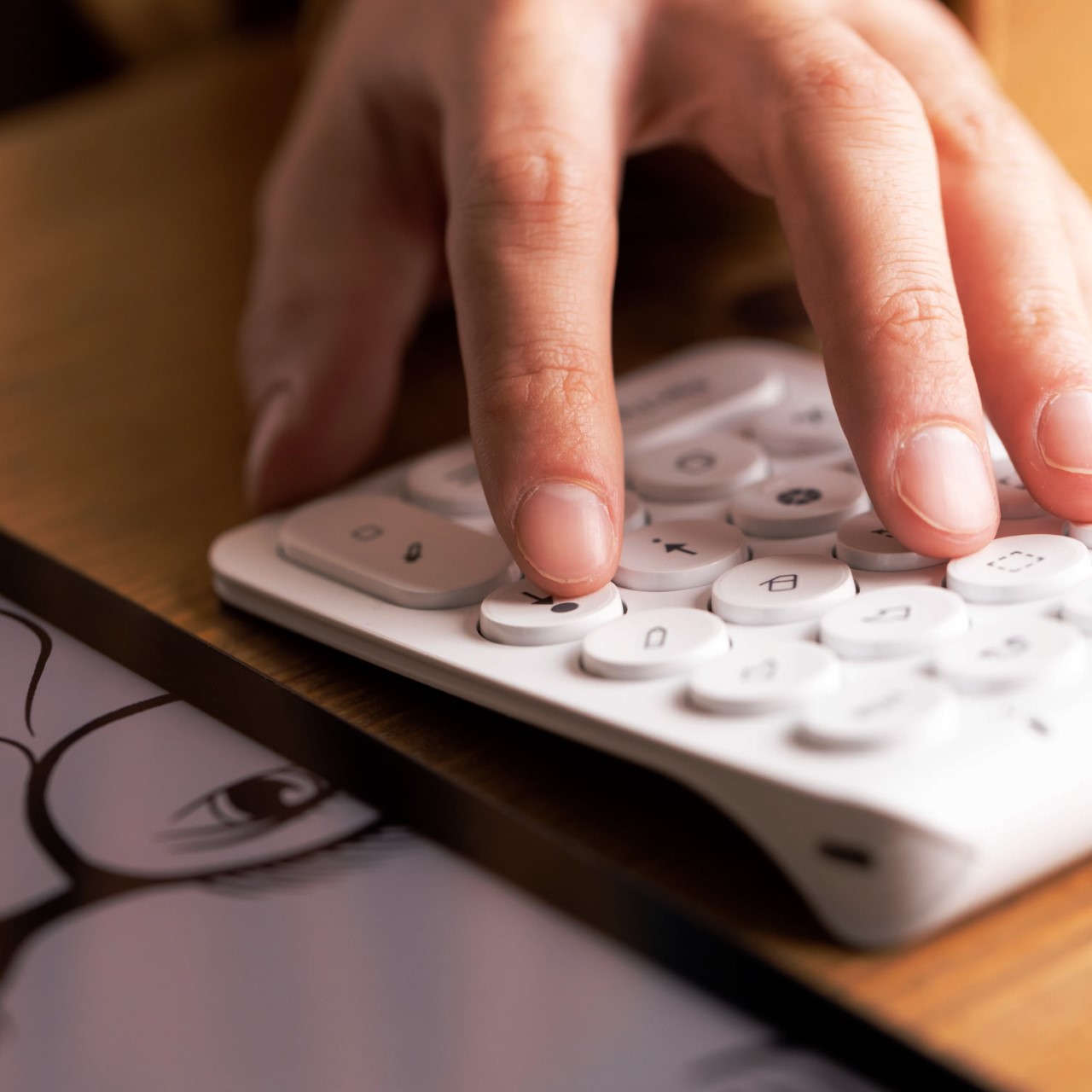
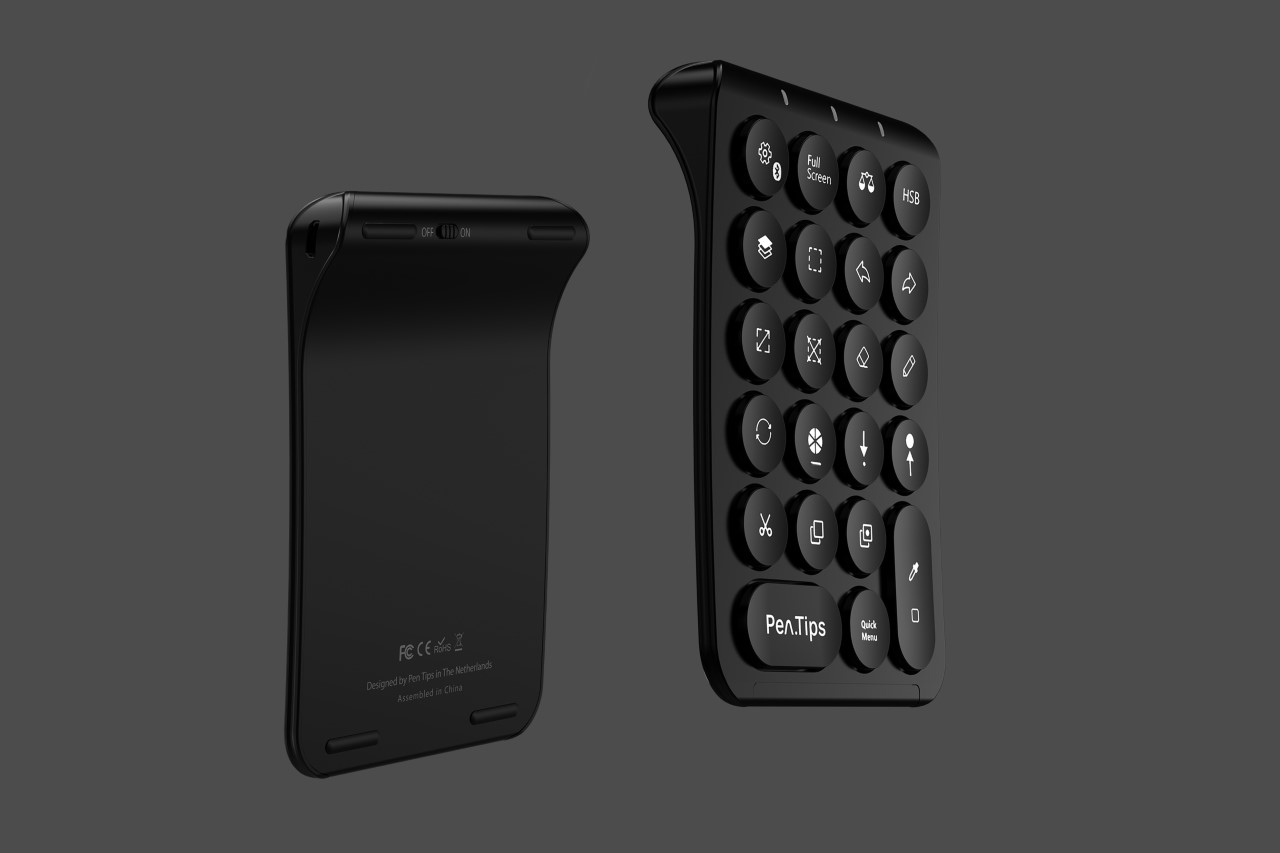
The tiny wireless device comes with a format that seems rather calculator-ish. It’s relatively flat, barring a bump at the top that makes the PenPad rest on surfaces at an angle – a feature that actually helps make it more ergonomic. The accessory is still rather flat, and slides right into your backpack, tablet/laptop sleeve when you’re not using it.
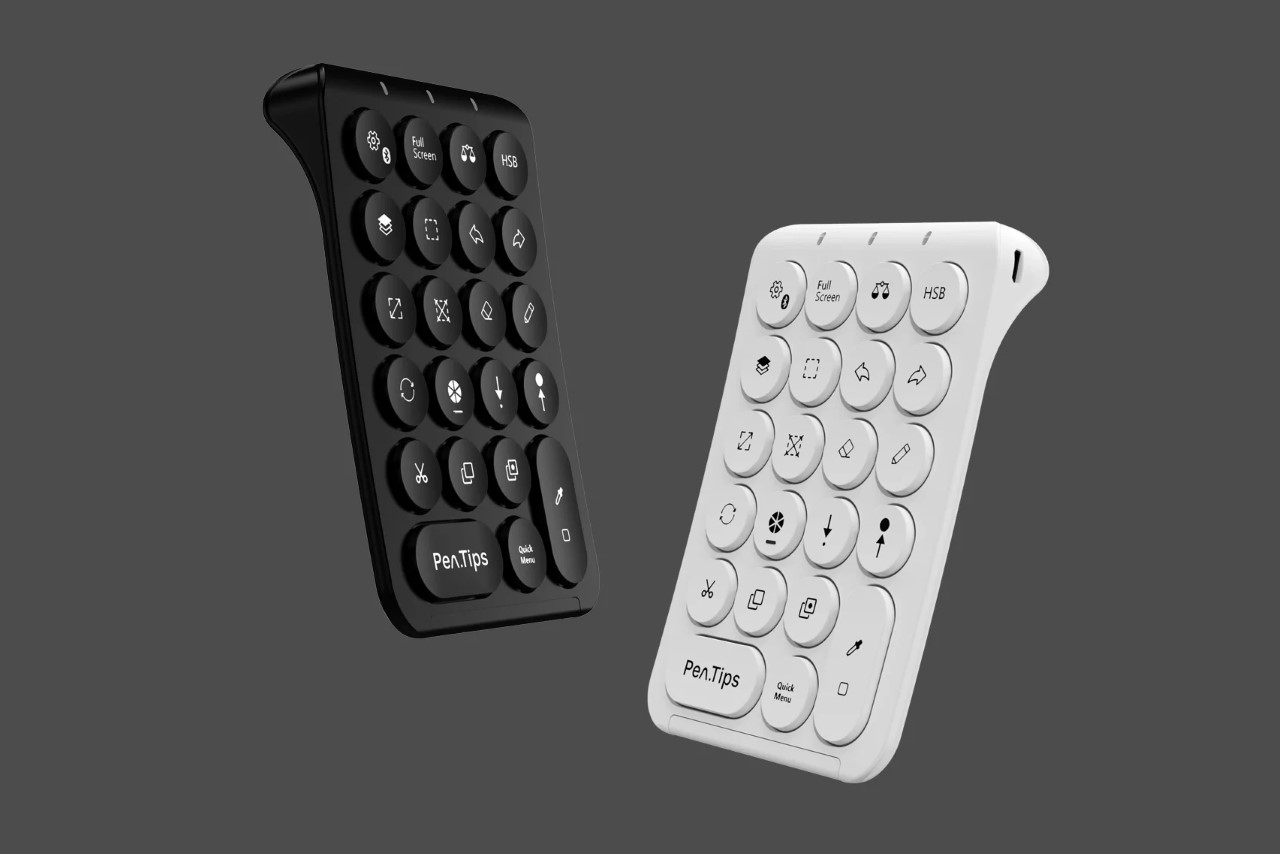
The PenPad works seamlessly with iPads running iPadOS 14.4 and above, although there are a few shortcomings. For starters, it doesn’t work with any other sketching app – so you’re really limited to Procreate. It doesn’t work with Android tablets either, given that Procreate isn’t available for the OS. The buttons aren’t reprogrammable either, so you can’t quite map them to work on other software for the iPad or even the laptop. It’s strictly bound to one app for one device category. Another user also pointed out that the PenPad lacks the three most popular actions performed while digital sketching – pan, rotate, and zoom. To be able to perform them, you need to take your hand off the PenPad and pinch, tap, swipe on the iPad’s touchscreen.
That doesn’t take away from the fact that the PenPad still DOES speed up your workflow. It’s quite a must-have for most digital artists who use the software for work (or even for recreation). The PenPad comes with a 100 mAh battery built-in that gives it a 5-day battery life, but unfortunately, it charges via MicroUSB (unlike the USB-C charging on the iPad Pro), so you’ll sadly need to carry an extra cable with you wherever you go.
The post first appeared on .
Related Posts